Google Workspace for Nonprofits: What Google Checks, and How 657 Small Nonprofits Measure Up
connectNPO · Updated October 2026
Key takeaways
- Google Workspace for Nonprofits is free for eligible charities: email at your own domain, Drive, Docs and Meet, with 100 TB of storage shared across the organization. Paid editions are discounted, from $3.50 a user a month for Business Standard on a one-year commitment.
- Before turning it on, Google reviews your website. Its policy asks for a fully working site that matches your organization and shows details you registered, such as your Charity ID (for a US charity, the EIN), a physical street address or a clear mission statement.
- We drew 1,000 small US public charities at random and opened the website each one listed on its own Form 990. Of the 657 that listed a site on their own domain, 591 loaded. By our estimate, about 409 of those 591 (69%) show at least one of the three details. Only 91 show their own EIN.
- Email is the second check. Of 297 organizations already on Google mail, 100 had neither an SPF record that allows Google nor a DKIM key at Google’s default name, though Gmail has asked every sender for one of the two since February 2024.
- Before you apply, put your EIN, street address and mission on the About or Contact page. After you switch, add the SPF record and turn on DKIM in the Google Admin console. Gmail asks every sender for at least one of the two.
You finally set aside the afternoon. The 501(c)(3) check came back approved, you sign in, press Activate, and wait. What happens next depends on something that is easy to overlook: the website someone set up a few years ago, and whether it still says who you are. Then, once the new info@ address works, the first letters you send from it may not be confirmed as coming from your organization, and Gmail can treat unconfirmed mail with more suspicion.
Both moments are avoidable, and both come down to a few lines on your website and two records on your domain. Google Workspace for Nonprofits is free for eligible charities, but Google reviews your website before turning it on, and after you switch, receiving servers look for two records on your domain to confirm your email is really from you. We opened 657 small nonprofit websites from a random national sample to see how many show what Google asks for, and read the mail records of the 297 already on Google mail.
Google Workspace for nonprofits in one paragraph
Google Workspace for Nonprofits gives eligible charities free email at their own domain, Drive, Docs, Calendar and Meet, with 100 TB of shared storage, and discounts on paid editions from $3.50 a user a month. To activate it, you need a Google for Nonprofits account. You also need a website that works, matches your organization and shows details such as your Charity ID, street address or mission. In our check of 591 working small nonprofit websites, about 69% showed at least one of those details.
Google Workspace for nonprofits pricing: what it costs and what you get
Google Workspace for Nonprofits
$0
per user per month
- Email at your own domain
- Drive, Docs, Sheets, Calendar, Meet
- 100 TB shared across the organization
Business Standard
$3.50
per user per month, one-year commitment ($4.20 monthly)
- 2 TB per user
- Meeting recordings
- The same apps as the free edition
Business Plus
$6.16
per user per month, one-year commitment ($7.40 monthly)
- 5 TB per user
- Meet for up to 500 people
- Google Vault for keeping records
From Google’s nonprofit edition comparison and the Workspace for Nonprofits page, read October 3 and 4, 2026. Google’s larger Enterprise editions are listed at 70% or more off. Google also lists a limit of 2,000 users for the free edition and for the Business discounts.
The free edition covers what a small staff needs day to day: email that reads [email protected] instead of a personal Gmail address, shared folders and video calls. Its limits, from Google’s own pages: 2,000 users, storage shared by the whole organization, no meeting recordings, and no Vault for keeping records. Start with the free edition and upgrade only the people who need more.
How to set up Google Workspace for a nonprofit
Google lists four steps: confirm your organization is eligible, request a Google for Nonprofits account, activate the products you want once the account is approved, then set them up. In the United States, a partner called Goodstack checks your 501(c)(3) status, and Google says the check takes 2 to 14 business days in a typical case. Activating Workspace adds one more review, of your website, and organizations not yet on Google Workspace can start with a 14-day trial at no charge.
The step that is easy to miss: Google reviews your website
Google’s domain policy for Workspace activation, read on October 4, 2026, asks for three things:
- A fully functional website. The domain must load and must not be mainly placeholder content such as a Coming Soon or Under Construction page.
- A clear relationship to the organization. The site should match your name, recognized acronym or official branding.
- The details you registered. The site should display details such as your Charity ID, a physical street address and/or a clear mission statement.
Think of it the way a bank teller checks an ID: the form says who you are, and the teller looks for the same name and a matching detail on the card in front of them. Google’s form holds your registration details, and your website is the card.

For a US charity, the ID Google asks for at registration is the EIN, your federal tax ID number. None of the three is hard. But each depends on a website that someone keeps current, and our earlier count found about one in four small California nonprofit sites showing something plainly out of date.
We checked 657 small nonprofit websites against that review
We drew 1,000 organizations at random from the 97,868 US public charities in the IRS master file with $250,000 to $1 million in revenue that file a Form 990. We read the website each one listed on its latest Form 990 and opened every site on October 3 and 4, 2026. Our script then searched each home page, one Contact page and one About page for the three details Google names, and we hand-checked samples of what it found.
Our panel, measured October 3 and 4, 2026: 501(c)(3) public charities that file a Form 990, from the IRS Business Master File, all 50 states and DC. No organization is named.
Along the way, 314 of the 994 organizations left the website line on their Form 990 blank or wrote N/A. Some may have a site anyway; those that do not would need one before applying. Of the 657 that listed a site on their own domain, 27 domains no longer resolved, and 5 led somewhere else entirely: two to a page selling the address, two to gambling or spam sites, and one to an unrelated news site.
Of the 591 sites that loaded, 91 showed their own EIN, matched digit for digit to the IRS record. On 294 the first address we found was a street address, so that count is a lower bound. A mission statement is harder to count by machine: of 40 passages our script flagged, 24 were real mission statements and the rest were menu labels or donate buttons. Applying that rate, about 409 sites (69% of those that loaded, or 62% of the 657 listed) show at least one detail, and about 176 show none we could find; the other 6 had a main-menu page that returned an error. If no flagged mission passage were real, the figure would be 336; if all were, 458.
These counts describe what a visitor sees. Google decides each application itself, and an organization can add the details before it applies. That is the point of the checklist below.
Google nonprofit email: will yours arrive after you switch?
Once Workspace is running, your Google nonprofit email goes out from your own domain, and the receiving servers check two records to confirm it is really you. SPF is a list of the servers allowed to send mail for your domain. DKIM is a digital signature added to each message. Since February 1, 2024, Gmail asks every sender to set up SPF or DKIM, and senders of more than 5,000 messages a day to personal Gmail accounts need SPF, DKIM and a third record called DMARC.
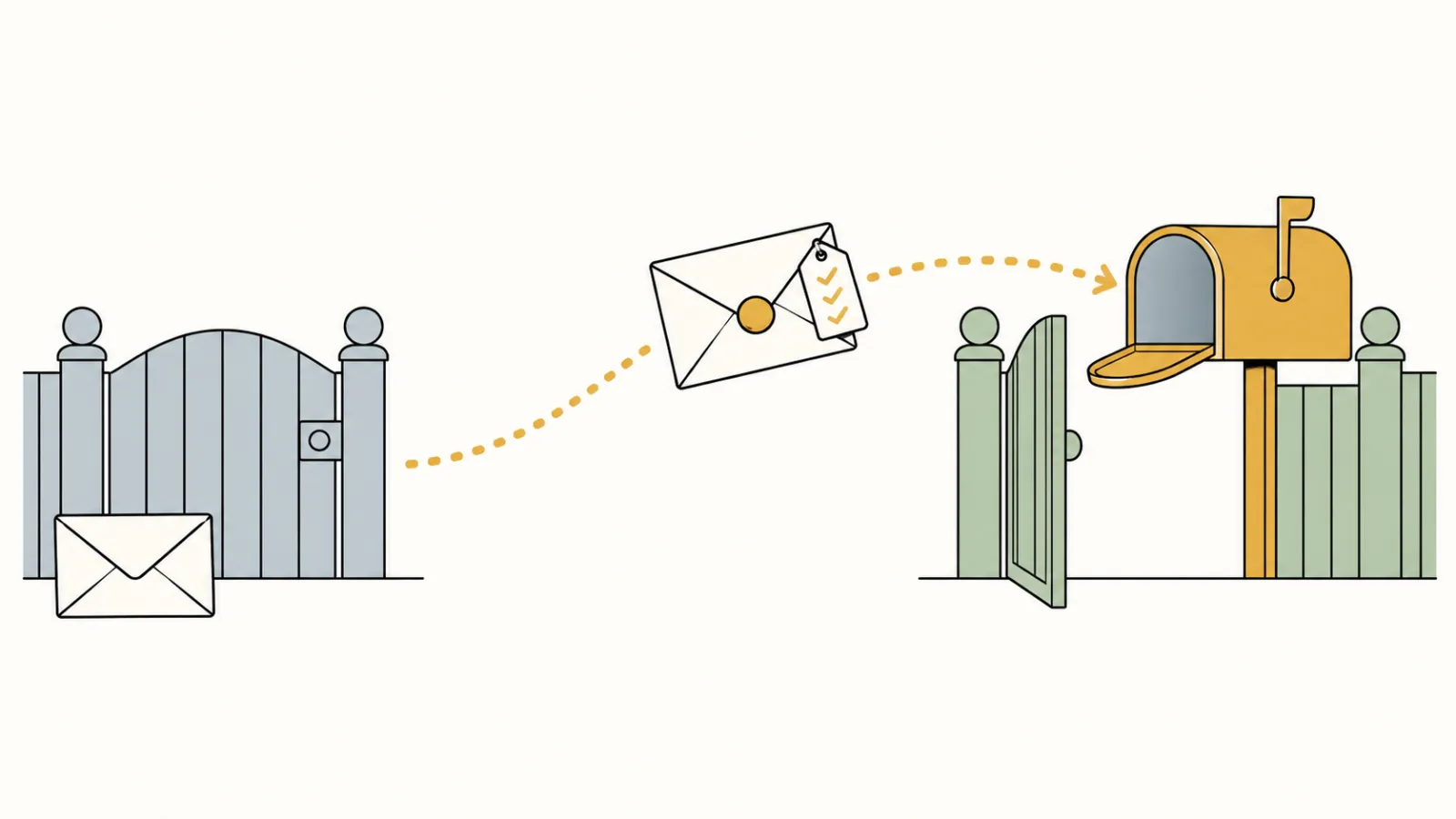
SPF works like a list, kept at the mailroom, of who may send letters out under your organization’s name. DKIM is the seal on the envelope: it shows who sealed it and that the letter was not changed on the way. A receiving server that finds neither cannot confirm the letter really came from your domain.
297
of the 633 domains that answered our October 3 DNS check use Google for email
183
have an SPF record that lets Google send mail for them
91
have a DKIM key at Google’s default name
100
showed neither record that we could find
Public DNS records read October 3 and 4, 2026. Where an SPF record points to other lists, we followed those too. We checked DKIM only at Google’s default name, google._domainkey; a domain that uses a different name counts as missing here, so the real DKIM figure may be a little higher.
In other words, about one in three of the organizations already on Google mail (100 of 297) showed neither record we checked for, so their mail may not be confirmed as coming from their own domain. 175 of the 297 had a DMARC record. We had the same gap ourselves: in September 2026 our own domain had no DKIM key set up in the Google Admin console, so Google signed our mail with its own default domain instead of ours. Setting up the key and publishing it took one sitting.
If different people look after your website, hosting and email, these records are easy to miss. Our guides to nonprofit website hosting and what a website costs each year cover who should own the domain and its records, and our nonprofit email marketing guide covers what else decides whether a newsletter arrives.
A website that shows what Google’s reviewer looks for, kept current
Our plan builds and keeps your website current, with your EIN, address and mission where a reviewer looks, and keeps your domain’s settings in order. One plan, $180 a month, and the $1,000 build fee only after you approve the finished site.
Before you apply: a short checklist
- 01Make sure the site works. Open your domain on a phone and a laptop. A Coming Soon page, a parked domain (an address with nothing built on it) or an error page does not meet the policy.
- 02Put your EIN on the site. The About page or the footer is enough. Only 91 of the 591 working sites we opened showed their own.
- 03Show a street address. Google’s policy says a physical street address. On 294 of 591 sites the first address we found was a street address; on 82 more it was a P.O. box.
- 04State the mission in a sentence. Write what you do and for whom, on the home or About page, under a heading a reviewer can find.
- 05Match the name. The site should carry the name, acronym or branding you register with. If your domain is an old program name, say on the site which organization runs it.
- 06After approval, set up your mail records. Add the SPF record Google gives you. If only Google sends mail for you, it reads v=spf1 include:_spf.google.com ~all. Then turn on DKIM in the Admin console.
A P.O. box is a mail slot, not a front door: it shows where letters can reach you, not where you work. Google’s policy names a physical street address, and a footer that carries the EIN and the street address on every page covers two of the three details it lists.
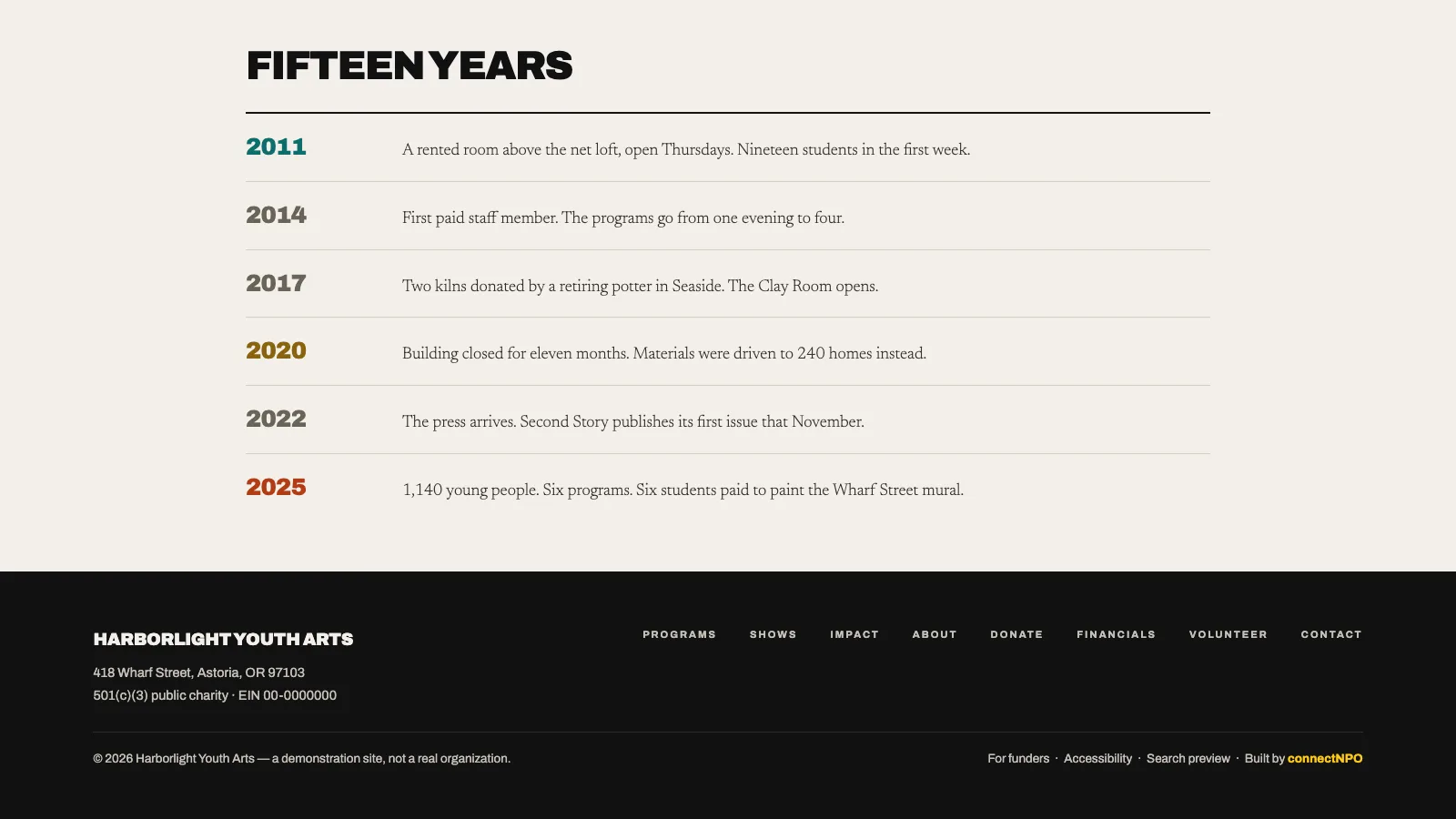
For what else belongs on the site, see what should be on a nonprofit website, and for how often to look at it, how often to update a nonprofit website. Our sample sites are invented nonprofits with complete demonstration websites; the Harborlight financials page shows one way to present an EIN and filings. If you are choosing how to build the site, our count of what small nonprofit websites are built on and builder comparison may help.
Frequently asked questions
Is Google Workspace free for nonprofits, or do nonprofits pay?
Eligible nonprofits pay nothing for the free edition. Google lists Google Workspace for Nonprofits at 0 dollars per user per month, with email at your own domain, Drive, Docs, Calendar and Meet, and 100 TB of storage shared across the organization. Paid editions are discounted: Business Standard is 3.50 dollars and Business Plus 6.16 dollars per user per month on a one-year commitment, as listed on October 4, 2026.
What does Google check on a nonprofit website, and how many would pass?
Google’s domain policy asks for a fully functional website, not a Coming Soon page, that clearly matches the organization and shows details submitted at registration, such as the Charity ID, a physical street address or a clear mission statement. Google decides each case. In our random sample of small US public charities, about 409 of 591 working websites showed at least one of those details, by our estimate, and only 91 showed their own EIN.
What are the downsides of the free edition?
Google lists a limit of 2,000 users. Storage is 100 TB shared by the whole organization rather than a set amount per person. Meeting recordings start with Business Standard, and Google Vault for keeping records starts with Business Plus. And before activation, Google reviews your website against its domain policy.
Do we need SPF and DKIM after moving to Google Workspace?
Gmail asks every sender to set up SPF or DKIM. Senders of more than 5,000 messages a day to personal Gmail accounts need SPF, DKIM and a third record called DMARC. Google gives this SPF record for a domain that sends mail only through Google: v=spf1 include:_spf.google.com ~all. DKIM is turned on in the Google Admin console.
How do you set up Google Workspace for a nonprofit?
Google lists four steps: confirm your organization is eligible, request a Google for Nonprofits account (a partner called Goodstack checks US 501(c)(3) status), activate Workspace once approved, then set it up. Activation includes a review of your website, so you need a working one first. In our sample, 314 of 994 organizations left the website line on their latest Form 990 blank or wrote N/A.
See your finished website before you pay for it.
A website that shows what a reviewer and a donor look for, kept current. You pay nothing until you approve the finished site; the first payment is then $1,180 (the build fee plus the first month), and $180 a month after that.
See the plan and apply →Prices and policy from Google’s own pages, read October 3 and 4, 2026; check them before you apply, because both change. Counts from our random sample of small US public charities, measured October 3 and 4, 2026; no organization is named. Google decides each application; our counts are not a prediction of any decision. The sample sites we link to are fictional. This guide is general information, not legal, tax or technical advice.