Nonprofit Social Media: What 591 Small Nonprofit Websites Link To
connectNPO · Updated October 2026
Key takeaways
- For a small nonprofit, treat social media as a road to the website. We checked 591 small nonprofit home pages: 455 (77%) linked at least one social profile, and 136 linked none.
- The networks they pointed to were Facebook on 426 home pages, Instagram on 346, YouTube on 157, X or Twitter on 145 and LinkedIn on 134. The typical home page linked 2.
- Of the 155 YouTube channels we could read from those home pages, 50 (32%) had posted no video in the twelve months before October 5, 2026, and 19 had posted nothing since 2022.
- 18 home pages carried social icons that led nowhere useful: links to the website builder’s own account left over from a template, or to the bare network address with no page behind it.
- Link only the accounts you will keep posting to, check every icon once a quarter, and reuse one minute of video in two shapes so a small team can keep posting without a dedicated social media person.
Suppose the volunteer who ran the Instagram account moved away in the spring. The last post is the summer picnic from a year ago. The little Instagram icon is still in the footer of the website, next to the Facebook icon for a page that has not changed since the board chair set it up.
Ask Google about social media for nonprofits, as we did on October 5, 2026, and its AI summary starts with a nonprofit social media strategy: pick two or three channels, post two or three times a week, keep a content calendar. This guide starts on your own website, where visitors see your social icons. We checked which social accounts 591 small US nonprofits link from their home pages, whether those links work, and how many of the linked YouTube channels are still posting.
Nonprofit social media: the short answer
For a small nonprofit, treat social media as a road that brings people to the website, where the full story, the donate button and the sign-up live. In our check of 591 small nonprofit home pages, 455 linked at least one social profile, the typical page linked 2, and Facebook and Instagram led. Of 155 linked YouTube channels, 50 had posted nothing in a year. Link only the accounts you keep, and check the icons.
Social media is a road to your website
A signpost on a country road says the town is three miles that way. Follow it to a closed bridge and you trust the next sign a little less. Social media works the same way in both directions. A post points people to your website, and the icons on your website point people to your accounts. Each one is a small promise that something is there.
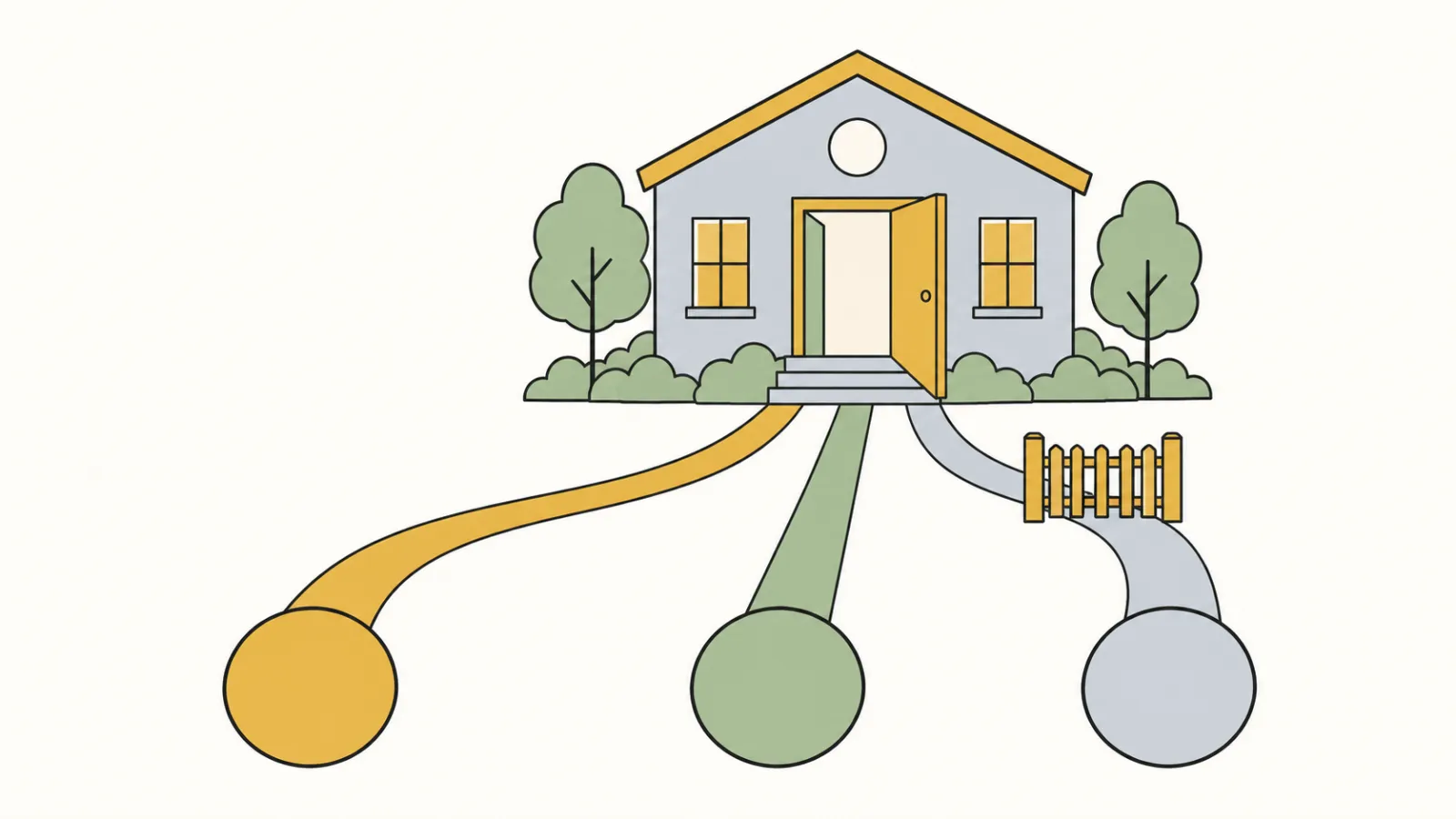
Our advice in short: on a small team, spend social media time where it sends people to something they can do, like donate, sign up or come to an event. Your website is that place. The account does not need to be big. It needs to be current, and it needs to point home.
What 591 small nonprofit home pages link to
We used our national sample: 1,000 small US public charities, picked at random from the IRS list of tax-exempt organizations, all with $250,000 to $1 million in revenue. 591 had a working website on their own domain. On each saved home page we listed the links to Facebook, Instagram, YouTube, X or Twitter, LinkedIn, TikTok, Bluesky and Threads, not counting “share this page” buttons. A link to a single YouTube video or playlist was not counted as a profile.
Home pages of 591 small US 501(c)(3) public charities ($250,000 to $1 million in revenue) drawn at random, saved October 3 and 4, 2026. A page counts once per network; share buttons are not counted. No organization is named.
The typical home page linked 2 networks, and 116 linked four or more. Many X links still use the old name: 118 sites linked a twitter.com address and 30 an x.com address. A site with both is counted in each.
18 home pages had at least one icon that led nowhere useful. Across those pages, 13 links went to the website builder’s own account, left over from the template, and 19 went to a bare network address, such as facebook.com with no page after it. We read all 18 pages’ links by hand; some of these pages also linked a real profile.
Which social media platform is best for a nonprofit?
What is the best social media platform for nonprofit organizations? For the small nonprofits in our count, the answer they chose was Facebook and Instagram: Facebook was linked on 426 home pages (72%) and Instagram on 346 (59%). YouTube, X and LinkedIn each came in at about a quarter of the pages, and TikTok (27), Bluesky (9) and Threads (1) were rare.
The organizations in M+R Benchmarks 2026 are larger organizations, so read their numbers as background, not as a match for ours. M+R reports that almost every participant maintained a presence on Facebook and Instagram, 74% maintained a YouTube presence and 54% used X; of the organizations on X, 31% planned to leave it or wind it down, and follower counts on X fell 3%, the only platform with a drop.
Beyond the counts, the best platform for a small nonprofit is the one where its own supporters already are and where someone on the team will post. A food pantry might find its neighbors in a local Facebook group; a youth arts program might find its families on Instagram. Start with one or two and add another only when the first ones are current.
Quiet accounts: what we found on YouTube
We did not check Facebook or Instagram post dates, because reading them reliably needs a login, and we do not log in to other people’s accounts. YouTube is different: every channel has a public feed of its newest videos. So for every YouTube channel linked from the home pages, 157 in all, we read the date of the newest public video on October 5, 2026; 2 channel addresses could not be resolved.
155
YouTube channels linked and read
105
posted a video in the last 12 months
50
posted nothing in the last 12 months
19
last posted before 2023
Two in three linked channels were active. One in three, 50 of 155, had posted nothing in the last year, and 19 had not posted since 2022. A shop window still decorated for last Christmas does not stop anyone from coming in, but it can make passers-by wonder whether anyone is minding the shop. A quiet channel linked from the home page can leave the same impression. Fixing it takes one decision: post to it again, or take the icon off.
What to post without a social media manager
One pot of soup can be served in a bowl, a mug and a lunch box. A small team can treat its stories the same way. Write the story once on the website, then serve it in the shapes each place needs.
The website
The full story, with the date, the place and how to take part. Every post points here.
The wide video
One minute for the home page and YouTube, words on screen.
The vertical cut
The same minute, phone-shaped, for Instagram, Facebook and TikTok.
The newsletter
A still frame that links to the video page, and one line of news.
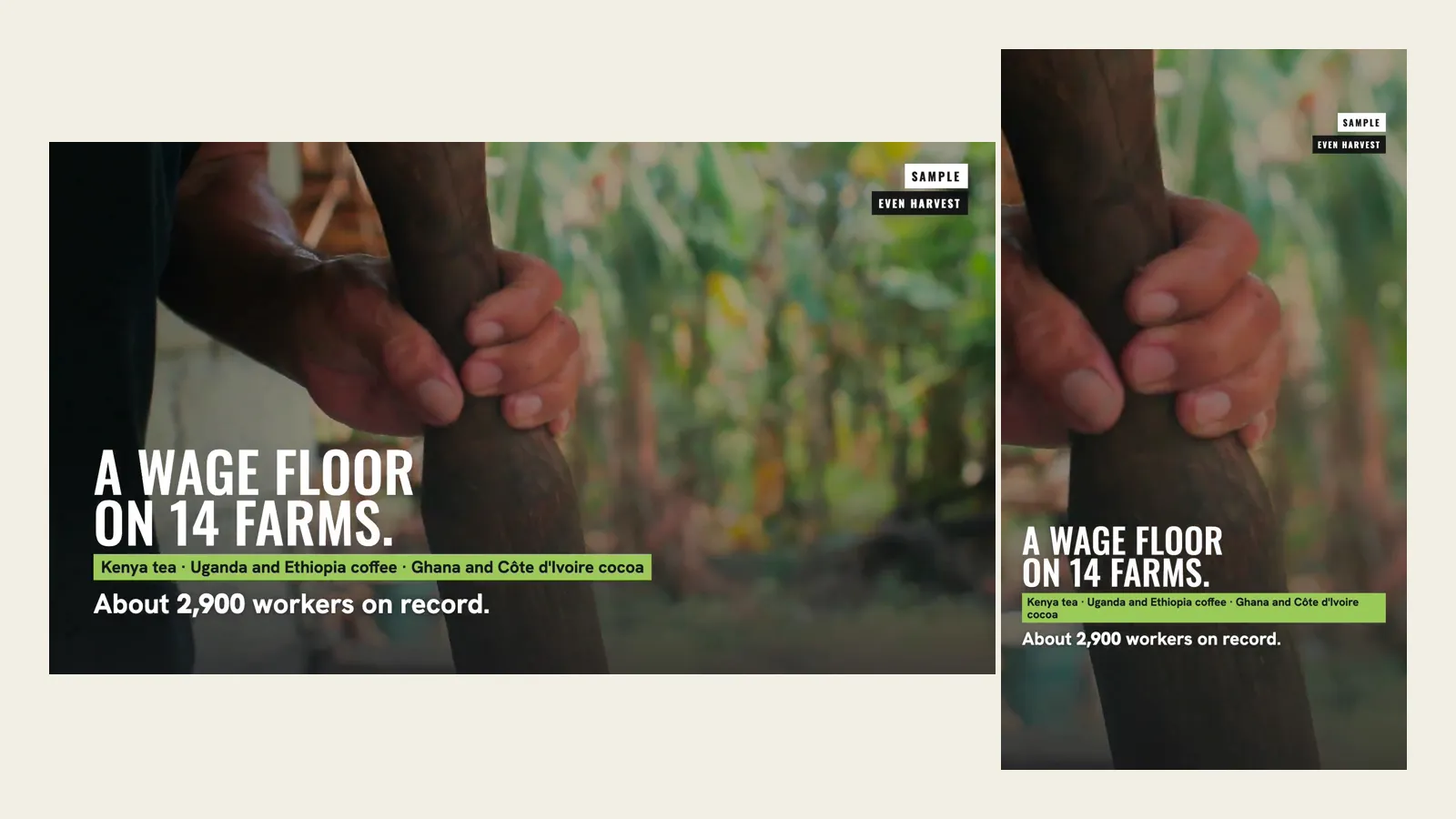
Our guide to nonprofit video covers what goes into the first minute, and the Videos page shows fifteen samples. A nonprofit annual report video is one story worth making in both shapes each year. The same story can go in your newsletter: our nonprofit newsletter guide shows how a still frame can link to the video.
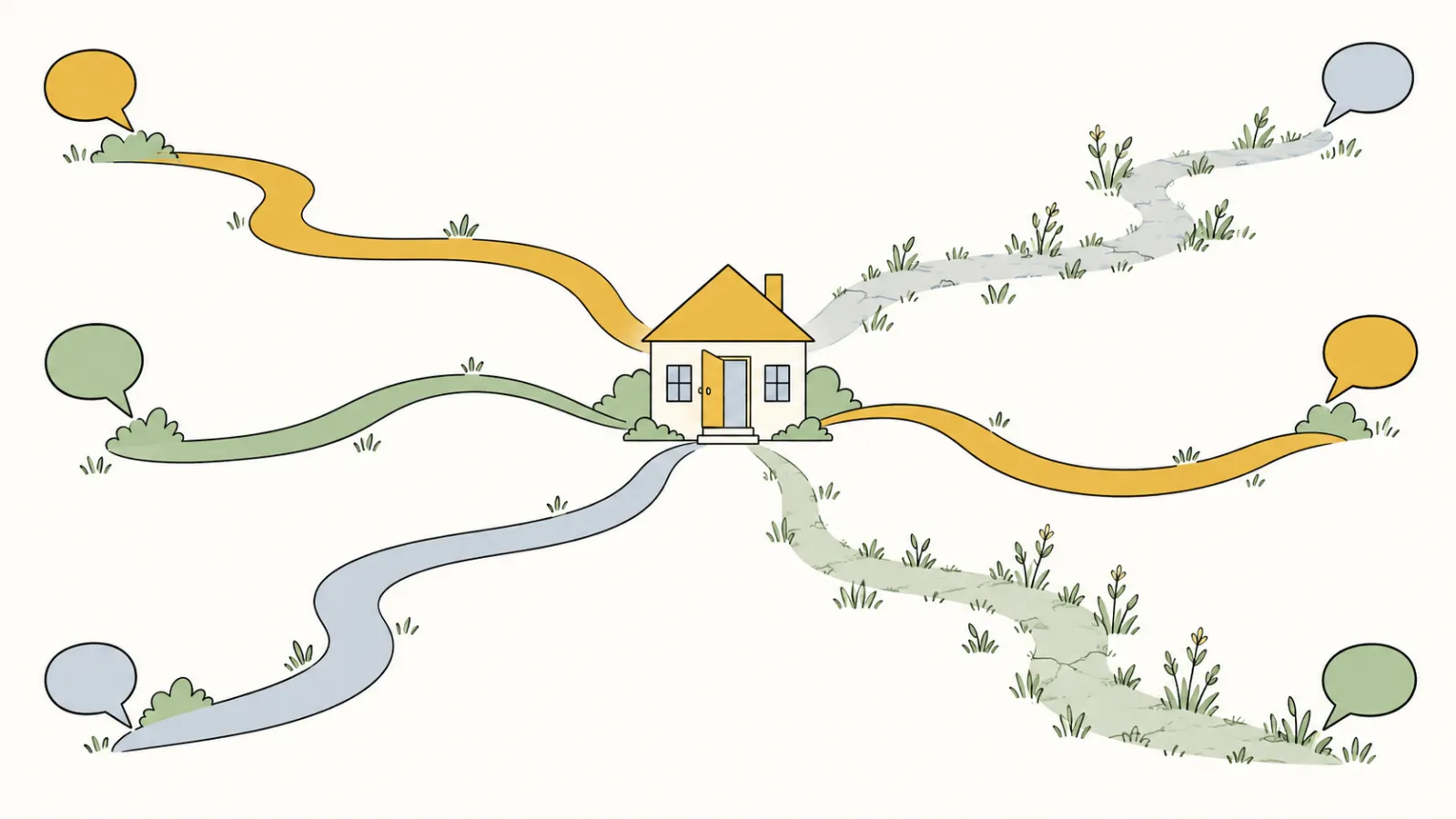
Things to post, from your own pictures
Our plan includes up to five one-minute videos a year, made only from the photos and clips you send us, for your site and social media, plus a share card for every page. We do not run your accounts; your staff post. The plan is $180 a month plus a $1,000 build fee, due only after you approve the finished site.
A ten-minute social media check
- 01Click every social icon on your home page. Each should open your own account. If one opens a website builder’s demo account or a blank network page, fix the link or remove the icon.
- 02Look at the newest post on each account. If an account has been quiet for a year, decide this week: post to it again or take its icon off your site.
- 03Check that each account links to your website. Each profile’s bio or about section should carry your website address, the page you most want people to reach.
- 04Paste one page link into a draft post. See what picture and title appear. Meta’s Sharing Debugger, a free tool that asks you to log in to Facebook, shows the preview Facebook will use for any address.
- 05Write down who posts and how often. One name per account and a rhythm the team can keep. That short note is the start of a social media policy.
Social icons are one item on a longer list: see what should be on a nonprofit website. A mission statement people can repeat also makes each profile easier to write. For how often to look at the whole site, see how often to update a nonprofit website. Our sample sites are invented nonprofits with complete demonstration websites you can click through.
Frequently asked questions
What is the best social media platform for nonprofit organizations?
The one your supporters already use and you will keep posting to. Among 591 small US nonprofit home pages we checked, Facebook was linked on 426 and Instagram on 346, well ahead of YouTube, X and LinkedIn. Start with one or two and keep them current.
How many social media platforms should a small nonprofit use?
As many as you can keep current, which for a small team may be one or two. The typical home page in our count linked 2 networks, and 116 linked four or more.
Should we remove social icons for accounts we no longer use?
Yes. An icon on your website says the account is a good place to find you. If an account has gone quiet, either post to it again or take the icon off, and leave a short line on the account itself pointing to your website.
Does a nonprofit need a social media policy?
A short one helps: who may post for the organization, what you will not post, such as photos of children without permission, and who answers comments and messages. Keep it to a page your staff and volunteers will read. For legal questions, ask a lawyer.
Does connectNPO run nonprofit social media accounts?
No. The plan includes up to five one-minute videos a year, made only from your own photos and clips, for your site and social media, and a share card for every page, the preview picture and title a posted link can show. Your staff keep the accounts and post.
See your finished website before you pay for it.
A website your social media can point to, with videos made from your own pictures and a share card on every page. You pay nothing until you approve the finished site. Then the first payment is $1,180: the build fee plus the first month. After that it is $180 a month.
See the plan and apply →Counts from the home pages of 591 small US public charities, saved October 3 and 4, 2026; YouTube feeds read October 5, 2026; no organization is named and no account was logged in to. M+R figures from M+R Benchmarks 2026, read October 5, 2026. The sample sites we link to are fictional. This guide is general information, not legal advice.