Nonprofit Newsletter: It Starts at the Sign-up Box (591 Home Pages Checked)
connectNPO · Updated October 2026
Key takeaways
- People join a nonprofit newsletter before they read it. We checked 591 working home pages of small US nonprofits: 138 (23%) had a sign-up form on the page, 102 had only a link labelled newsletter, subscribe or similar, and 351 showed neither.
- Of the 138 forms, 65 asked only for an email address and 53 also asked for a name. On 88 of the 138 pages, the sign-up form sat in the page footer.
- Only 18 of the 138 forms named a schedule, such as monthly or quarterly, beside the box, and 19 carried a line about privacy or unsubscribing. Saying what arrives and how often is a one-sentence fix.
- Lists lose addresses every year. In M+R’s 2026 benchmarks, a typical list lost about 19% of its addresses in 2025, and lists still grew 5% overall. The figures are measured separately, but a list with no new sign-ups only shrinks, so the box is upkeep.
- Put one email field near the top of the home page and on the pages people finish reading, say what they will get, then send a welcome message, a story with one number, and an ask that matches the season.
Suppose the newsletter took up much of the week: the photographs, the story, the button. It goes out to the same list it went to two years ago. Somewhere on the home page there is a box to join, under the copyright line, beside the privacy link.
The search results for nonprofit newsletter on October 5, 2026 start with what to write. This guide starts one step earlier, with the box that decides who reads it. We checked the home pages of 591 small US nonprofits for a sign-up form and counted what each one asks for and promises. Then we put the numbers next to what the sector’s benchmarks say about lists.
Nonprofit newsletter: the short answer
A nonprofit newsletter is an email your organization sends on a schedule to people who asked for it: a story, a number, what is coming up and one next step. It only reaches people who could find the sign-up box. In our check of 591 small nonprofit home pages, 138 (23%) had a sign-up box on the page. Of those 138, 65 asked only for an email address, and 18 named a schedule beside it.
A nonprofit newsletter starts at the sign-up box
A newsletter is joined before it is written. Everything that makes an issue good, the story, the photograph, the clear button, only reaches the people who found the box and decided it was worth their address.
Lists also lose addresses on their own. In M+R’s 2026 benchmarks, a typical nonprofit list lost about 19% of its addresses in 2025 to bounces and unsubscribes, and lists still grew 5% overall. Each figure is measured separately, but together they say one thing: a list with no new sign-ups only shrinks. The box that collects sign-ups is upkeep, the same as the newsletter itself. Our guide to nonprofit email marketing covers the churn side.
We checked 591 small nonprofit home pages
We used our national panel: 1,000 small US public charities drawn at random from the IRS master file. 591 of them had a working website on their own domain. On each saved home page we looked for a form with an email field, skipping forms with a message box, a password field or a payment field. We counted its fields, noted where it sat and read what it said; where a page had more than one sign-up form (22 pages), we counted the first. We read 30 of the forms by hand and 27 were sign-ups; we then excluded forms with more than five fields, which left one miscount, an event waiting list, in 28.
591 working home pages from our random sample of small US 501(c)(3) public charities ($250,000 to $1 million in revenue), loaded October 3 and 4, 2026. Home page only; pop-ups that appear later were not counted. No organization is named.
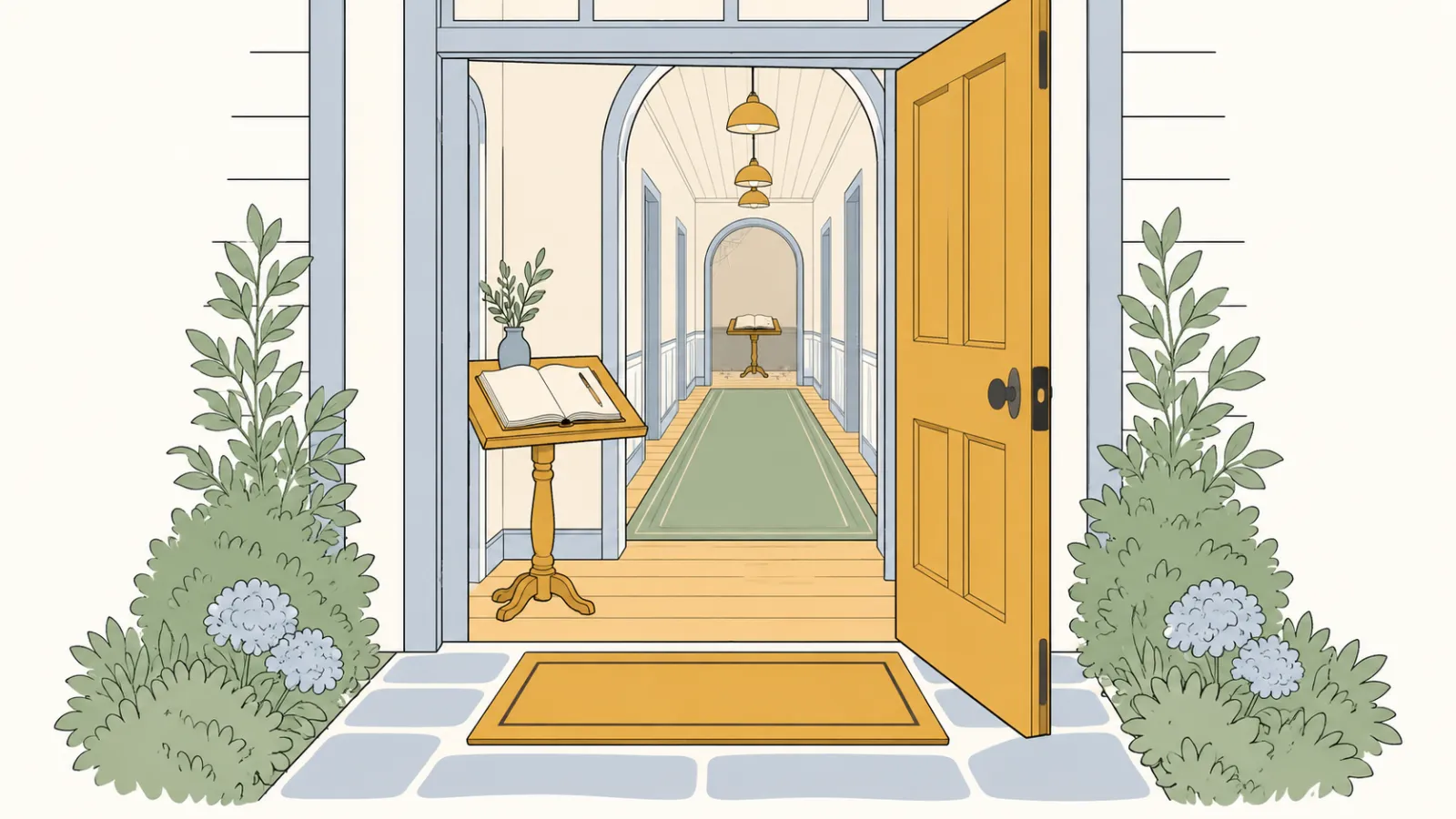
A guest book by the front door is the first thing a guest passes. The same book at the end of the back hallway is there only for the guest who goes looking. On 88 of the 138 pages, the form sat in the footer, and 102 sites had only a newsletter, subscribe or similar link. A link like that still works for a reader who is already looking for it.
What a newsletter signup form should ask for
65
of 138 forms asked only for an email address
53
of 138 forms also asked for a name
51
of 138 forms asked for three or more fields
88
of 138 forms sat in the page footer
Asking for a phone number to receive a newsletter is like asking a visitor for ID before they can read the notice board. Of the 138 forms, 65 asked only for an email address, and 51 asked for three or more fields, some of them among the 53 that asked for a name. A first name is a fair second field if you will use it to greet people. Beyond that, ask what each field is for and who will use it.
The tools behind the forms were the familiar ones: Squarespace’s newsletter block on 29, Mailchimp on 28, Wix on 15 and Constant Contact on 9, with others and unidentified forms making up the rest. Every one of these tools can hold a one-line promise beside the box.
Say what they will get, and how often
A store posts its hours on the door so no one has to guess. A sign-up box can do the same in one sentence. Only 18 of the 138 forms named a schedule, such as weekly, monthly or quarterly, beside the box, and 19 carried a line about privacy or unsubscribing.
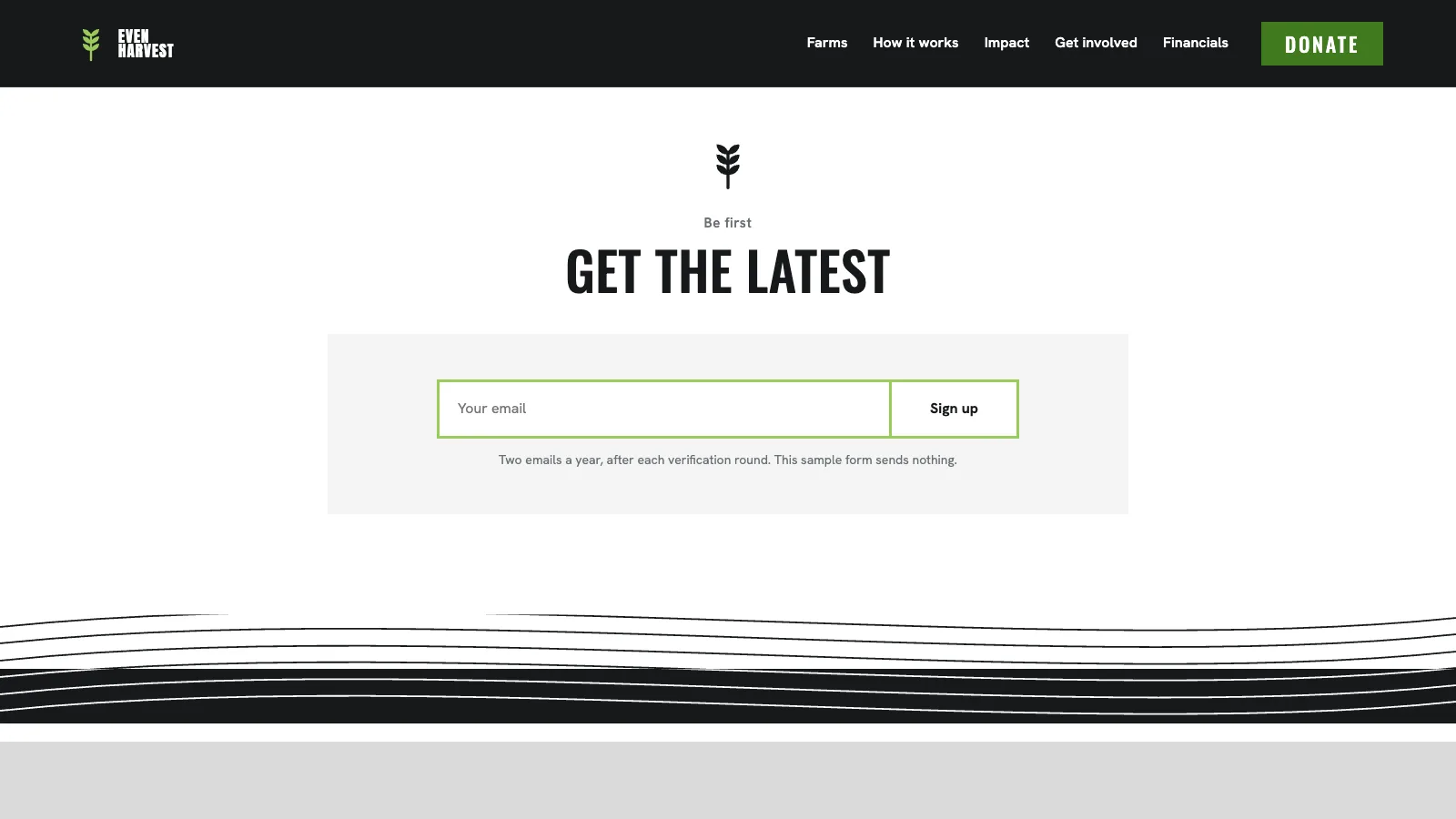
That one line answers a fair question before anyone gives an address: what will this cost me? Write the line you can keep. If you send monthly, say monthly. If you send a few times a year, say that.
Nonprofit newsletter template: what to send in the first three issues
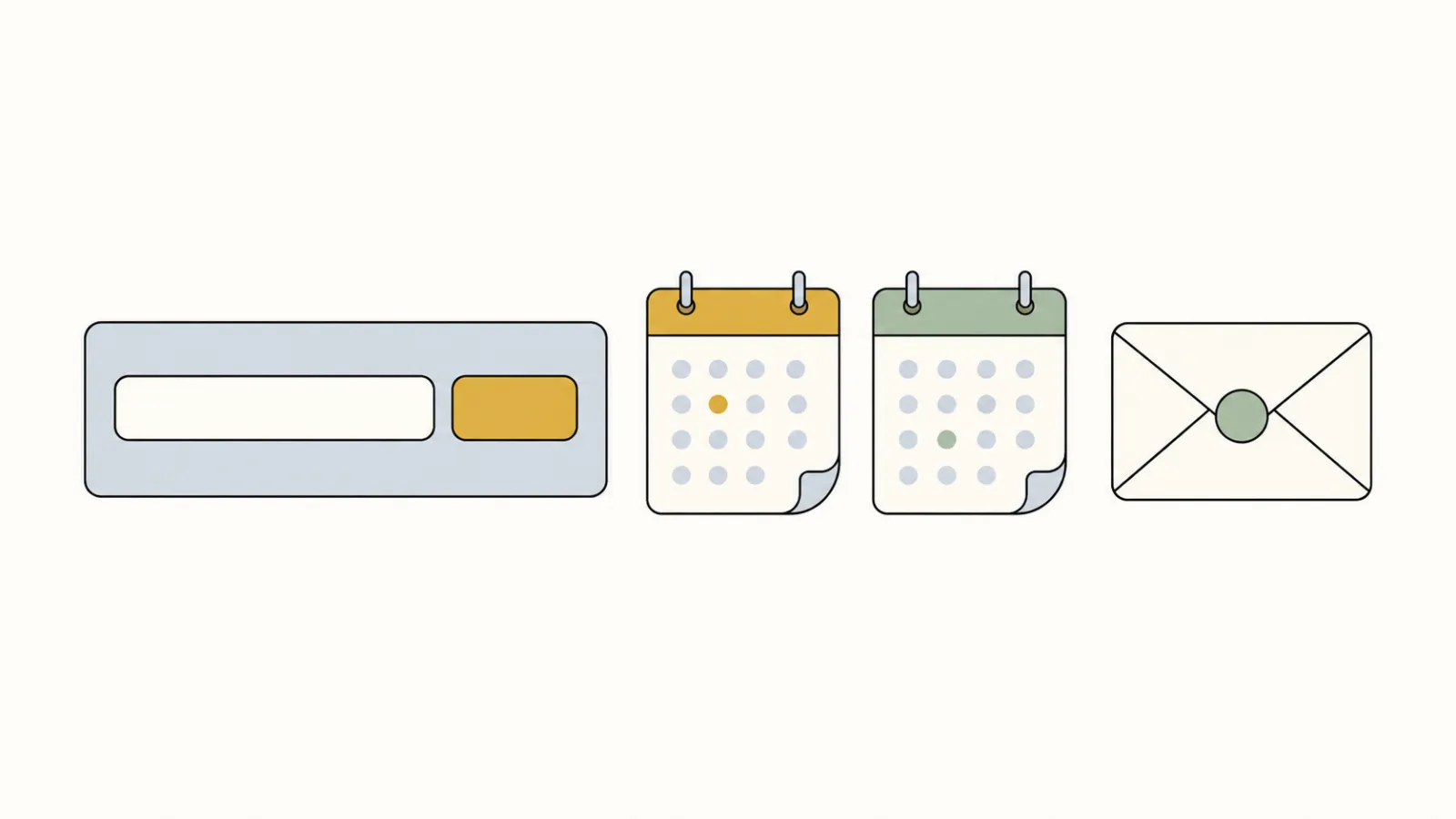
In M+R’s 2026 benchmarks, a subscriber could expect 50 email messages in 2025: 31 fundraising appeals and 9 newsletters. A small team does not need to send that many. It needs the first three issues to keep the promise the box made.
Issue 1
The welcome
Sent the day someone signs up: thank them, say what will come and how often, and give one link to the page people like most.
Issue 2
One story, one number
A person or place your work changed, and one figure from the period with a line on how it was counted.
Issue 3
One ask that fits the season
An event, a volunteer shift, or in late autumn a year-end gift. One ask, one button.
Issue 2 can also be a minute of video: a program seen from the inside, an event before it happens, a thank-you at the end of the year. It does not have to play inside the email. Mailchimp’s help center says most email programs cannot display embedded video and strip the code, so its Video content block, for YouTube or Vimeo videos, shows a thumbnail with a play icon that opens the video in a new browser window. A still frame that links to the video on your own website does the same job (Mailchimp lists it as an option too) and brings the reader to your site.
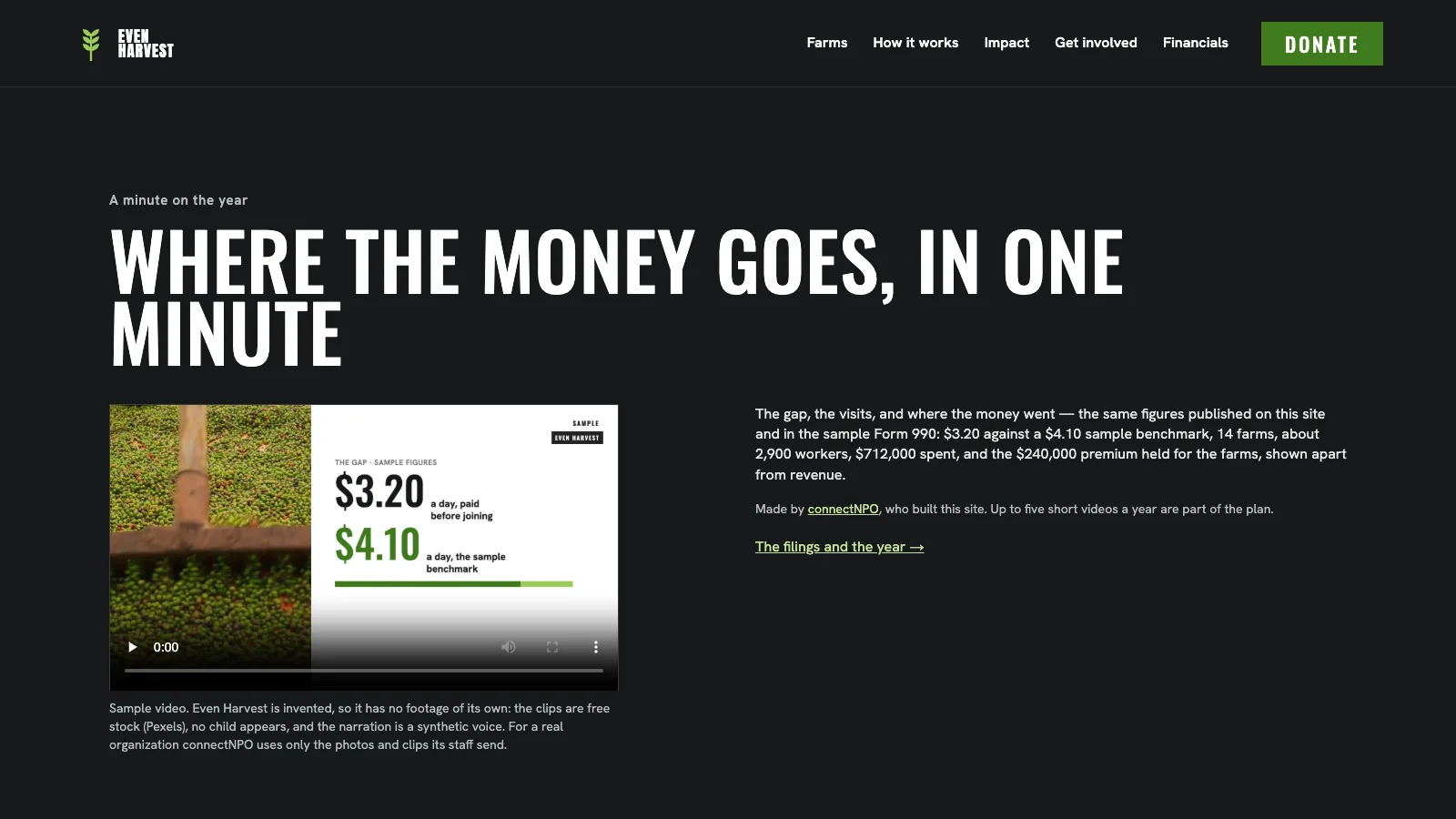
Keep the video to the promise the sign-up box made: if the box says monthly, one minute a month is plenty. Our guide to nonprofit video covers what goes into the first minute, and the Videos page shows one-minute samples made for each of our invented nonprofits. A phone-shaped cut of the same minute can go on social media; our guide to nonprofit social media covers which accounts to link from your site.
For the number in issue 2, the habit on our impact report examples carries over: say how each figure was counted. For the late-autumn ask, year-end giving covers the timing, and our donation form count shows where the button should lead. If you send mail from your own domain, it needs two records called SPF and DKIM; our Google Workspace guide covers both, and the email guide covers deliverability, whether your mail reaches the inbox.
A sign-up box people can find, connected to the tool you already use
We put the sign-up where our count found it missing: near the top of the home page, with one line on how often mail comes, connected to your own email tool. The plan also includes up to five one-minute videos a year made only from the photos and clips you send us, for your site, social media or an issue. One plan, $180 a month, and the $1,000 build fee only after you approve the finished site.
A ten-minute sign-up check
- 01Open the home page on a phone. Can you see a way to sign up without scrolling to the footer?
- 02Count the fields. If the form asks for more than an email address and a first name, ask what each extra field is used for.
- 03Read the line beside the box. Does it say what arrives and how often? If not, add one sentence.
- 04Sign up yourself. Use a work address. Check that a welcome message arrives and that the unsubscribe link works. Gmail requires senders of more than 5,000 messages a day to personal Gmail accounts to offer one-click unsubscribe.
- 05Find the form a second way. Is there a sign-up at the end of your most-read story or event page, where a reader has just finished?
If your home page has no sign-up box at all, add it to the short list of things every nonprofit site should carry; see what should be on a nonprofit website. To plan when to review the page around it, see how often to update a nonprofit website. Our sample sites are invented nonprofits with complete demonstration websites you can press.
Frequently asked questions
What should a nonprofit newsletter include?
Five parts: one story about a person or place your work changed, one number from the period with a line on how it was counted, what is coming up, one clear next step such as an event, a volunteer shift or a gift, and a line saying when the next issue will come. Keep it short enough to read on a phone.
How often should a nonprofit send a newsletter?
On the schedule you can keep up, and the one your sign-up box promised. A small team can start with one newsletter a month or a quarter and hold to it. Our guide to nonprofit email marketing covers how many messages nonprofits send in a year.
Where should the newsletter sign-up go on a nonprofit website?
Near the top of the home page, and at the end of the pages people read to the bottom, such as a story or an event. In our check of 591 small nonprofit home pages, the sign-up form sat in the page footer on 88 of the 138 pages that had one, and 102 sites had only a newsletter, subscribe or similar link.
What should a newsletter sign-up form ask for?
An email address is enough to start. A first name lets you greet people, but every extra field is one more thing to fill in. Of the 138 sign-up forms we found, 65 asked only for an email address and 51 asked for three or more fields.
Are nonprofit newsletters still worth sending in 2026?
Yes, if people can find the sign-up. In M+R’s 2026 benchmarks, a typical nonprofit list lost about 19% of its addresses in 2025, and lists overall still grew 5%. A list that loses addresses can only grow if new people keep joining, so a sign-up box people can see is what keeps it from shrinking.
See your finished website before you pay for it.
A home page with a sign-up box people can find, connected to your email tool and kept current. You pay nothing until you approve the finished site; the first payment is then $1,180 (the build fee plus the first month), and $180 a month after that.
See the plan and apply →Counts from our check of 591 home pages of small US public charities, saved October 3 and 4, 2026 and counted October 5, 2026; no organization is named, and no form was submitted. Benchmark figures from M+R Benchmarks 2026, read October 5, 2026. The sample sites we link to are fictional. This guide is general information, not legal or technical advice.