How Often Should a Nonprofit Update Its Website?
connectNPO · Updated September 2026
Key takeaways
- Check anything with a date on it every week: events, deadlines, registration. In our count of 150 small California nonprofit websites, one in seven still presented an event or deadline that had passed more than 30 days earlier as upcoming or open.
- About one in four of those sites (37 of 150, 24.7%) showed at least one thing plainly out of date on the home page or a page linked from it or its main menu, on September 20, 2026. Allowing for sampling, the share is likely between 18.5% and 32.1%.
- Review program, staff, volunteer and donation pages every quarter and whenever something changes. Review impact figures, financial documents and the board list once a year, after the fiscal year closes.
- The fix for dated items is structural, not willpower. Give every dated item an end date so it leaves the page by itself, and give one named person a ten-minute check each week.
- Consider a new site only when the site itself is the obstacle: staff cannot edit it, it breaks on a phone, or it has nowhere to put events. Dated items and old pages can be fixed on the site you already have.
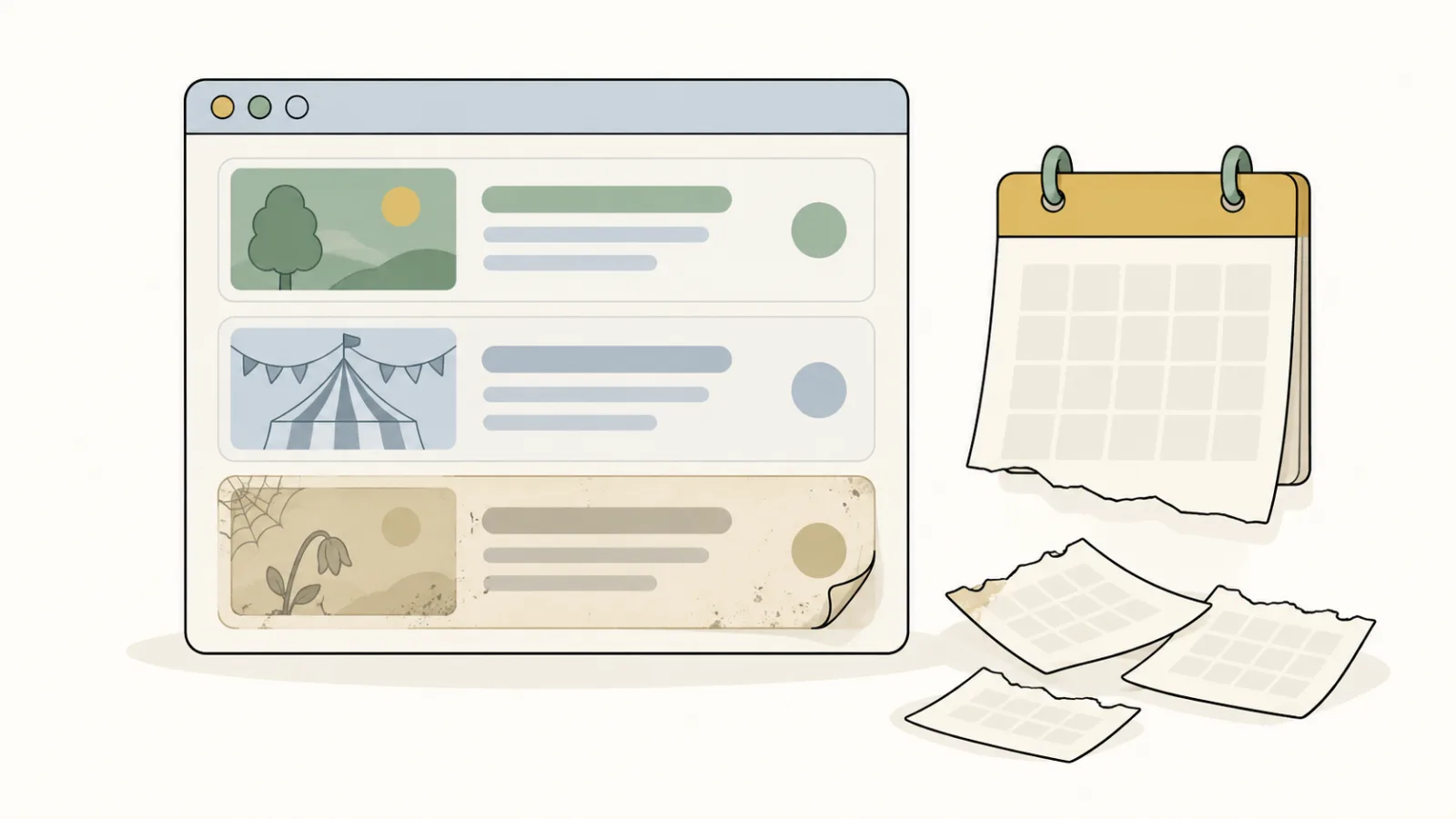
It is October. A board member forwards a link to your home page with a one-line note: the spring open house is still at the top. It was right when it went up in April. Then the season got busy, and the banner stayed.
That banner works like a sale sign left in a store window after the sale has ended. It does not mean the store is closed. It does leave a passer-by wondering whether anyone is minding the window. A home page can leave a visitor with the same question.
This guide answers how often each part of a nonprofit website needs attention, using our own count of 150 small nonprofit websites, and ends with a ten-minute check you can run this week.
How often should a nonprofit update its website?
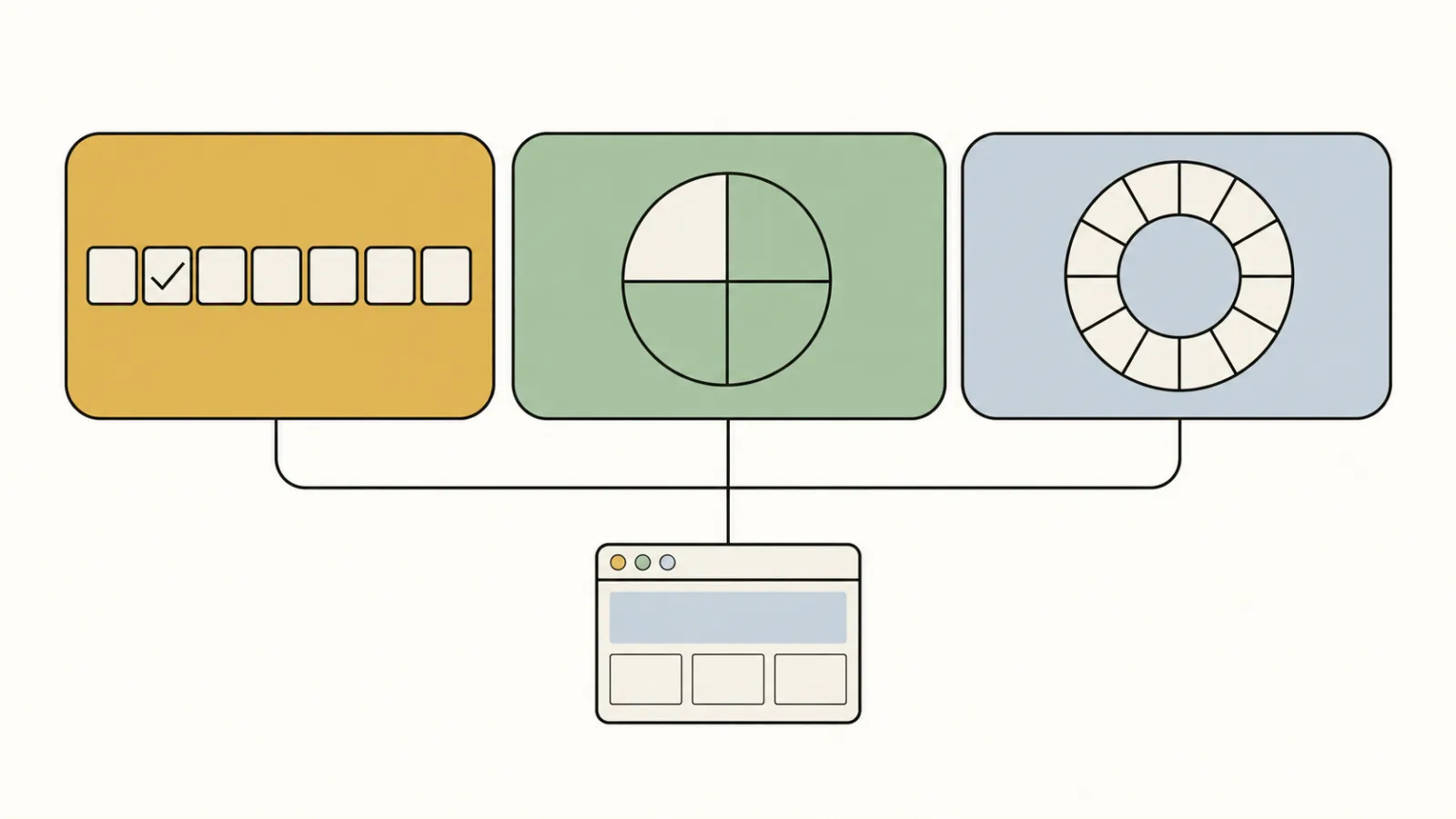
Check anything with a date on it every week, review the pages that describe your work every quarter, and go through your yearly figures once a year after your fiscal year closes. That is the whole schedule. The rest of this guide says which pages fall in which group, and why the weekly part matters most.
Here is the idea behind it. An old website is not the problem. An out-of-date promise is. A site can be five years old and accurate, or redesigned last spring and already wrong, if last season’s registration is still open on the home page. So the useful question is not “when did we last update the site?” but “does anything on it invite people to something that has already happened?”
What goes out of date first
On September 20, 2026 we checked the home page, and the pages linked from it or from its main menu, on 150 websites of California charities with revenue between $250,000 and $1 million. 37 of them showed at least one thing plainly out of date. The chart shows what it was.
What was out of date on the 37 sites
A site can show more than one of these, so the counts add up to more than 37. connectNPO count, September 20, 2026.
Dated items led by a wide margin: 21 of the 37 sites were still presenting an event or deadline as upcoming more than 30 days after it had passed. Across all 150 sites checked, that is one in seven. Separately, 21 of the 174 organizations we drew had no website of their own, about one in eight. The full method and figures are in our study of 150 nonprofit websites.
A count from the outside cannot say why a site falls behind, and we did not try to. One outside survey gives a hint about the time involved. The Nonprofit Communications Trends Report 2025 surveyed 463 nonprofit communicators; on its chart of top challenges, the first item is a lack of time to produce quality content, rated very or extremely challenging by 45% (the report’s text gives 44%). That survey asked about content in general, not websites, and every respondent spends at least half their working time on communications. A small organization may have no one in that role at all, which is why the schedule below fits in ten minutes a week.
A schedule by page
Think of a kitchen shelf. The milk gets checked every few days, the flour every few months, the spices once a year. No one throws out the spices because the milk went off. A website has the same shelf lives, and the schedule follows them.
Every week
- Events and their dates
- Deadlines and registration
- Anything that says “now open”, “this season” or “upcoming”
- The latest news item, if the home page shows one
Every quarter
- Programs: what runs, when, for whom
- Staff and contact details
- Volunteer roles and how to sign up
- The donation page: amounts and what they pay for
Every year
- Impact figures for the year just closed
- Financial documents, when the new ones are ready
- The board list
- The About page and the organization’s story
The yearly group lines up with work you already do at year end. If you publish an annual report, the figures in it are the ones to carry onto the site; our guide to nonprofit annual report design covers what goes in it. The donation page earns an extra look before the busiest giving weeks of the year; our year-end giving guide explains the timing.
The ten-minute weekly check
Start with this list. Add to it as you grow. A short check you actually run beats a thorough one you keep putting off.
- 1Open the home page on your phone, not your computer. Read every date you can see.
- 2Open each link in the main menu once. Note any page that shows an error or a “not found” message.
- 3On the events or calendar page, take down or mark as past anything that has already happened.
- 4Check that registration, applications or sign-ups say open only if they are open.
- 5Look at the newest item in news or updates. If it is more than a few months old, either add one or stop showing the date on the home page.
Put ten minutes on one person’s calendar for the same time each week. If a step turns up something you cannot fix yourself, write it down and send it to whoever can; the check is to find problems, not to solve all of them on the spot.
How to keep dated items from going stale
Dates that retire their own items work like a light on a timer: it switches off at the set hour whether or not anyone remembers.
A reminder still needs someone who is free when it goes off, and events pile up in the busy seasons. The lasting fix is to let dates do the work. When every event, deadline and registration window is entered with its own dates, the website can show it only while it is current and remove it afterwards.
Staff add an event
Title, date, place. On the sample sites, one form in the admin.
Before the date
It shows on the home page and the events page, where it has a calendar link.
After the date
It leaves both pages by itself. Nothing to remember.
Our sample sites are built this way, and you can press them. On Harborlight Youth Arts, events leave the list after their date. On Tenmile Youth Soccer Club, registration opens and closes by itself. On Kestrel Youth Center, one daily notice fills in the home page. All eight sample sites are open to try.
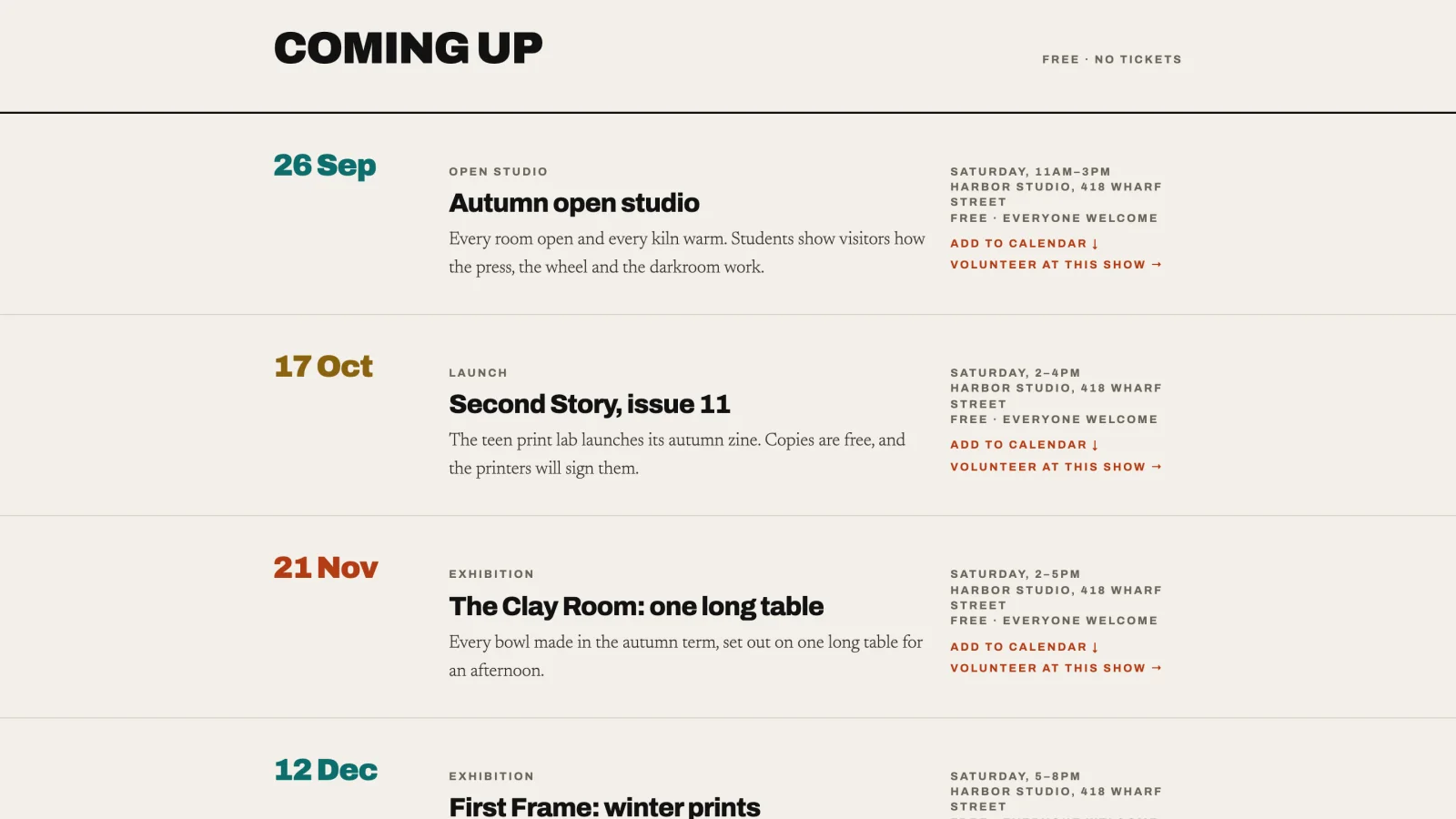
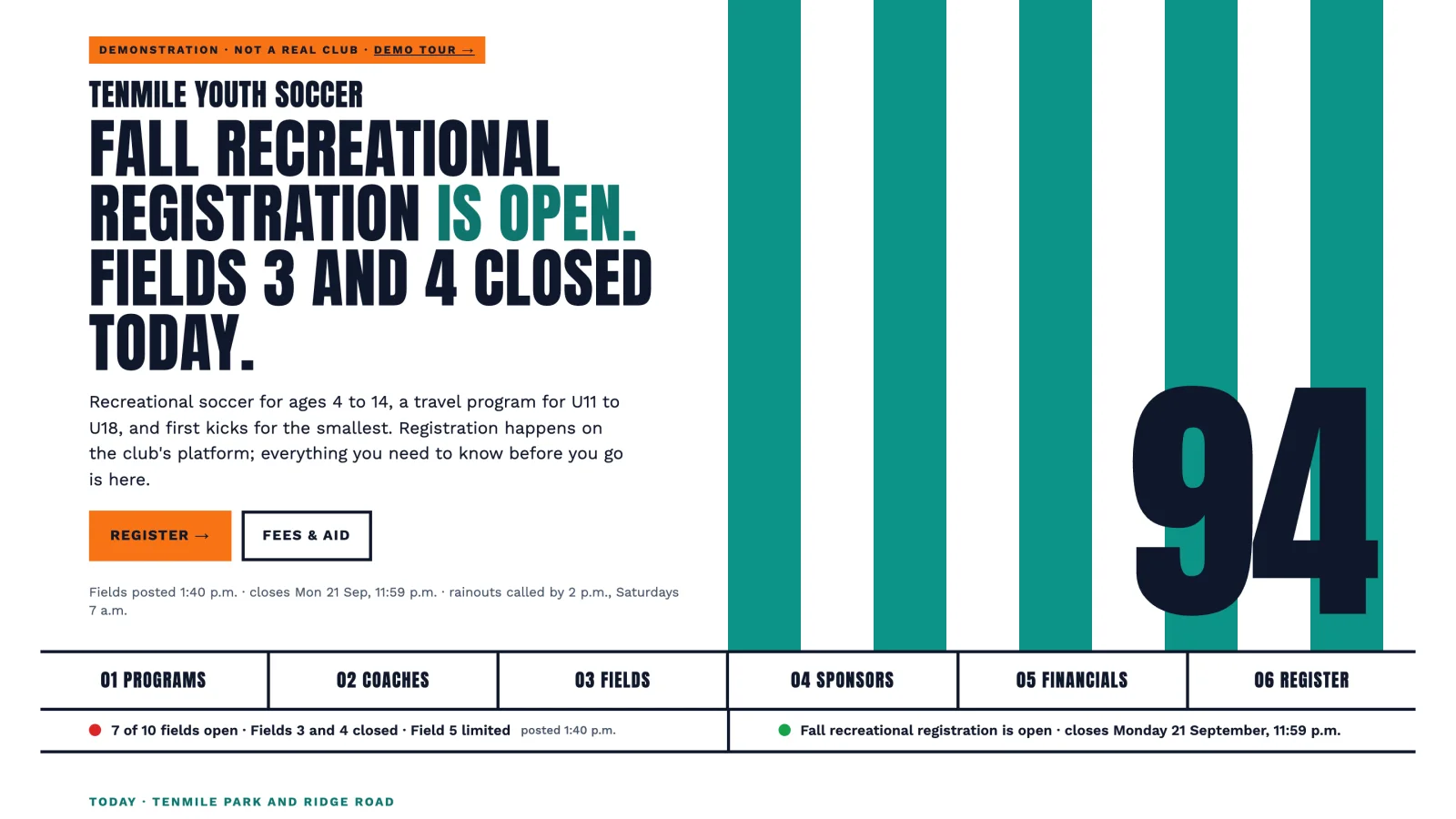
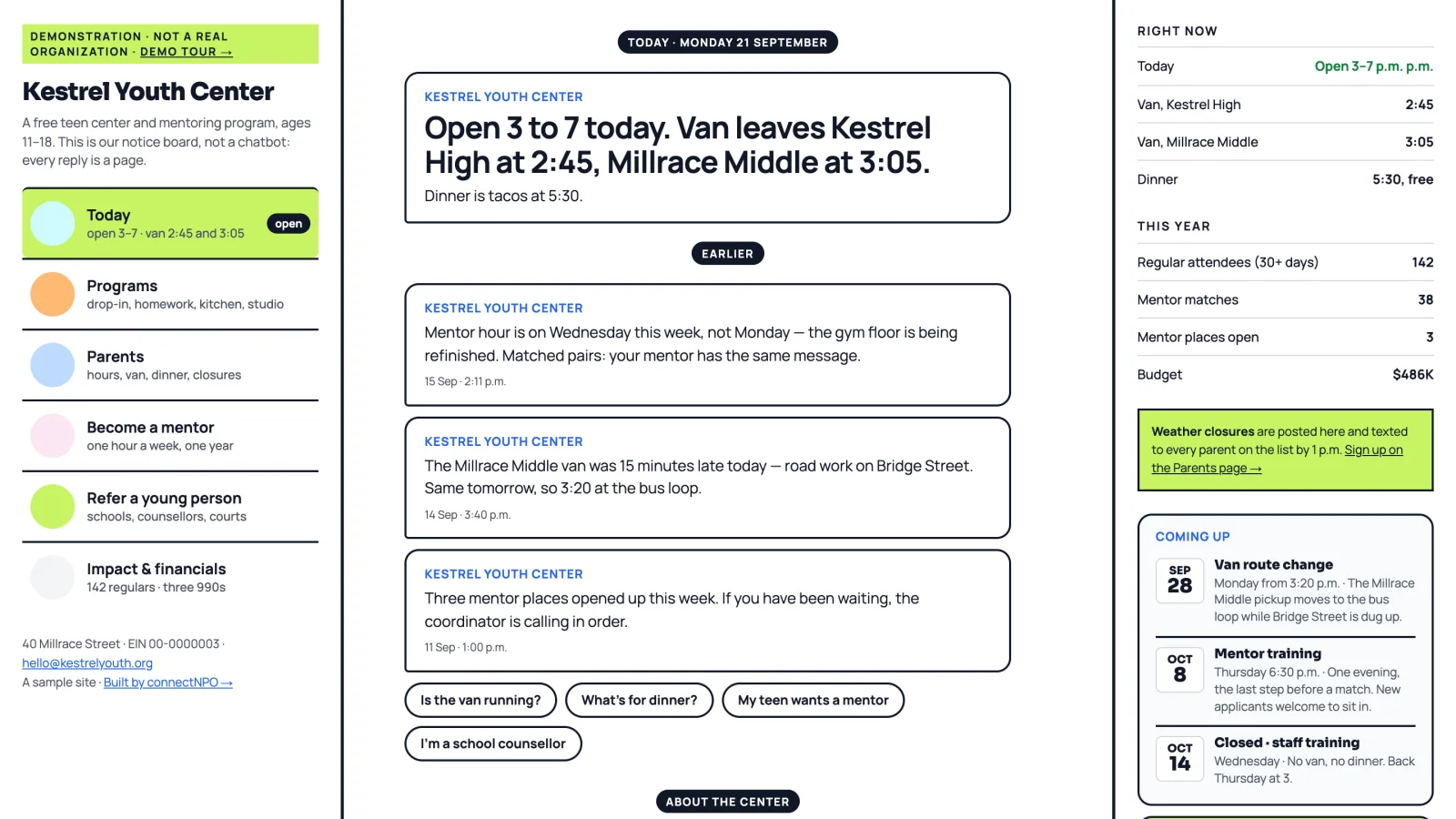
The sample sites are fictional organizations built by connectNPO to show working features. Press them: they are live.
Would rather not own the weekly check?
In the connectNPO plan, you send the change and we make it, the site gets a monthly check for broken links and missing image descriptions with a written report, and the donation page is refreshed each November. It is one plan, $180 a month.
Update or redesign?
An out-of-date site does not always need a new one. If the problems are dated items and old pages, they can be fixed on the site you already have. A new site is worth it when the site itself stands in the way of keeping it current.
Update the site you have
- Staff can edit pages and events themselves
- It reads well on a phone
- It has a place for what you do: programs, events, giving
- Its pages are organized the way visitors look for things
Consider a new site
- Every change needs a developer or a login no one on staff has
- Text is tiny or cut off on a phone
- There is nowhere to put events, so they end up in old news posts
- The menu no longer matches what the organization does
One problem in our count is neither a writing nor a design question: 6 of the 37 out-of-date sites in our count would not load securely or had a main menu link that led to an error page. Those are fixed by whoever runs the site technically, and they do not by themselves call for a new site. If you are weighing the cost of either path, our guide to what a nonprofit website costs each year breaks it down, and these donation page examples show what a current giving page can do.
How we counted
We drew organizations at random from the IRS Exempt Organizations Business Master File: California 501(c)(3) public charities with revenue between $250,000 and $1 million. Of 174 organizations, 21 had no website of their own and 3 could not be checked, which left 150. On each site we looked at the home page and the pages linked directly from it or from its main menu, at desktop width, on a single date, September 20, 2026.
A site counted as out of date only if we could point to the page and quote the words that were wrong, and every one was checked again by hand. Past dates within 30 days did not count. Borderline cases were left out, so the figure we use, 37 of 150 (24.7%), is the lower of our two counts. Allowing for sampling, the true share among similar charities is likely between 18.5% and 32.1%. Sites were sorted by agents working to written rules, and deciding what counted as borderline was a judgement. The other limits: we looked only at California, only on one day, and only at the home page and the pages it or its main menu links to, so a site we counted as current may still have old pages further inside.
Frequently asked questions
How often should a small nonprofit update its website?
Check anything with a date on it every week, review program, staff, volunteer and donation pages every quarter, and go through impact figures, financial documents and the board list once a year after your fiscal year closes. The weekly check matters most, because dated items were the most common problem in our count of 150 small nonprofit websites.
What should we check first?
Start with the home page and every page it or its main menu links to, and look for dates: events, deadlines, registration, the latest news item, and any season or year presented as current. If something has passed, take it down or mark it as past. Dated items were the most common problem in our count, so this is the pass that matters most.
Does an old website design hurt us?
We did not measure design, and an older design is not the same as an out-of-date site. What we counted were things a visitor can see are wrong: an event that already happened, last year’s registration, a news page that stopped, or a menu link to an error page. A site can be old and accurate, or new and already wrong.
Who should be responsible for keeping the website up to date?
One named person, with ten minutes on the calendar each week and a second person who covers when they are away. A job shared by the whole team has no one who notices when it is skipped. The person does not need to be technical, if the site lets them edit events and pages without a developer.
When should we redesign instead of updating?
When the site cannot hold what you need: staff cannot edit it themselves, it breaks or is hard to read on a phone, or it has no place for events or programs. If none of those is true, the problems can be fixed on the site you already have.
See your finished website before you pay for it.
We build it, you look at it, and you pay the $1,000 build fee only once you approve it. After that it is $180 a month, and keeping it current is our job.
See the plan and apply →The count is connectNPO’s own, made on September 20, 2026 and described above. The sample sites named here are fictional organizations. This guide is general information about running a website.