PayPal for Nonprofits: Fees, the Charity Rate and What Donors See
connectNPO · Updated October 2026
Key takeaways
- PayPal’s standard fee on a donation is 2.89% plus 49 cents. If PayPal approves the organization for its charity rate, the fee drops to 1.99% plus 49 cents. On a $50 gift that is about $1.94 or $1.49 (PayPal fees page, updated October 1, 2026).
- Being a nonprofit does not switch the lower rate on. You apply, and PayPal has to approve you. Check which rate your account is on today: if you are a registered 501(c)(3) on the standard rate, applying is the cheapest saving in this guide.
- We followed the Donate link on 105 small California nonprofit websites; 85 led to a working way to give online. PayPal was behind 18 of those 85, more than any other tool, and four more PayPal pages blocked our software, so it may be 22.
- On 17 of those 18, the donor was sent to a PayPal page to give, not kept on the nonprofit’s own site. We could read 10 PayPal donate forms: 9 offered monthly giving, but only 3 suggested amounts; the other 7 made the donor type one.
- The fix for that costs nothing: put a page of your own in front of PayPal that says what a gift pays for and shows a few amounts, then hand the payment to PayPal.
The treasurer forwards last month’s PayPal statement with one column highlighted: the fees. Someone on the board asks whether there is a cheaper way, and someone else says donors like PayPal because they already have an account. Both have a point, and both can be checked.
PayPal for nonprofits comes down to two questions: what it costs, and what the donor sees when they press Donate. The first answer is on PayPal’s own fees page, and it holds a saving worth checking. The second is where we have something to add: on October 1 and 2, 2026 we followed the Donate link on the home pages of 105 small California nonprofit websites, and PayPal was behind more of them than any other tool.
PayPal nonprofit fees: what PayPal charges a nonprofit
PayPal’s standard fee on a US donation through its Donate button is 2.89% plus 49 cents. If PayPal approves the organization for its charity rate, the fee is 1.99% plus 49 cents. On a $50 gift that is about $1.94 at the standard rate and $1.49 at the charity rate.
| PayPal rate, US donations | Fee | On a $50 gift |
|---|---|---|
| Standard rate for donations (Donate button) | 2.89% + $0.49 | $1.94 |
| Confirmed Charity rate, after approval | 1.99% + $0.49 | $1.49 |
From the PayPal fees page, updated October 1, 2026. Donations from outside the US add 1.50%. Check the page before you budget, because fees change.
The charity rate costs 0.9% of each gift less, and the 49 cents stays the same. On one gift that is small. For example, if you raised $40,000 online in a year, it adds up to $360, which is why the next section matters.
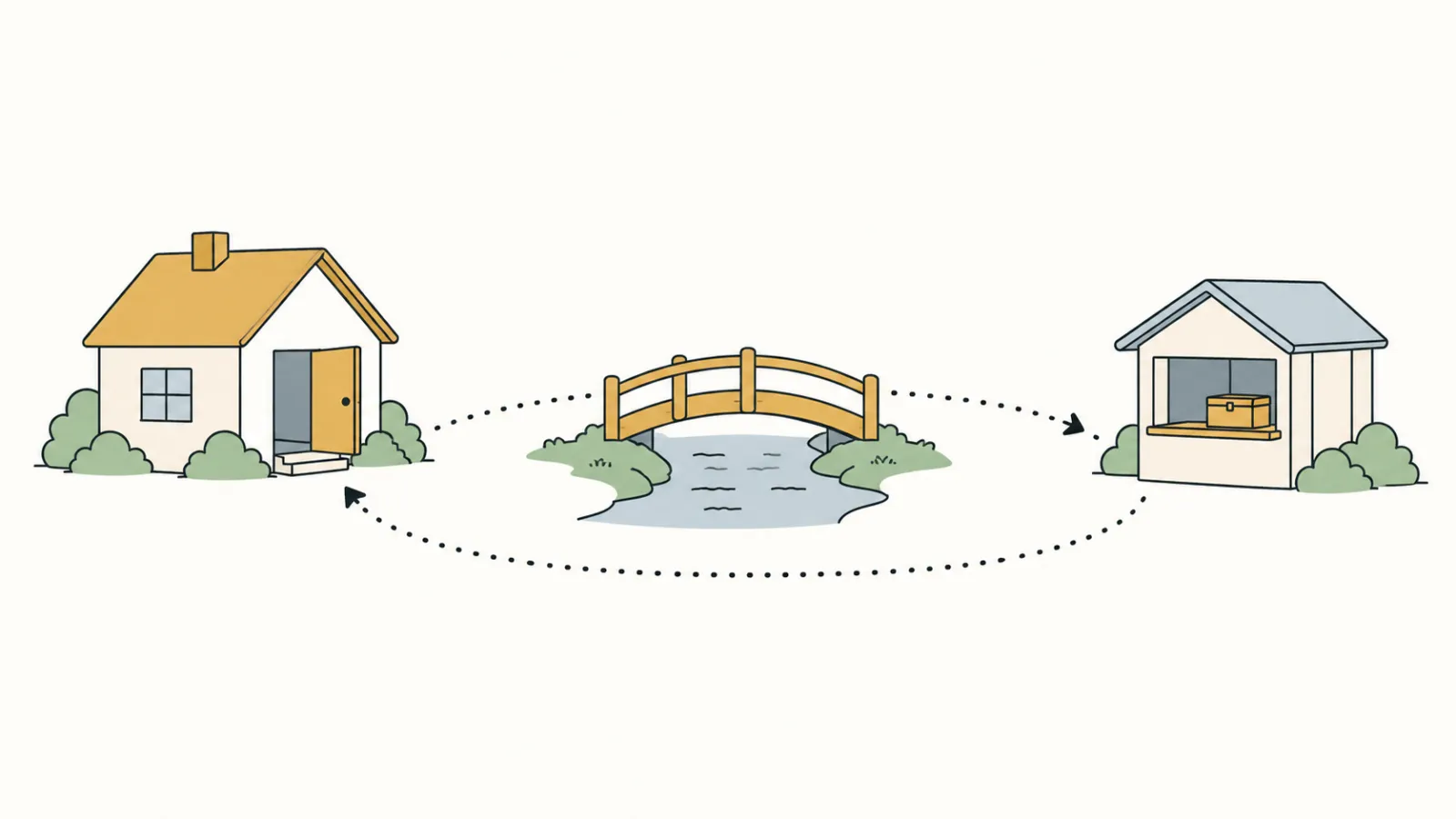
The charity rate works like a member price at a store where membership is free: the saving is real, but it starts only after you apply and are approved.
PayPal for nonprofits: the charity rate needs an application
Being a nonprofit does not get you the lower rate on its own. PayPal’s fees page says charity rates are subject to eligibility, application and pre-approval, under its Confirmed Charity terms and conditions. If you opened a PayPal Business account years ago and never applied, you may still be paying the standard rate.
So check your PayPal account today and see which rate you pay. If you are a registered 501(c)(3) and you are on the standard rate, applying for the lower rate is the cheapest saving in this guide.
How many small nonprofits use PayPal
Of the 105 Donate links we followed, 85 led to a working way to give online, and PayPal was the giving tool behind 18 of those 85, more than any other tool. Four more PayPal pages stopped our software with a security check, so the count would be 22 if they work for a person; we could not confirm that. The next tools were far behind: Givebutter with five, Donorbox and GiveWP with four each.
PayPal also showed up inside other tools. Six forms from other giving tools, including Donorbox and Neon, loaded PayPal’s checkout code next to their own card form, which points to PayPal being offered as one way to pay. That is different from a PayPal donate page: a nonprofit can offer PayPal without its Donate button ever going to PayPal.
The method, the sample and the limits are in our donation form count: California 501(c)(3) public charities with revenue between $250,000 and $1 million, one visit each, every row checked by hand. No organization is named.
Sending donors to PayPal is like a shop that walks you next door to pay. The payment goes through, but the counter, the sign over it and the receipt belong to someone else.
What the PayPal donate page looks like to a donor
On 17 of the 18, the donor ended up on a PayPal page to pay: either the Donate button went straight there, or a button on the nonprofit’s own page opened it. 13 of the 18 reached the giving page in one click from the home page; on 7 of those, the PayPal form was one more button away.
9 of 10
offered a monthly gift
3 of 10
suggested amounts
6 of 10
offered to cover the fee
10 of 10
no sideways scrolling on a phone
The 10 PayPal donate forms we could read as they loaded, October 1 and 2, 2026: 9 on PayPal and 1 on the organization’s own site. On the other 8, the next step was a PayPal button we did not press, because pressing it starts a payment.
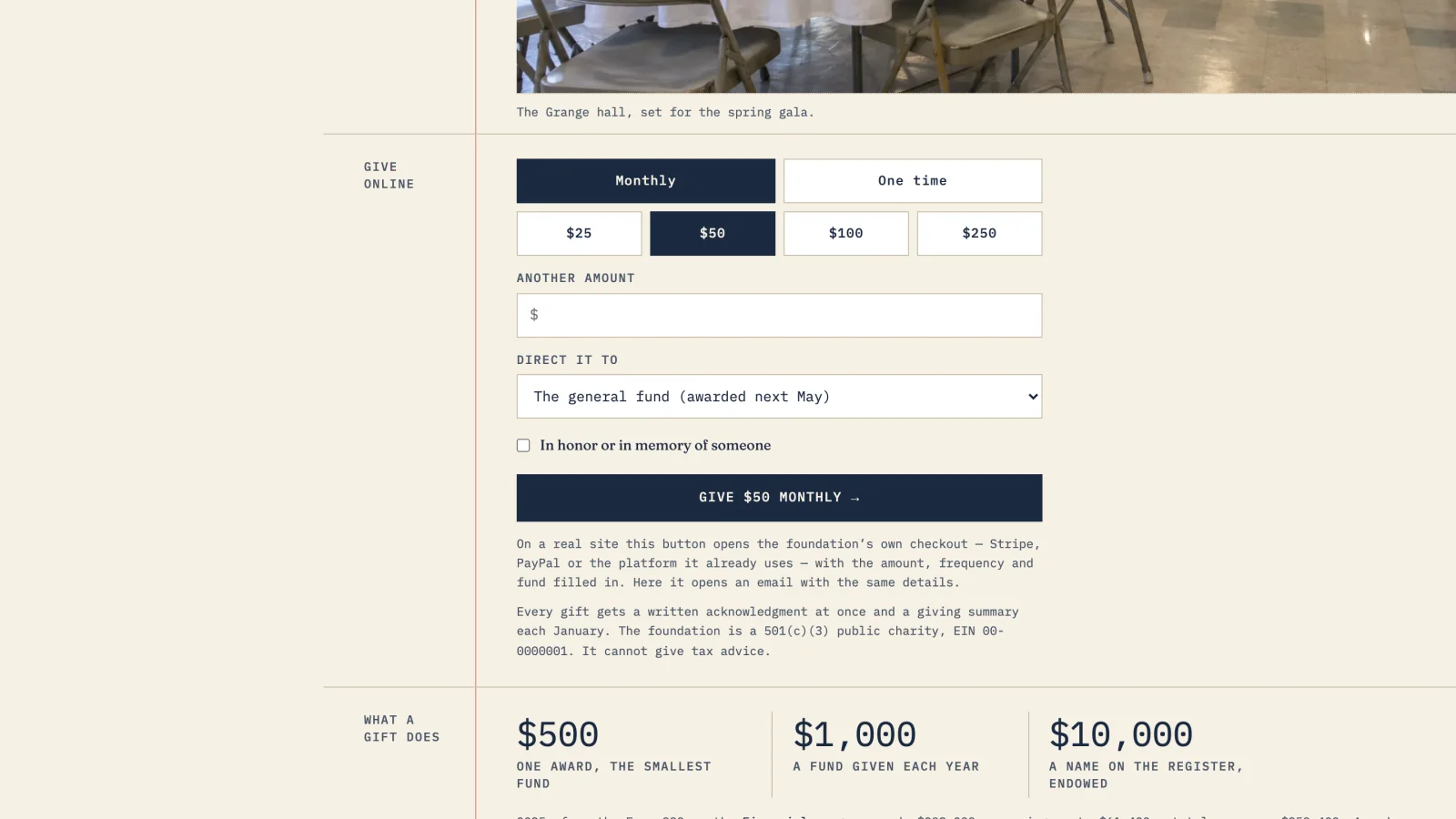
Monthly giving was there on 9 of 10, and 6 of 10 let the donor add the fee to the gift. Suggested amounts were where the PayPal forms fell short: 7 of 10 made the donor type an amount. On the 62 forms from other tools that we could read in the same count, 46 showed suggested amounts. A page of your own in front of PayPal can show amounts and say what each one pays for, the way the give panels in our donation page examples do; you can press one on the Harborlight sample site. In a second check on October 2, 2026, all 9 PayPal-hosted donate pages we reached also showed PayPal’s Venmo button; see Venmo for nonprofits.
Keeping PayPal, with a page of your own in front
We build the donation page on your site. Gifts still go through the PayPal account you already have, and it stays yours. Every page is checked each month for broken links. One plan, $180 a month, and the $1,000 build fee only after you approve the finished site.
Setting up PayPal for donations, step by step
Most of this is an afternoon’s work; the charity-rate approval takes as long as PayPal’s review. In order:
- 01Use a PayPal Business account in the organization’s name. Not a staff member’s personal account. Gifts then arrive in an account the organization controls, and the records stay with the organization when people change.
- 02Apply for the Confirmed Charity rate. PayPal reviews eligibility under its Confirmed Charity terms. Until approval, the standard donation rate applies.
- 03Make the donate page say who you are. Add your logo, your organization’s name and one line about what a gift does. On PayPal’s page, that is most of what the donor sees of you.
- 04Put a page on your own site in front of it. Link your Donate button to a page of your own that says what a gift pays for, then send the donor to PayPal. Suggested amounts can live there if the PayPal page asks for a typed amount.
- 05Press it on a phone once a month. Use your own Donate button on your phone, all the way to the end. When we followed 105 Donate links for our donation form count, one PayPal link had expired.
Suggested amounts work like prices on a menu: the donor picks from what is written down instead of having to name a number.
When PayPal is the right tool, and when to add another
PayPal suits an organization that wants donations working this week, receives a modest number of online gifts, and has donors who already trust the PayPal name. Its Donate button needs no developer. If most of your gifts are taken in person, at events, see Square for nonprofits for a $50 gift priced six ways.
It is worth adding something when you want the gift to happen on your own page, when you want suggested amounts tied to what they pay for, or when your year-end statements take hours. Stripe’s payment code loaded on 37 of the 85 working forms in our count, mostly inside giving tools; our guide to Stripe for nonprofits covers that side, and year-end giving covers what to change before December. For the rest of what a home page should lead to, see what should be on a nonprofit website; for what a site costs to keep each year, see nonprofit website cost per year; and for fifteen working examples, the sample sites.
Comparing donation platforms such as Zeffy or Givebutter? Our Zeffy vs Givebutter comparison shows what donors saw added before they paid, on real nonprofit giving pages. For every option on one page, see our guide to nonprofit payment processing.
Frequently asked questions
How much does PayPal charge nonprofits?
According to the PayPal fees page updated October 1, 2026, donations through the Donate button cost 2.89 percent plus a fixed fee of 49 cents. After PayPal approves an organization for its charity rate, the fee is 1.99 percent plus the same fixed fee. Donations from outside the US add 1.50 percent.
Is the PayPal nonprofit rate automatic?
No. PayPal says charity rates are subject to eligibility, application and pre-approval, under its Confirmed Charity terms. Until the account is approved, the standard donation rate applies, so check which rate your account shows.
How many small nonprofits use PayPal for donations?
In our count of 85 small California nonprofits with a working Donate link, PayPal was the giving tool behind 18, more than any other tool. Four more PayPal pages blocked our software, so the number may be 22. The count was made on October 1 and 2, 2026.
Does the PayPal donate page offer monthly giving?
Of the 10 PayPal donate forms we could read in our count, 9 offered a monthly gift and none needed sideways scrolling on a phone. Three showed suggested amounts; the other seven asked the donor to type an amount.
Should our donation form be on PayPal or on our own site?
Either can work, and we did not measure which raises more. In our count, 17 of the 18 PayPal links sent the donor to a PayPal page to give. A page on your own site can explain the gift and show amounts first, then hand the payment to PayPal.
See your finished website before you pay for it.
A donation page on your own site, with gifts still going through the PayPal account you already have. You pay nothing until you approve the finished site; the first payment is then $1,180 (the build fee plus the first month), and $180 a month after that.
See the plan and apply →Fees from PayPal’s fees page, updated October 1, 2026; check it before you budget. Counts from our visit to 105 California nonprofit websites on October 1 and 2, 2026; no organization is named. This guide is general information, not legal, tax or financial advice.