Venmo for Nonprofits: Two Ways In, and What 85 Giving Pages Show
connectNPO · Updated October 2026
Key takeaways
- Venmo for nonprofits means two different things: a Venmo charity profile inside the Venmo app, or a Venmo button on a PayPal donate page. They are set up in different places, so it helps to know which one your board means.
- A Venmo charity profile is for charitable organizations and 501(c)(3)s whose charity status is confirmed on PayPal first. Venmo keeps 1.9% plus 10 cents of each donation of $1 or more. Venmo’s own example: $2.00 on a $100 gift.
- On October 2, 2026 we opened the giving pages of the 85 small California nonprofits in our donation form count. 11 of 85 visibly offered Venmo, and 9 of those 11 were PayPal’s Venmo button on PayPal’s donate page.
- Every one of the 9 PayPal donate pages we measured showed that Venmo button, on a phone-sized and a desktop-sized screen. If your Donate button goes to PayPal, Venmo may already be there.
- 11 more giving pages loaded Venmo code but showed no Venmo option when the form first opened. Before you set anything up, open your own giving page on a phone and look.
At the spring event a guest asks the question you will hear again: do you take Venmo? Someone opens the app to look for the organization and finds a personal account, or nothing at all. There is a proper way to take Venmo as a nonprofit, and there are two of them.
Yes, a nonprofit can take Venmo. But Venmo for nonprofits is two different things, set up in two different places: a charity profile inside the Venmo app, and a Venmo button on PayPal’s donate page. On October 2, 2026 we looked at the giving pages of 85 small California nonprofits from our donation form count, and 9 of the 11 that showed Venmo used the second.
Before you set anything up, open your own giving page on a phone. If your Donate button goes to a PayPal page, Venmo may already be there.
Venmo for nonprofits: what it costs and who qualifies
There are two ways. One is a Venmo charity profile inside the Venmo app, for charitable organizations and 501(c)(3)s whose charity status PayPal has confirmed first. Venmo keeps 1.9% plus 10 cents of each gift of $1 or more: $2.00 on a $100 gift and $1.05 on a $50 gift. The other is a Venmo button on a PayPal donate page.
The fee and the $100 example are from Venmo’s charity profile fee page, read on October 2, 2026, and Venmo says it cannot refund that fee. That fee is for charity profiles. The pages we read do not say what a gift made through the Venmo button on PayPal’s donate page costs; our guide to PayPal for nonprofits covers PayPal’s donation rates, and Square for nonprofits puts one $50 gift side by side on four companies’ prices.
Venmo for nonprofits is like a shop with two doors on different streets: one inside the Venmo app, one on PayPal’s donate page. Both lead in, and each has its own key.
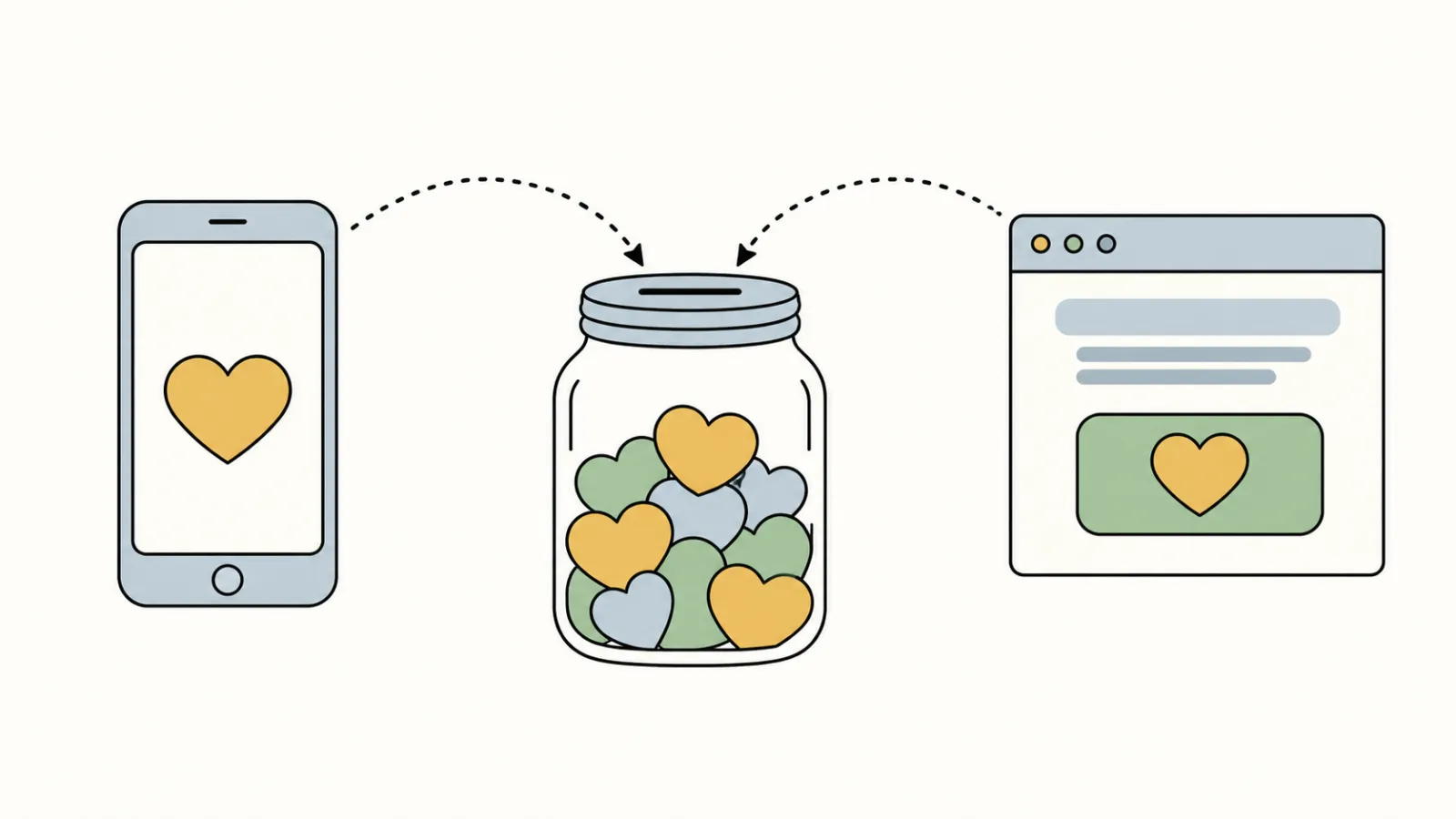
Two ways to take Venmo, set up in two places
The difference matters when you ask someone to set it up. A charity profile is a presence in the Venmo app, with its own name and photos and a QR code for collecting donations in person. The button is a payment choice on a page you already have. One does not create the other, and an organization can have either, both or neither.
How many small nonprofits offer Venmo
We opened the giving page of each of the 85 organizations, on a phone-sized screen and a desktop-sized screen, and looked for a visible Venmo option. 11 of the 85 showed one: 9 on PayPal’s donate page and 2 on the organization’s own page. The real number is probably higher than 11: on 9 more pages, the giving page had a PayPal button that we did not press, so we did not see what PayPal showed.
| Giving page | Showed Venmo |
|---|---|
| PayPal’s own donate page | 9 of 9 measured |
| An organization’s page with a PayPal button we did not press | not reached (9) |
| Wix page with Wix’s donation form (a separate Venmo box beside it) | 1 of 2 |
| Squarespace page with Squarespace’s donation block (a Venmo QR code added to the page) | 1 of 3 |
| Givebutter · Donorbox · GiveWP · Zeffy | 0 of 5 · 0 of 4 · 0 of 4 · 0 of 3 |
| Every other tool and form | 0 of 46 |
| All 85 working giving pages | 11 of 85 |
Giving pages of the 85 organizations with a working Donate link in our donation form count, loaded on October 2, 2026 at phone and desktop width. A visible Venmo option counts; code that loads without showing one does not.
Nine of the eleven were the same thing: PayPal’s blue Venmo button, between the PayPal button and the card button, on PayPal’s donate page. Every PayPal donate page we measured showed it, at both screen sizes. The other two were on the organizations’ own pages: a Wix page with a box, shown only at desktop width, saying it also accepts Venmo, with a Venmo button, and a Squarespace page headed “Pay with Venmo or check” with a Venmo QR code. No page printed a Venmo @handle.
So in this count, 9 of the 11 visible Venmo options were PayPal’s button on PayPal’s donate page, and 2 were on the organization’s own page.
Tools that support Venmo but do not show it
On another 11 pages, the giving tool loaded Venmo code but did not show Venmo when the form first opened: five on Givebutter, two on Neon, and one each on Classy, Donorbox, DonorView and Funraise. Some of those tools may show Venmo on a later step, after an amount is chosen, which our check did not reach. So a tool that supports Venmo does not mean your donors see it.
Stripe’s card-payment software was on 37 of the 85 forms, including all 11 of these; see Stripe for nonprofits.
Setting up a Venmo charity profile
According to Venmo’s setup guide, the organization must be a charitable organization or 501(c)(3), and its charity status must be confirmed on PayPal. The same person has to own both the PayPal charity account and the Venmo account, so decide who that is first. Then, in order:
1. Confirm your charity status in your PayPal business account. 2. Open the PayPal App Center, search for Venmo charity profiles and choose Get Started; this shares your PayPal charity details with Venmo. 3. In Venmo, create the charity profile, verify a phone number, add an email address and password, and agree to Venmo’s user agreement and privacy statement. 4. Add a username, a category, a description and photos. 5. Preview the profile, then publish.
If your charity status is not yet confirmed on PayPal, the first step is the same one our PayPal guide starts with.
Checking on a phone first is like trying the front door before you hang a new sign on it.
Five questions before you add Venmo
- 01Which kind do we mean? A charity profile in the Venmo app, a Venmo button on the PayPal donate page, or both. They are set up in different places.
- 02Who will own the account? Venmo says the owner of the PayPal charity account must be the same person who owns the Venmo account. Decide who that is before you start.
- 03What does the profile give us? Venmo’s FAQ says the charity profile gets donation history and account statements, complete with donor contact information. Read Venmo’s charity profile FAQ for the rest of what the profile includes.
- 04Who thanks Venmo donors and records the gifts? The Venmo help pages we read do not say anything about donor receipts. Decide who will thank Venmo donors and record their gifts, the same as for any other gift.
- 05Does it fit the rest of the page? A Venmo option is one more button. The page around it still has to say what a gift does; our donation page examples show eight ways to do that.
A donation page on the processor you already use
We build the donation page on your site. Gifts still go through the PayPal account or giving tool you already use, so Venmo is available only where that account or tool offers it. Every page is checked each month for broken links. One plan, $180 a month, and the $1,000 build fee only after you approve the finished site.
For the rest of what a giving page and a home page should carry, see what should be on a nonprofit website and year-end giving; for fifteen working examples, the sample sites.
Comparing donation platforms such as Zeffy or Givebutter? Our Zeffy vs Givebutter comparison shows what donors saw added before they paid, on real nonprofit giving pages. For every option on one page, see our guide to nonprofit payment processing.
Frequently asked questions
Can a nonprofit organization set up Venmo?
Yes. Venmo offers charity profiles for charitable organizations and 501(c)(3)s whose charity status is confirmed on PayPal, and the owner of the PayPal charity account must be the same person who owns the Venmo account. A Venmo button can also appear on a PayPal donate page.
How much does Venmo charge for 501(c)(3) donations?
Venmo says a charity profile is charged 1.9 percent plus 10 cents for each donation of 1 dollar or more. By its own example, a 100 dollar donation carries a 2 dollar fee and the charity receives 98 dollars. Venmo says it cannot refund that fee.
Does Venmo have free accounts for nonprofits?
The Venmo charity profile pages we read list a fee of 1.9 percent plus 10 cents on each donation of 1 dollar or more, and we did not find a fee-free option on them. Check the current fee page before you decide.
How does an organization set up Venmo?
First confirm your charity status in your PayPal business account. Then open the PayPal App Center, search for Venmo charity profiles and choose Get Started. In Venmo, create the charity profile, verify a phone number, add the profile details and photos, preview it and publish.
Do we need a Venmo charity profile to show a Venmo button?
We could not tell from the page. In our count, all 9 PayPal-hosted donate pages we measured showed a Venmo button as part of the PayPal page, and we could not see whether those organizations also had a charity profile. PayPal says its Venmo button is for US merchants and US payers, in US dollars.
See your finished website before you pay for it.
A donation page on your own site, with gifts still going through the PayPal account or giving tool you already use. You pay nothing until you approve the finished site; the first payment is then $1,180 (the build fee plus the first month), and $180 a month after that.
See the plan and apply →Fees and setup from Venmo’s and PayPal’s help pages, read October 2, 2026; check them before you budget. Counts from our check of 85 California nonprofit giving pages on October 2, 2026; no organization is named. This guide is general information, not legal, tax or financial advice.