Nonprofit Payment Processing: One $50 Gift, Eight Prices, and What 85 Small Nonprofits Use
connectNPO · Updated October 2026
Key takeaways
- Nonprofit payment processing has two parts. The processor moves the money (Stripe, PayPal or Square). The giving tool is the form donors fill in (Givebutter or Donorbox). A giving tool can run on a processor underneath, so you can pay both.
- We looked at 85 working online giving pages from small California nonprofits. PayPal was the giving tool on 18, and 40 differently named tools and setups appeared in all. Stripe’s payment code (the software that takes the card) was on 37 of the 85, including behind other giving tools.
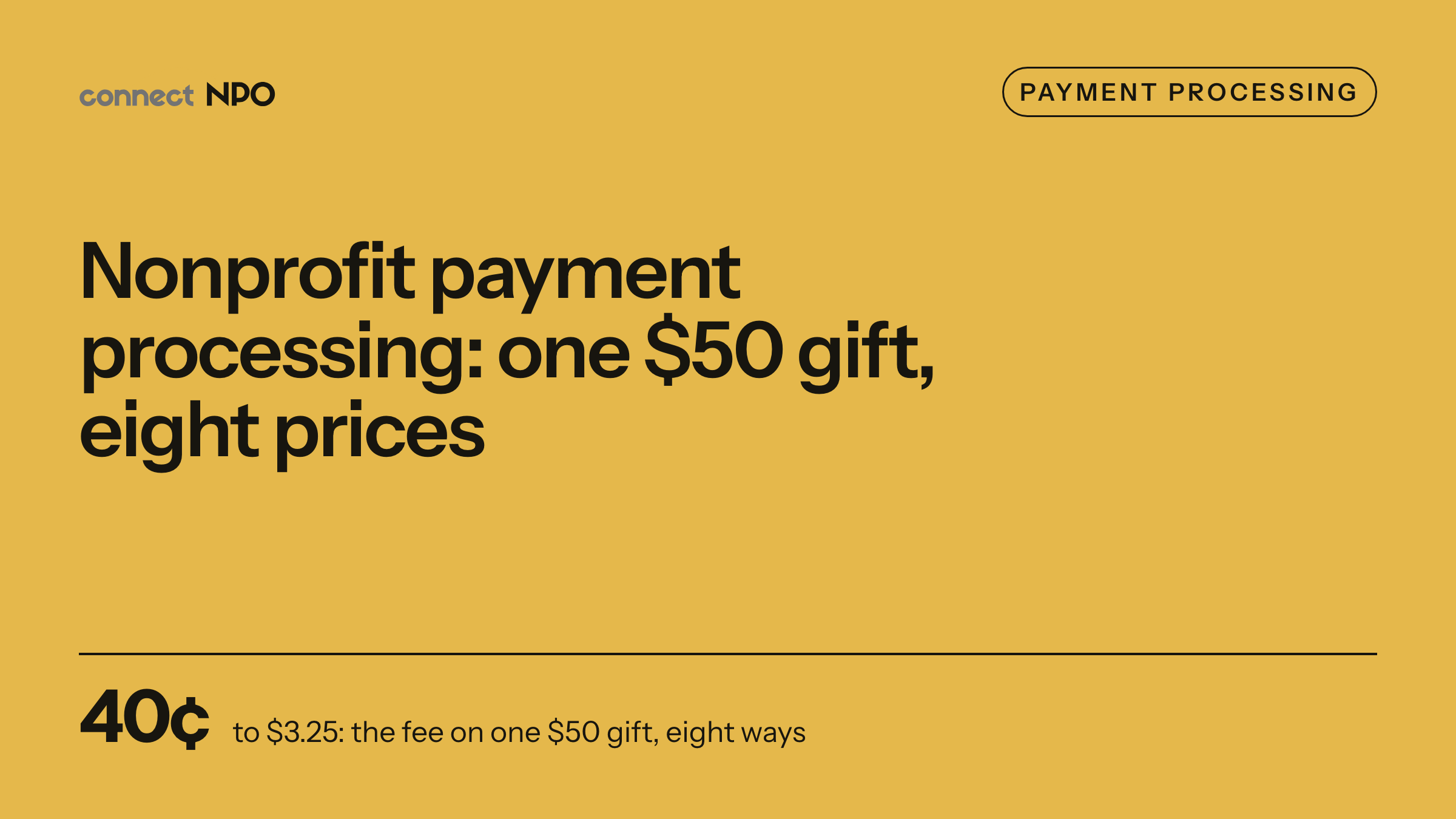
- On a $50 gift, the processors’ published prices we read run from $1.05 inside the Venmo app to $1.95 online on Square; a US bank debit through Stripe costs 40 cents. Giving tools can add their own fee, from nothing to a few percent, or ask the donor for a tip instead.
- Of the processors priced here (Stripe, PayPal, Square and Venmo), only PayPal and Stripe list a nonprofit discount, and both need an application. Zeffy, and Givebutter with tips on, list no fee for the organization and ask donors for a tip: pre-filled at 17% on all three Zeffy forms we opened and 15% on three of five Givebutter forms.
- Fees are only part of the choice. Of the 71 forms whose options we could read, 58 offered a monthly gift and 21 let donors cover the fee. Choose the processor, then check what your donors see on the form.
The board asks what sounds like a simple question: what does it cost us to take a $50 gift online? The answer involves two companies, and the monthly statement may show only one of them.
Nonprofit payment processing sounds like one decision. It is two: which company moves the money, and which form your donors fill in. This guide puts both on one page, with the published price of a $50 gift each way and what the giving pages of 85 small California nonprofits run on, which we checked on October 1 and 2, 2026.
Nonprofit payment processing in one paragraph
Nonprofit payment processing is how a charity accepts card and bank donations online. A processor such as Stripe, PayPal or Square moves a donor’s money to your bank and keeps a fee, between $1.05 and $1.95 on a $50 gift at the published prices we read, or 40 cents for a US bank debit through Stripe. A giving tool such as Givebutter, Donorbox or Zeffy gives donors the form, and either adds its own fee or asks the donor for a tip.
A processor and a giving tool are like the post office and the envelope: one moves the money, and the other is what the donor holds.
Processor or giving tool: the two layers
What the donor sees: the giving tool
The form, the amounts, the monthly choice, the receipt email. Some are hosted by the tool, some sit inside your own page.
Examples: Givebutter, Donorbox, GiveWP, Zeffy, a PayPal Donate page
What moves the money: the processor
Checks the card or bank account and pays the money out to your bank, minus its fee.
Examples: Stripe, PayPal, Square
Some companies are both: PayPal and Square offer their own donation pages and process the payment too.
The two layers explain why fee comparisons are confusing. Givebutter lists card processing of 2.9% plus 30 cents when tips are off, the same as Stripe’s card rate. Stripe’s payment code was on 37 of the 85 giving pages we checked, including behind other giving tools. When you compare, ask each company whether its price is for moving the money, for the form, or for both.

Comparing processing fees without the giving tool’s fee is like comparing rents without the utilities.
One $50 gift, priced eight ways
Here is one $50 US gift and the processing fee the organization pays, from each company’s own published price. Cheaper does not mean better here. The lowest prices apply only to bank debits, gifts made inside one app, cards taken in person, or accounts approved first.
The fee the organization pays on one $50 US gift, from each company’s own published price, read October 2 and 3, 2026, rounded to the cent. Not shown: Donorbox’s free Standard plan lists fees between 2.95% and 3.95% for platform and processing together; GiveWP passes gifts to a processor such as Stripe or PayPal, whose fee the organization pays, and its free Stripe gateway adds 2% on one-time gifts unless the organization holds a paid GiveWP license (from $199 a year); Zeffy, and Givebutter with tips on, charge the organization nothing and ask the donor for a tip.
Givebutter, with tips turned off, lists a 3% platform fee on top of processing, which the organization can pass to donors. With tips on, Givebutter lists no fee for the organization, and Zeffy says the same; both ask the donor for a tip instead. Our Zeffy vs Givebutter comparison shows what that looked like on real forms.
Which processors have a nonprofit discount
Two of the processors list a discount for nonprofits, and both need an application. PayPal’s fee page lists a charity rate of 1.99% plus 49 cents once PayPal confirms the charity, against 2.89% plus 49 cents for donations otherwise. Stripe offers a discount if at least 80% of what comes into your account is tax-deductible donations. Its page does not say what the rate is, so we do not quote one.
Square’s fees page lists no nonprofit discount. It invites organizations processing over $250,000 a year to ask whether they qualify for custom pricing. A Venmo charity profile has its own rate, 1.9% plus 10 cents per donation of $1 or more, for gifts made inside the Venmo app. Each of our guides below explains the application or setup.
Your donation page, on the processor you already use
We build the donation page on your own website and connect it to the payment company or giving tool you already use. One plan, $180 a month, and the $1,000 build fee only after you approve the finished site.
What 85 small California nonprofits use
In our count of 105 Donate links, 85 led to a working way to give online: 42 on the organization’s own site and 43 on another company’s page. Behind them we found 40 differently named tools and setups, plus 3 we could not identify. PayPal came first with 18, then Givebutter with 5, GiveWP and Donorbox with 4 each, and Zeffy, Squarespace’s built-in donations and Gravity Forms with Stripe with 3 each.
Looking underneath, Stripe’s payment code (the software that takes the card) was on 37 of the 85 pages, including pages where donors never see its name. Code being on the page does not prove every gift goes through Stripe, but it shows Stripe is sitting under other tools. Square was behind 3. This is one sample from one state, so read it as what small California nonprofits used in October 2026, not as a national market share.
Best payment processor for a nonprofit: how to choose
- 01Start from where gifts happen. Do you take gifts online, at events, or both? Square’s pages focus on card readers, the small device that takes a card in person; PayPal and Stripe focus on online payments. Our Square guide covers the in-person case.
- 02Decide who pays the fee. The organization pays it, or the donor pays it by ticking a cover-the-fee box, or the donor pays it as a tip. 21 of the 71 forms we could read offered a cover-the-fee box.
- 03Apply for the discount if you qualify. PayPal’s charity rate and Stripe’s nonprofit discount both need an application. Square lists none.
- 04Check the form, not only the fee. Monthly giving, suggested amounts and a page that works on a phone. 58 of 71 forms offered a monthly gift.
- 05Keep the account in the organization’s name. The name on the processor account decides who controls where the money goes and who can see donor records. Make sure that is the organization, not a volunteer or a vendor.
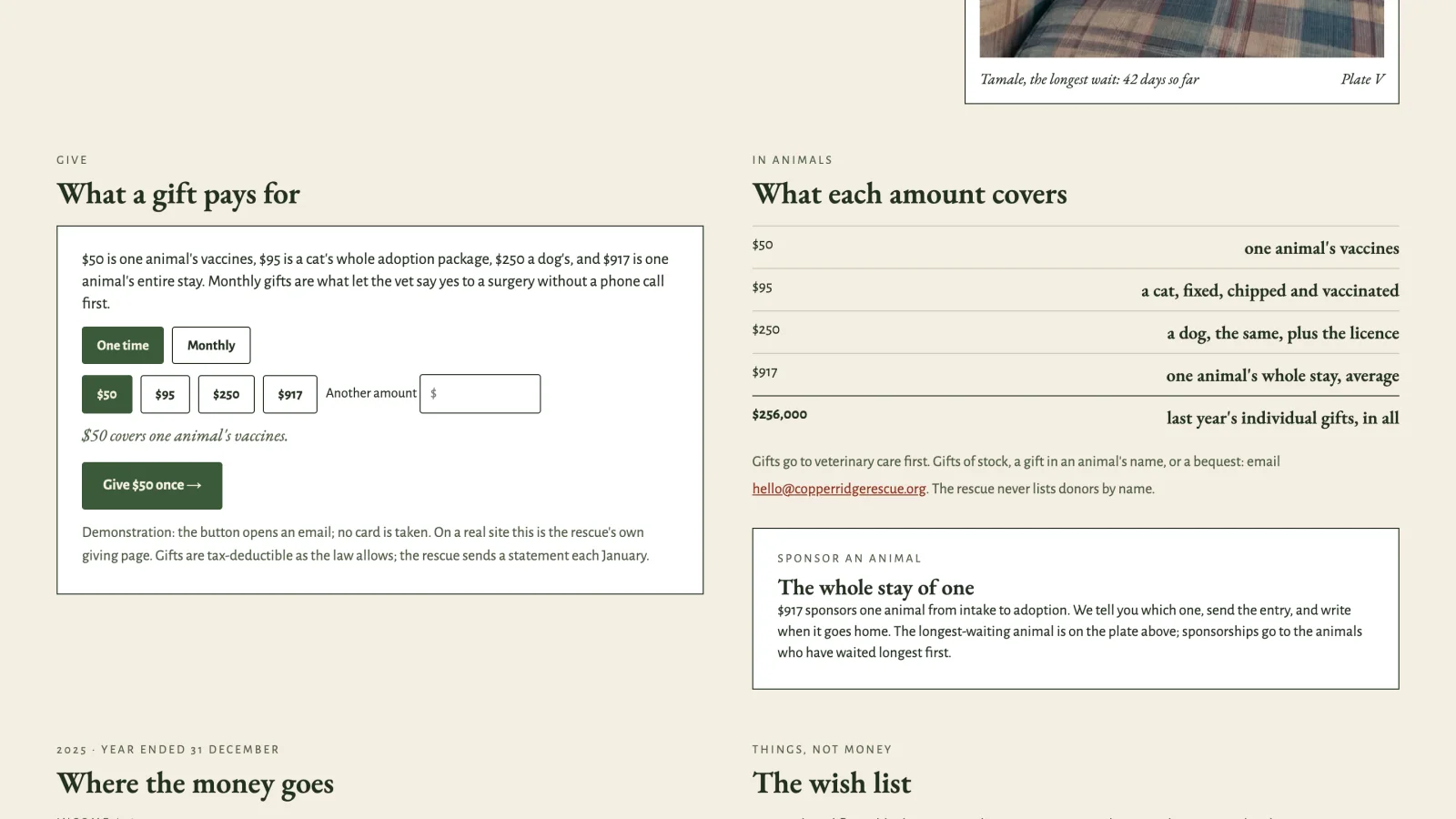
If you want to see how a give panel can say what a gift pays for, our donation page examples show eight on our sample sites, which are invented nonprofits with complete demonstration websites. Before December, year-end giving covers what to change on the page.
Our guides to each option
Frequently asked questions
What is nonprofit payment processing?
It is how an online gift moves from a donor’s card or bank account to the organization’s bank account. A processor such as Stripe, PayPal or Square moves the money and takes a fee. A giving tool such as Givebutter or Donorbox provides the form, and a giving tool can use one of those processors underneath.
What is the cheapest payment processor for a nonprofit?
On the published prices we read on October 2 and 3, 2026, a 50 dollar gift costs about 1.05 dollars through a Venmo charity profile inside the Venmo app, 1.45 dollars on a Square card reader in person, and 1.49 dollars online at PayPal’s charity rate after approval. A US bank debit through Stripe costs 0.8 percent, 40 cents on 50 dollars, capped at 5 dollars. Prices change, so check each company’s page.
Do nonprofits get lower processing fees?
Some processors offer it on application. PayPal lists a charity rate of 1.99 percent plus 49 cents after it confirms the charity. Stripe offers a discount if at least 80 percent of what comes into your account is tax-deductible donations, but its page does not say what the rate is. Square’s pages, read on October 2, 2026, list no nonprofit discount.
Is Zeffy really free payment processing for nonprofits?
Zeffy says it charges nonprofits nothing and covers card fees, and that it relies on optional tips from donors. On the three Zeffy forms we opened on October 3, 2026, a 17 percent tip was already selected at the amounts we tried.
Which payment processor do small nonprofits use?
In our check of 85 working online giving pages from small California nonprofits in October 2026, PayPal was the giving tool on 18, and Stripe’s payment code (the software that takes the card) was on 37, including behind other giving tools. No organization is named. It is one sample from one state, not a national survey.
See your finished website before you pay for it.
A donation page on your own site, connected to the processor or giving tool you already use. You pay nothing until you approve the finished site; the first payment is then $1,180 (the build fee plus the first month), and $180 a month after that.
See the plan and apply →Fees from PayPal’s, Stripe’s, Square’s, Venmo’s, Givebutter’s, Donorbox’s and Zeffy’s own pages, read October 2 and 3, 2026; check them before you budget, because fees change. Counts from our check of 85 California nonprofit giving pages on October 1 and 2, 2026; no organization is named. The sample sites we link to are fictional. This guide is general information, not legal, tax or financial advice.