Nonprofit Logo: Make the One You Have Work Everywhere
connectNPO · Updated October 2026
Key takeaways
- A nonprofit logo does much of its work on the website: in the page header, the browser tab, the picture a shared link shows, and search results. We checked 586 small US nonprofit home pages to see how far each one carried it.
- About eight in ten (476 of 586) showed a logo image near the top of the home page, and 509 (87%) had a browser-tab icon of their own. Only 259 (44%) had the logo, their own tab icon and a share picture all in place.
- 254 home pages (43%) set no share picture, so a link to them can be posted or sent with a blank or random preview. 41 showed a website builder’s stock icon in the browser tab, including 27 of 66 Wix sites.
- Before you redesign a logo, make sure the one you have works when it is tiny, in one color and on white. Then use that same file in your website header, browser tab, share picture and Google profile.
- Our plan includes your brand, set once. If you have no logo, we design a simple one. We also set your colors, fonts and one line about what you do, and use them on every page, video and listing we make.
Suppose a program officer liked your application and wants a colleague to look at your work. She pastes your website address into an email. The preview that appears is a gray box with no picture. When she clicks through, yours is the one tab among fourteen wearing a website builder’s icon instead of your own.
Nothing about your work changed in that moment. You put real work into that application, and a gray box and a borrowed icon were the first two things she saw of you. This guide is about your nonprofit logo in the small places it needs to show up before anyone reads a word, and how many small nonprofits get there. We checked 586 home pages to find out.
Nonprofit logo: the short answer
A logo is not there to be admired. It is there to be recognized the second time, and it does that when the same mark shows up wherever people meet you: the website header, the browser tab, a shared link, search results and print. In our check of 586 small US nonprofit home pages, about eight in ten showed a logo image, but only 259 (44%) also had their own tab icon and a share picture. Before redesigning a logo, make the one you have work in all of those places.
What a logo does for a nonprofit, and what it cannot do
At a crowded conference, a name badge does not make anyone like you. It lets the person you met at breakfast find you again at lunch. A nonprofit logo works the same way. On its own it proves nothing about your programs. Its job is to let a funder, a parent or a neighbor recognize you the next time they see you, and to look like the same organization each time. (By “mark” we mean your symbol, or your name in its usual lettering.)
So the value of a logo lies less in how it looks on a poster than in how often the same mark turns up. Picture a logo on your website, a different one on Facebook, and an old one on the gala flyer. You are asking people to meet you three times. Our guide to nonprofit branding explains why a new logo alone does not fix a brand. This guide is about the logo you already have, and where it needs to show up.
Nonprofit logos on 586 small websites: where they show up
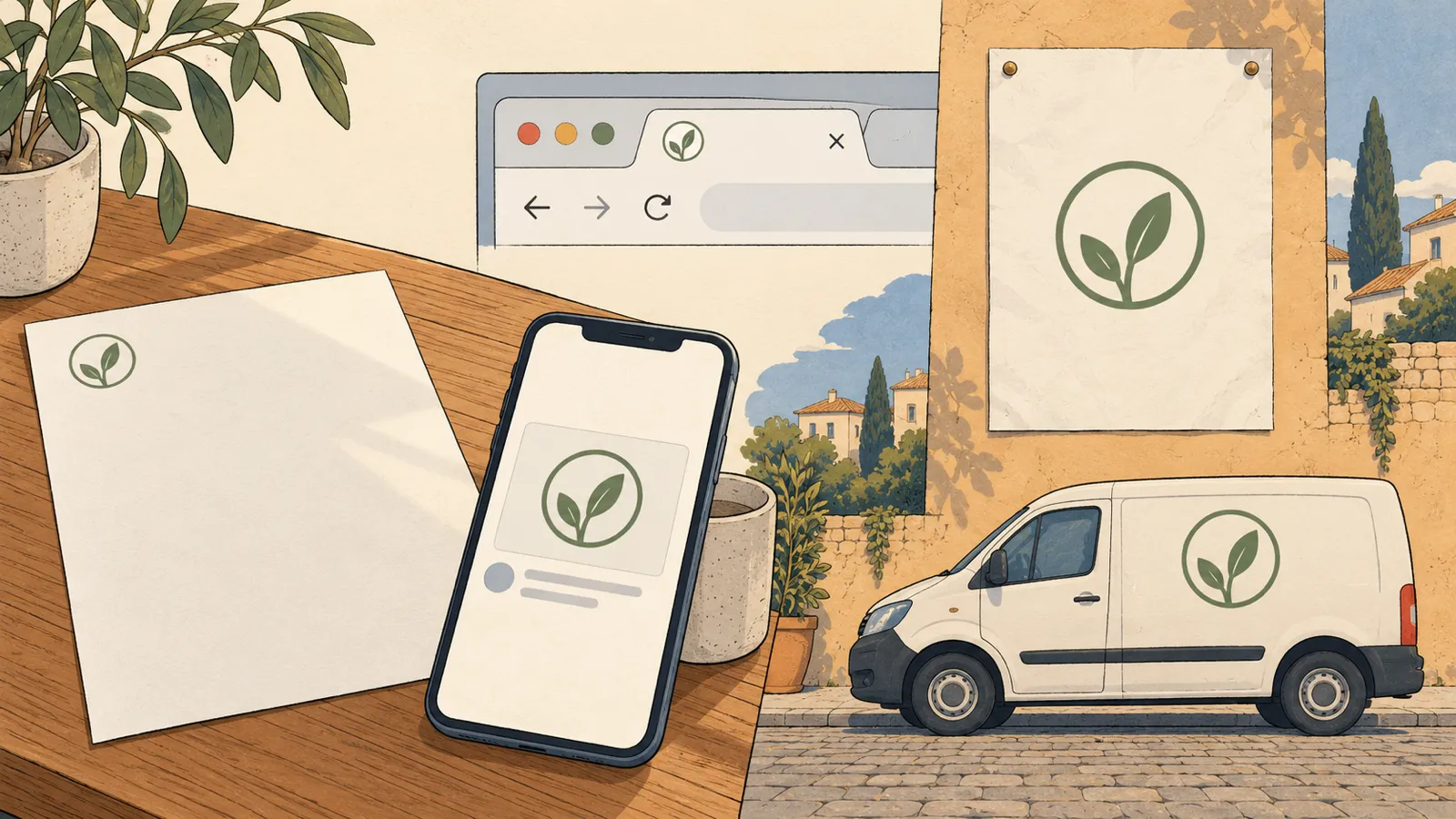
We used our national sample: 1,000 small US public charities picked at random from the IRS list of tax-exempt organizations, all with $250,000 to $1 million in revenue. 586 had a working website on their own domain, which we saved on October 3 and 4, 2026; five more addresses led only to a parked-domain page and are left out. On each home page we looked for four things: a logo image near the top of the page; a browser-tab icon; a share picture, the image shown when a link is posted on social media or sent in a message; and a logo labeled for search engines in the page’s hidden code (called structured data).
Home pages of 586 small US 501(c)(3) public charities ($250,000 to $1 million in revenue) drawn at random, saved October 3 and 4, 2026. For pages with no tab-icon tag, we fetched the site’s icon file on October 10. No organization is named.
The header was the strong part: 476 home pages showed a logo image, 51 set the name in plain text, and on 59 we found no mark at the top. A name in plain text can be a perfectly good wordmark, so we do not count it as a failure. We checked 30 pages by eye on October 10. The share picture matched our count on all 29 pages we could open, and the tab icon on 28 (one was unclear). The logo count matched on 24 of 28, with the misses going both ways, so we round it to about eight in ten.
The places you do not see from your own desk were a different story. Fewer than six in ten pages set a share picture, and one in five told search engines which image is the logo. You only see these when someone else shares your link, which is one reason they get missed. Only 259 pages, 44%, had a logo, their own tab icon and a share picture all in place.
The browser tab: the smallest place your logo lives
A visitor driving slowly down a street is looking for one thing: the house number. It does not need to be beautiful. It needs to be there, and readable from the car. The browser-tab icon, called a favicon, is your house number. It is a tiny square, 16 pixels wide (a pixel is one dot on the screen), so fine detail disappears. It sits next to the page title in every tab, bookmark and browser history.
509
had a browser-tab icon of their own
41
showed a website builder’s stock icon
36
showed no tab icon at all
27 of 66
Wix sites still on Wix’s own icon
If your tab is one of these, it is an easy fix, not a failing. On Wix it was most common by count: 27 of the 66 Wix sites in our sample still carried Wix’s icon. On Squarespace it was 13 of 76. Our count of what small nonprofit websites are built on has the full platform list, and our guides to Wix and Squarespace for nonprofits cover those builders.
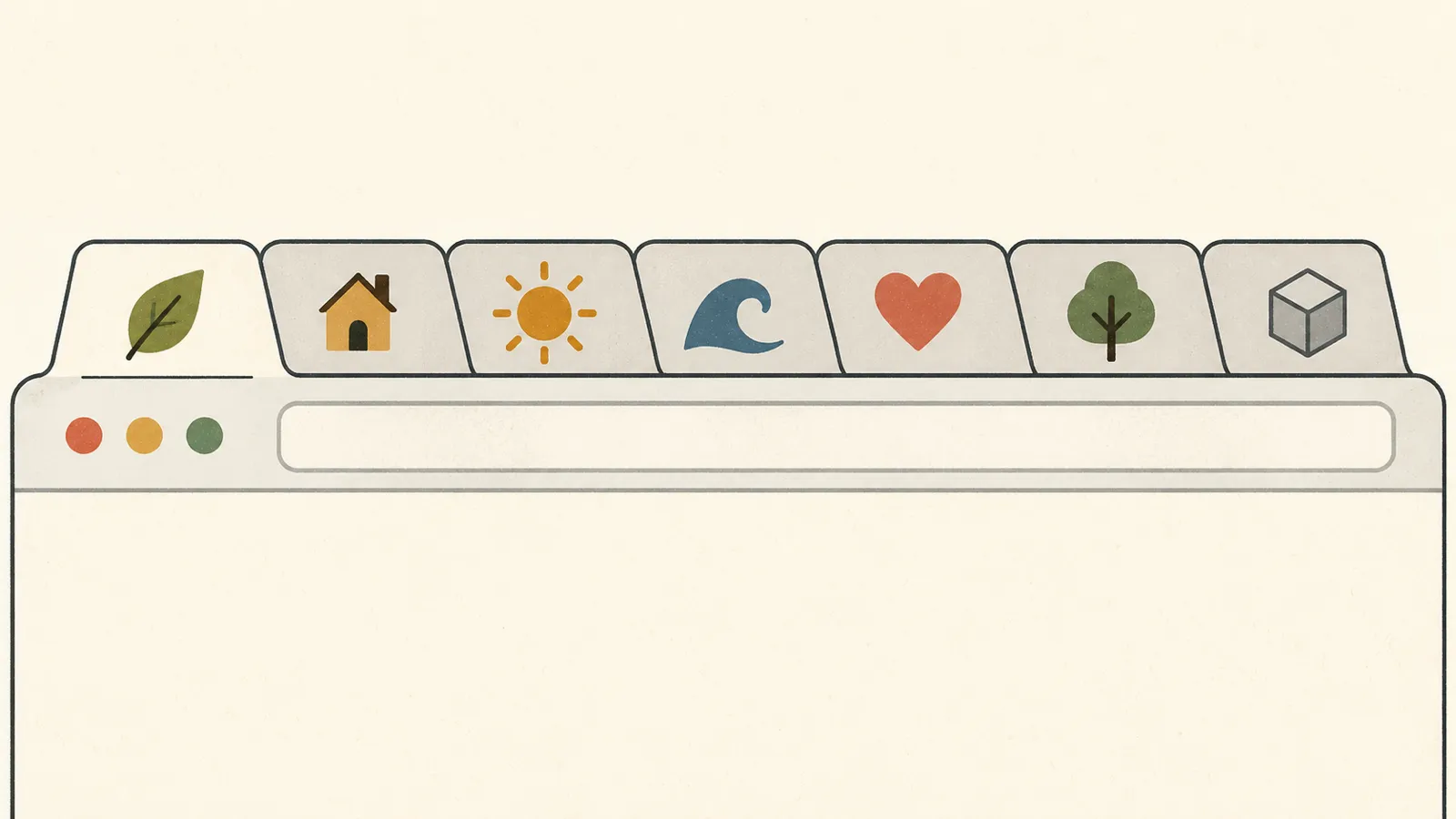
Google uses the favicon too. Its guidance on favicons in search results says a site’s favicon can be included in Google Search results; it must be square, and Google recommends larger than 48 by 48 pixels. Hand those numbers to whoever manages your site. What you need to know is that it should be a simple square.
The share picture: what people see before they click
You have probably never seen how your link looks in someone else’s inbox. When someone posts or sends it, the preview picture comes from a line of hidden information on your page. Its technical name is og:image, from a standard called Open Graph, but all you need to know is that it is the picture a link shows. Without it, the preview may be blank, or the app may pick any picture it finds.
254 home pages in our count, 43%, set no share picture. Among the 15 pages in our hand-checked sample that did set one, 7 used the logo and 8 used a photograph. Either can work. A photograph of your programs with the logo in a corner can say more than the logo alone. Just choose it on purpose. Our nonprofit social media guide shows how to check the preview of any link.
Search results and AI answers
A signature at the bottom of a letter tells the reader who stands behind the words. Search engines look for a signature too. Google says you can tell it which image is your logo by adding a hidden label to your page’s code, which can help it pick the right logo for Search results and for the box of facts it sometimes shows beside a search for an organization’s name (a knowledge panel). The image must be at least 112 by 112 pixels and should look right on plain white.
117 of the 586 home pages, about one in five, labeled their logo this way. AI assistants that answer questions about organizations draw on what the web says about them; we have not measured whether a logo changes those answers, so we make no claim about it. What we can say is simpler: when your name, mark and one-line description match across your page’s hidden label, your Google profile and your social profiles, any reader, human or machine, can tell they belong to one organization. Our mission statement guide covers the one line.
How to make a nonprofit logo work everywhere
At a farmers’ market, you find last month’s jam again by its label: the same color and lettering on every jar and on the stall’s sign. The stall did not need a better label to be found again; it needed the same label on everything. A logo that works everywhere needs a few versions of one mark.
Wide
Symbol and name side by side, for the page header, letterhead and email signature.
Square
The symbol alone, for the browser tab, Google results and your social media profile picture.
One color
Black on white and white on dark, for a row of sponsor logos and black-and-white copies.
Share picture
A wide image with the logo, at least 1200 by 630 pixels, the size Meta recommends for link previews.
Share-picture size from Meta’s guidance on link images, read October 10, 2026.
You do not need a designer to find out where your logo stands. Try these six at your desk:
- 01Shrink it. Look at your logo at the size of a thumbnail. If it turns into a smudge, make a square version from one part of it.
- 02Take the color away. Print it in black only. A logo that still reads in one color survives sponsor rows and photocopies.
- 03Put it on white. Google shows logos on white. If yours has a white outline or sits in a colored box, check that it still looks right.
- 04Look at your own tab. Open your home page among other tabs. If you see a website builder’s icon or a blank square, replace it in your site settings.
- 05Paste one link into a draft. Paste your home page address into a new email or post and look at the preview. Meta’s Sharing Debugger, a free tool that asks you to log in to Facebook, shows the picture Facebook will use.
- 06Use the same file everywhere. Header, tab, share picture, Google profile, social profiles and printed pieces: one logo, the same colors, the same name.
Your brand, set once, in the plan
If you have no logo, we design a simple symbol and wordmark (your name in set lettering), as our service agreement says. Either way, we set your colors, fonts and one line about what you do, and use them on every page, share picture, video and listing we make. The plan is $180 a month plus a $1,000 build fee, due only after you approve the finished site.
Fifteen sample brands you can open
Each of our fifteen sample sites is an invented nonprofit with its own brand: a name in its own lettering, four or five colors, one easy-to-read font and one line about what it does. Six of them, side by side:
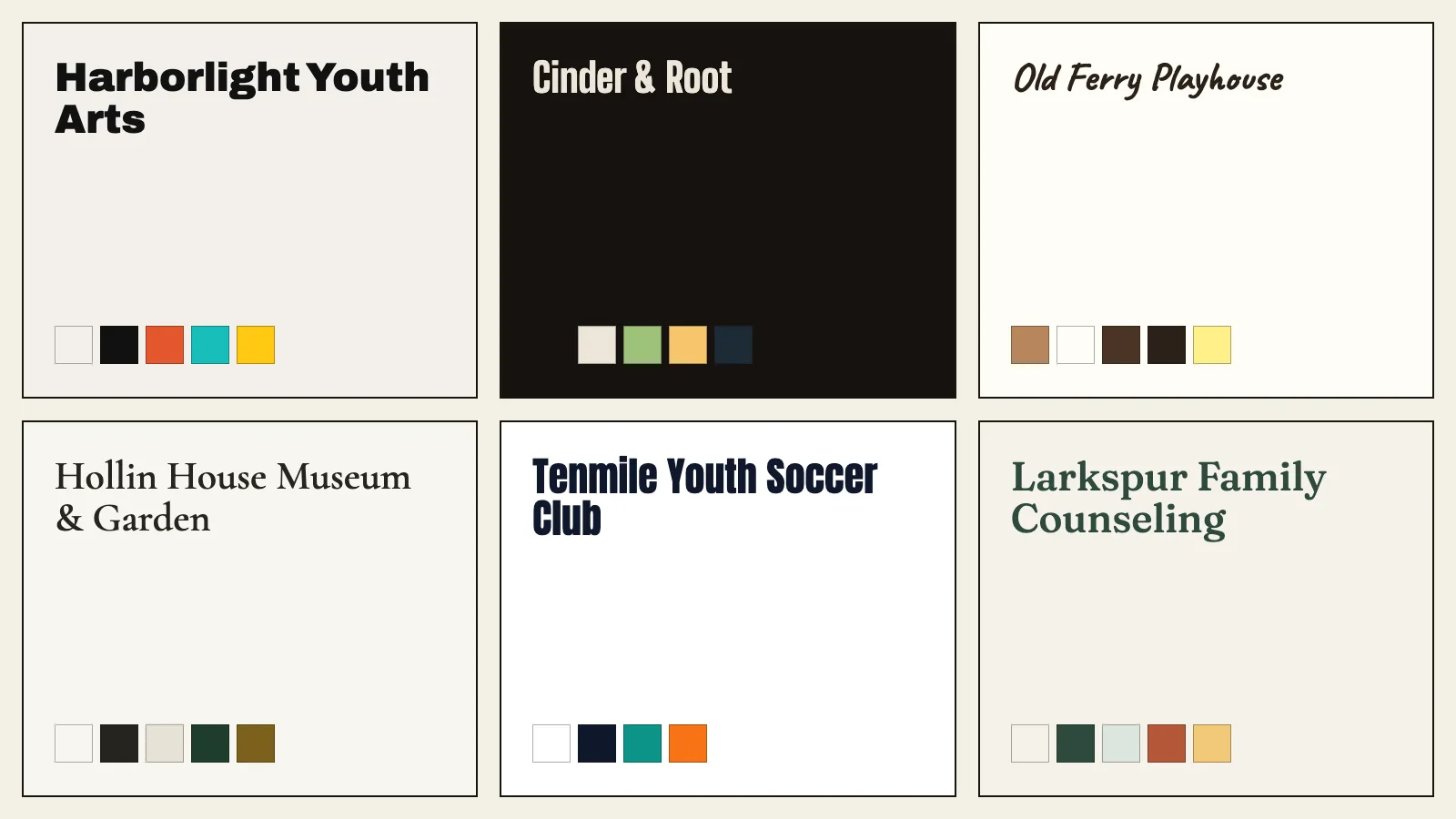
Each sample’s page on our site carries a brand sheet that shows its colors and fonts by name:
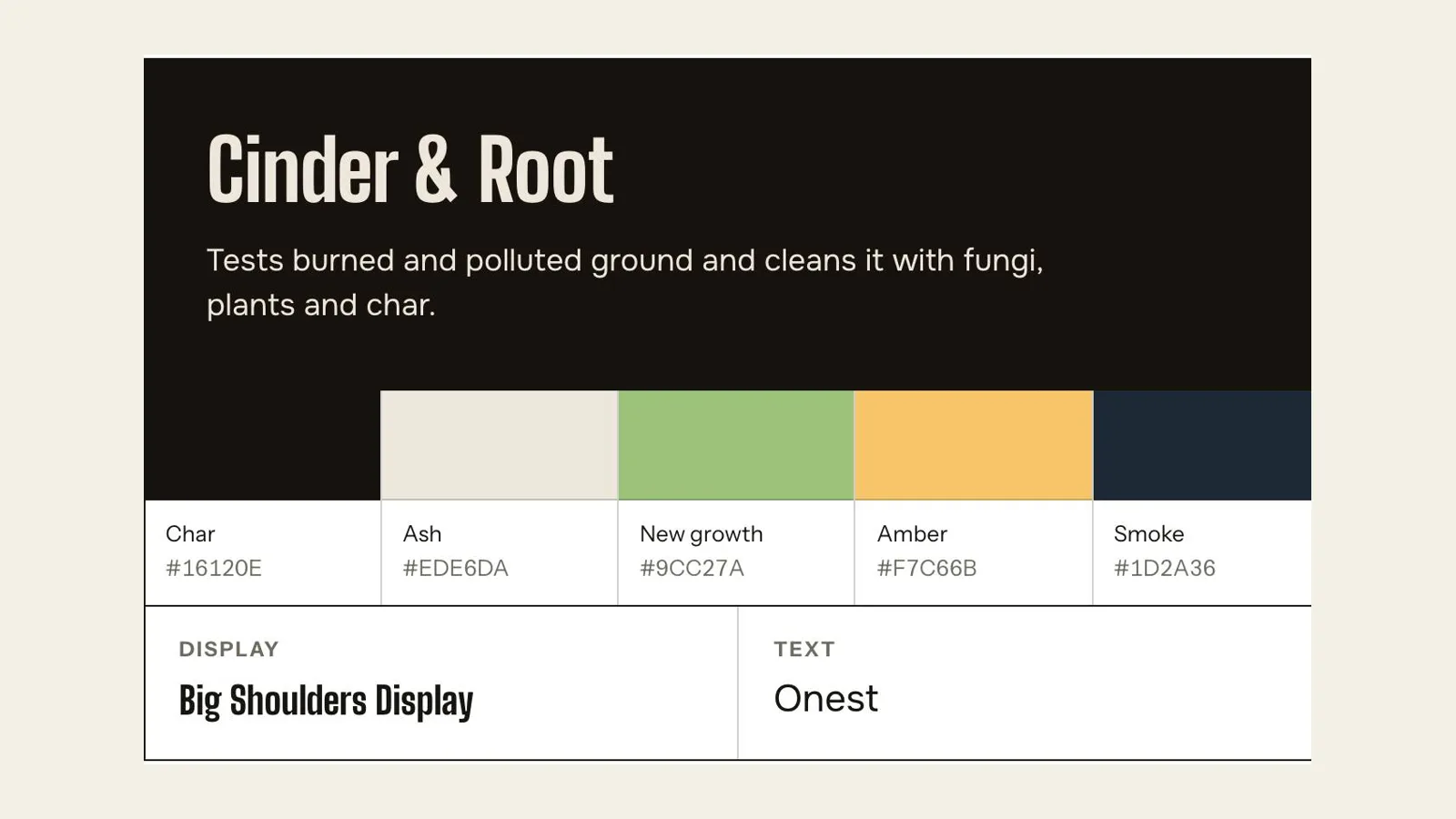
They are invented organizations, and every page on them says so. For the rest of what a home page needs, see what should be on a nonprofit website.
Setting the brand once and carrying it to every page and video is part of our nonprofit website design service.
Frequently asked questions
Does a small nonprofit need a logo?
It needs a recognizable mark, which can be a symbol or simply your name in the same lettering every time. What matters is that the same mark appears on your website, browser tab, shared links, Google profile and printed materials.
Should our nonprofit redesign its logo?
Start by checking the logo you have: does it work small, in one color and on white, and is the same file used everywhere people meet you? Redesign when the mark cannot do those things, or when the organization itself has changed.
What size should a nonprofit logo be on a website?
Keep a square version for the browser tab and search results: Google asks for a square icon and recommends larger than 48 by 48 pixels, and the logo label for search engines needs at least 112 by 112. Keep a wide version for the page header and a version that reads in one color.
What is a favicon, and does a nonprofit need one?
A favicon is the small icon in the browser tab, bookmarks and Google results. In our check of 586 small nonprofit home pages, 41 showed a website builder’s stock icon and 36 showed none. Adding your own is a setting in your website builder or in WordPress.
Does connectNPO design nonprofit logos?
Yes, as part of the plan: if you have no logo, we design a simple symbol and wordmark, set your colors, fonts and one line about what you do, and use them on every page, video and listing we make. We do not search or register trademarks; check that with your own advisor.
See your brand on a finished site before you pay.
One name, one look and one voice, carried by a website we design, write and keep current. You pay nothing until you approve the finished site. Then the first payment is $1,180: the build fee plus the first month. After that it is $180 a month.
See the plan and apply →Counts from the home pages of 586 small US public charities, saved October 3 and 4, 2026; tab-icon files fetched and 30 pages checked again by eye on October 10, 2026; no organization is named. Google, Open Graph and Meta guidance read October 10, 2026. The sample sites we link to are fictional. This guide is general information, not legal or trademark advice.