Nonprofit Website Redesign: Signs, Steps and What It Costs
connectNPO · Updated September 2026
Key takeaways
- A redesign fixes how a site looks and works on launch day. Of 150 small California nonprofit websites we counted, 37 showed something plainly out of date. Plan for who keeps the new site current, not only for launch day.
- You can count the signs that you need a redesign instead of guessing. Across 152 small California nonprofit home pages, the middle page weighed about 3 MB, 10.5% linked to anything about their finances and 5.3% linked to an accessibility statement.
- On our plan a redesign costs $1,000 plus $180 a month, and you pay nothing until you approve the finished site. We move your current site over, up to 40 pages, in about four weeks from the day the content is agreed.
- A redesign runs in six steps: list what the site has now, decide what each page is for, write for visitors, match every old address to a new one, test on a phone, then launch and watch how you show up in search for a few weeks.
- Keep your old addresses working, or visitors land on error pages after launch. Google recommends a list pairing every old address with its new one, permanent redirects (the kind developers call 301), kept in place generally for at least a year.
A board member mentions the website at a meeting. Someone says it looks dated. Someone else says the donate button is hard to find. By the end of the meeting a redesign is on the list, with no clear idea of what it should fix or what it will cost.
This guide to a nonprofit website redesign sticks to things you can check. It covers what we found on small California nonprofit websites, what a redesign costs on our plan, the steps it goes through, and how to keep Google pointing to your new pages.
What a nonprofit website redesign is for
A nonprofit website redesign rebuilds your site so visitors can find what they came for and your staff can keep it current. The design is the part people see. Whether the site still works next year depends on who keeps it up to date.
Think of repainting a house. Fresh paint changes how the street sees it on the day the painters leave. It does not fix the gutters, and a year later the gutters are what the neighbors notice. A redesign with no plan for upkeep works the same way: it looks good at launch and wears a year later.
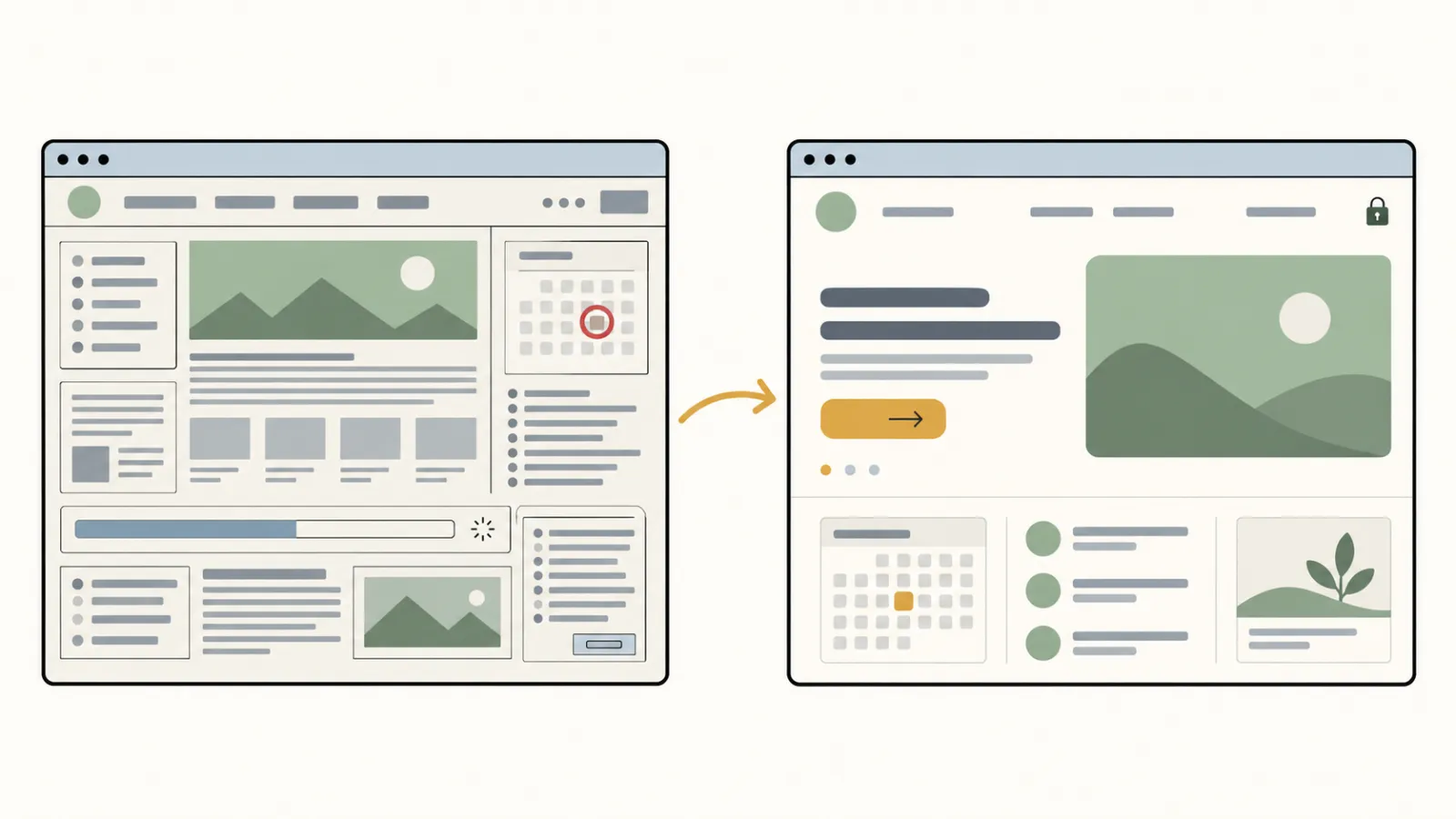
Five signs you need one, from our own counts
A redesign without the signs written down is like a renovation without an inspection: the walls get painted and the leak stays.
Whether a site looks dated is easy to argue about. These five signs are not. The first four come from two counts we ran in September 2026, each with a public write-up: how many small California nonprofit websites are out of date and what small California nonprofit websites are built on.
| Sign | How many sites showed it | Source |
|---|---|---|
| An event more than 30 days past, still shown as coming up or open | 21 of the 37 out-of-date sites | the 150-site count |
| A home page that is slow to load on a phone (more than 3.15 million bytes) | 73 of 151 home pages | the 152-site count |
| No home-page link to anything about your finances | 136 of 152 home pages | the 152-site count |
| No home-page link to an accessibility statement | 144 of 152 home pages | the 152-site count |
| Staff cannot change a date without calling someone | not countable from outside | ask your team |
Both counts looked at small 501(c)(3) organizations in California with $250,000 to $1 million in revenue, drawn from IRS records. The out-of-date count checked 150 sites on September 20, 2026; the home-page count measured 152 sites in September 2026, and one of those pages could not be weighed.
Page weight is the file size a phone has to download before a visitor sees anything; a bigger number means a slower page. The middle home page in the 152-site count weighed about 3 MB (3.07 million bytes). The home pages of eight of our own sample sites measured 233 to 689 KB on September 22, 2026, and images were the largest part of every one that day. Our guide to nonprofit website hosting has the details.
If two or more of the five describe your site, a redesign is worth planning. If only the first one does, you may need someone to keep dates current more than a new design; our guide to keeping a nonprofit website up to date covers that rhythm.
How much does a nonprofit website redesign cost?
On our plan, a nonprofit website redesign costs a $1,000 build fee, paid only after you approve the finished site, plus $180 a month; the first payment is $1,180, the first year comes to $3,160, and the redesign takes about four weeks from the day the content is agreed. There is no higher tier and no paid add-on.
Moving your current site is included up to 40 pages: we read the pages, posts and images you want to keep, rebuild them in the new design and keep the old addresses working. After launch, changes go through a request form, and small ones are done within one business day. The service page explains how the plan is built.
The site stays yours. Your domain, your web address, is registered in your organization’s name. After twelve monthly payments the site leaves with you at no charge, as the service agreement sets out.
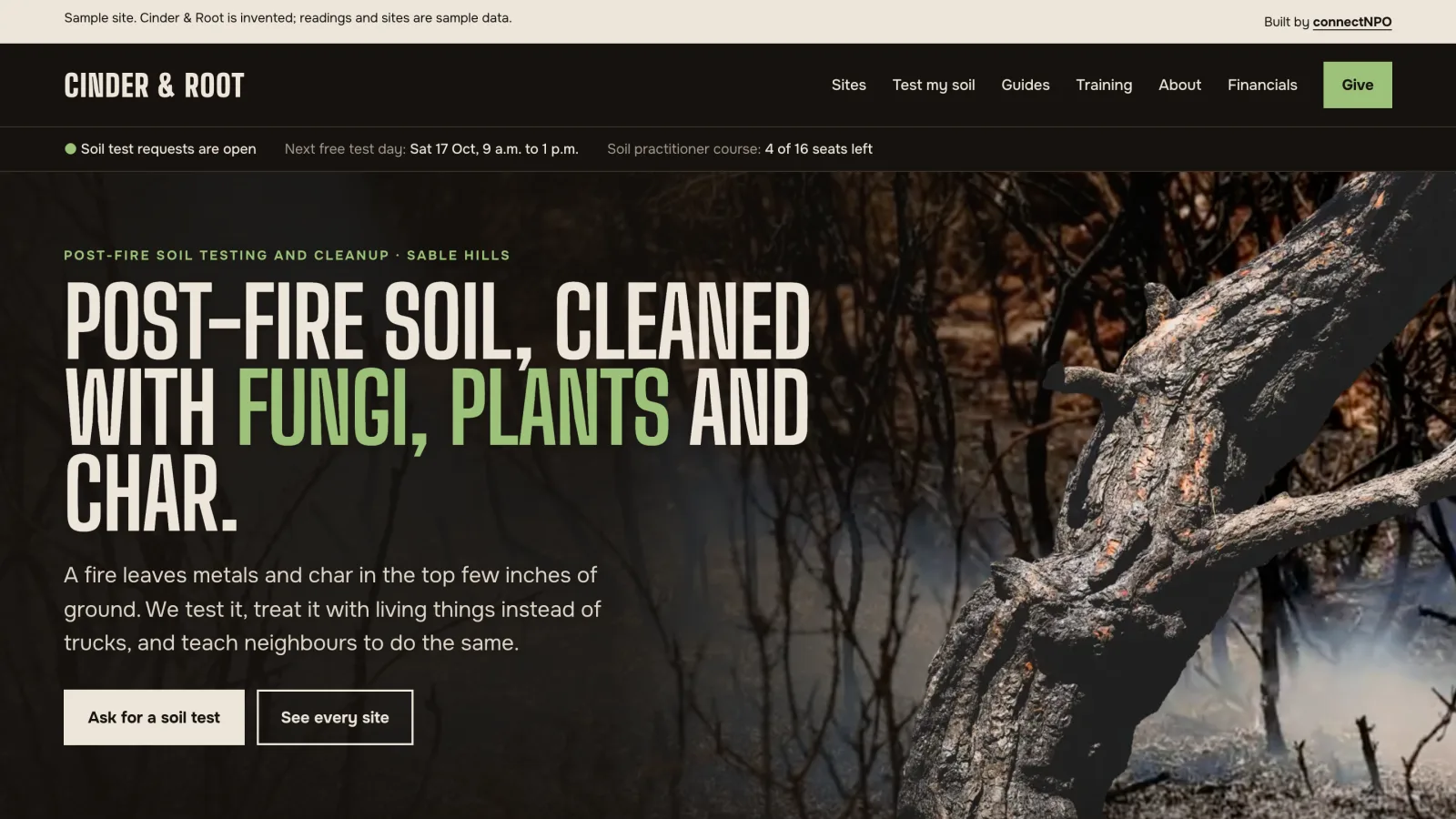
Before you apply, click through our sample sites to see the kind of site we build. If you are weighing doing it yourself, see our website builder comparison and WordPress for nonprofits.
How to redesign a nonprofit website in six steps
The order matters more than the tools. Each step below produces something the next one needs.
- List what you haveEvery page, post, PDF and form, with the address of each. This list becomes your old-to-new address list in step 4.
- Decide what each page is forName what each kind of visitor comes to do: give, get help, volunteer, or check your numbers. Cut or merge pages that serve none of them.
- Write for visitorsUse plain words and put the answer first. Start the writing before the design, so the design fits the words.
- Match each old address to a new oneWrite one line per old page saying where it goes now. No old address should lead to an error page.
- Test on a phoneOpen every page on a phone, send the donate and contact forms once, and check that the text is easy to read against its background.
- Launch, then watchSend Google the new list of your pages (your sitemap), check that each old address lands on the right page, and keep an eye on how you show up in search for a few weeks.
Step 3 is the one visitors notice. If you are unsure what the new site should carry, our guide to the pages a nonprofit website needs lists the pages and facts donors, funders and families look for.
The W3C accessibility guidelines, from the international web standards group, explain how to make pages work for people who use a screen reader (software that reads pages aloud) or only a keyboard.
See a finished site before you pay for it
We build your new site on a private address first. You read every page, ask for changes, and pay the $1,000 build fee only when you approve it.
Keep every old address working
A move goes smoothly when the mail still arrives. Your old addresses are in funders’ bookmarks, in last year’s newsletter and in search results. If they lead to an error page after launch, those visitors are lost.
Google’s guide to moving a site with address changes covers more than this, but four of its steps matter most for a small site:
- Make a list that pairs every current address with its new one.
- Set up permanent redirects, which are automatic forwards from the old address to the new one. Developers call them 301 or 308 redirects.
- Avoid chains, where one old address forwards to another old address that forwards again.
- Keep the redirects for as long as possible, generally at least a year.
Google also says your search rankings may shift for a while as it re-reads the site, and that it can take a few weeks or more before Google shows the new addresses. In practice, the list from step 1 is required, and after launch someone opens each old address once to see where it lands.
Why redesigned sites fall behind again
In the 150-site count, the top sign of an out-of-date site was an event or deadline more than 30 days past that still showed as upcoming or open: 21 of the 37 sites that were plainly out of date. A new design does not change that. What changes it is someone whose job includes the edit.
Lack of time is the shortage one survey names first. The Nonprofit Communications Trends Report 2025 surveyed 463 nonprofit communicators, and its chart of top challenges puts a lack of time to produce quality content first: 45% rated it very or extremely challenging (the report’s text says 44%). The survey asked about content in general, not websites.
A redesign on its own
- A new design on launch day
- Updates, backups and edits handed to your staff
- The next event, report and 990 added by whoever has time
- Another redesign when it falls behind
A redesign with upkeep
- The same new design on launch day
- Updates and backups done for you
- Dates, reports and filings changed when you send them
- The site kept current instead of rebuilt
That is why we sell the redesign and the upkeep as one plan. The yearly parts of upkeep are laid out in what a nonprofit website costs each year.
Before you start: four questions to answer
Four answers help any redesign go more smoothly, whoever builds it.
- Who is the site for? Name the three or four kinds of visitor and what each one comes to do.
- Who will change it? A name, not a department.
- Which pages can go? Pages no one visits and no one would miss.
- What must not break? The donate form, the addresses funders already link to, and your email.
Write those four answers down and send them to whoever builds your site. If that is us, the application on our pricing page asks what is wrong with your site now and the one thing you would fix first, and your four answers fit there.
Frequently asked questions
How do we know our nonprofit website needs a redesign?
Look for things you can count. An event that ended more than a month ago still shown as upcoming, a home page over 3 MB that is slow on a phone, no home-page link to your finances or to an accessibility statement, or staff who cannot change a date without calling someone. Two or more of those are reason enough to plan one.
How long does a nonprofit website redesign take?
On our plan, about four weeks from the day the content is agreed. Other builders vary with the number of pages and how fast the content is agreed. The site goes up on a private address first, so you can read every page before anyone else sees it.
Will a redesign hurt our search ranking?
It can for a while. Google says your rankings may shift as it re-reads the site, and that it can take a few weeks or more before the new addresses show in search. Pairing every old address with its new one through permanent redirects is your best protection.
How much does a nonprofit website redesign cost?
On our plan, $1,000 to build, paid only after you approve the finished site, plus $180 a month for hosting, updates and the small changes you send us. Elsewhere the price depends on the number of pages, custom features and who writes the words.
Can we keep our current website content?
Yes. The pages, posts and images you want to keep can be moved into the new design, and the old addresses forwarded to the new ones. On our plan moving the current site is included up to 40 pages.
See your redesigned website before you pay for it.
Your current site moved over and rebuilt, up to 40 pages. You pay nothing until you approve it; the first payment is then $1,180, and $180 a month after that.
See the plan and apply →Counts come from our own studies of small California nonprofit websites in September 2026; each links to its method and limits. Google guidance was read on September 30, 2026. The sample organizations are fictional, built by connectNPO. This guide is general information, not legal advice.