Aging Well NavigatorA sample resource-directory website. The organization is invented.
A small council on aging for two counties in central Ohio that runs nothing itself except a phone line and a list: three staff, 22 volunteer checkers, 36 sample listings, a budget of about $400,000. The directory is the home page, and every row says when it was last checked and by whom.
- KindResource directory and navigator line for older adults and caregivers
- BudgetAbout $400,000; revenue $410,000 in 2025
- Staff3, and 22 volunteer directory checkers
- Pages6; listings, the phone hours and the numbers staff-editable
- Look"The directory": the search box is the hero, four life-stage doors, a row per listing with a date on each
- Real?No. Every listing, number and document is invented and says so; no older person is ever pictured
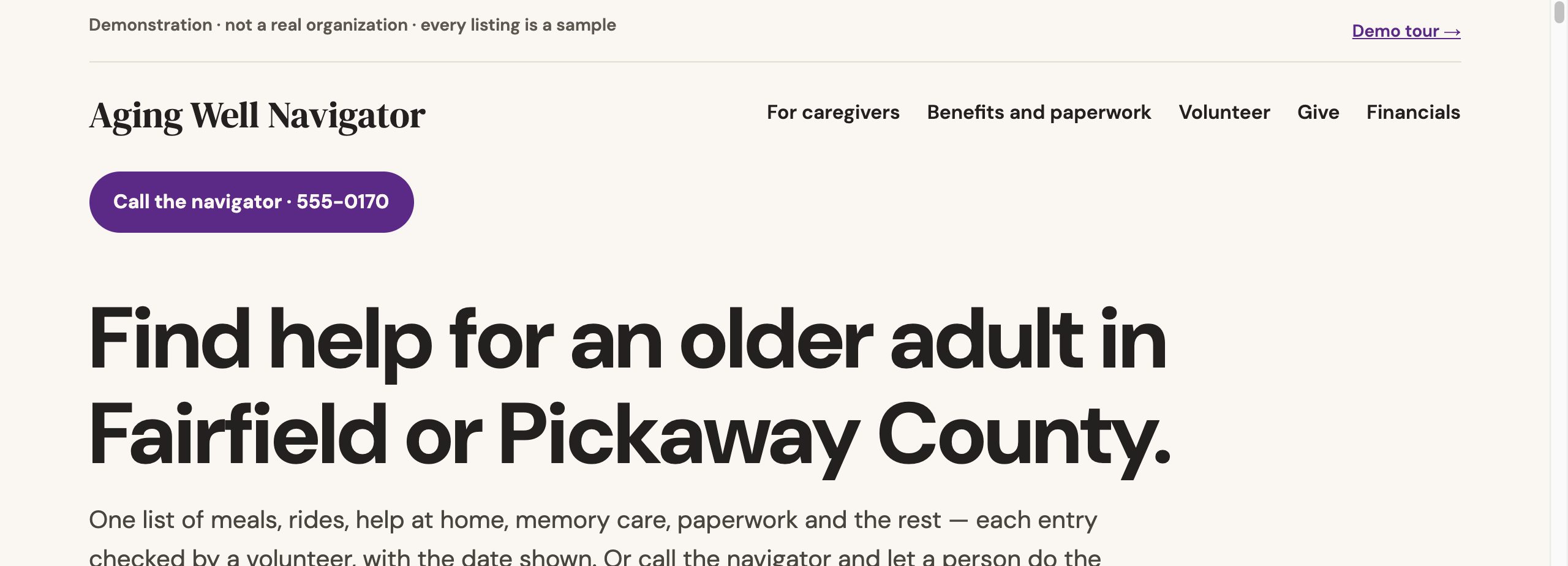
One name, one look, one voice.
Every sample has its own brand, set once and used the same way on every page, from the home page to the financials. It is the same work we do for your organization.
- A name and a wordmark, set in one display type
- Four or five colours, each with one job
- One type for reading, chosen for the people the site serves
- One line that says what the organization does, used in search, listings and the share preview
Help for older adults, with every listing checked and the date shown.
Six things to press, in order.
Each one is a working feature, and each one is an example of what we build. Nothing you do on the site is recorded.
A directory that filters in the browser
Every listing is a record: need, county and town, cost, languages, phone, hours. Chips for need, area, cost and language plus a text search narrow the rows, and a link can carry a filtered list.
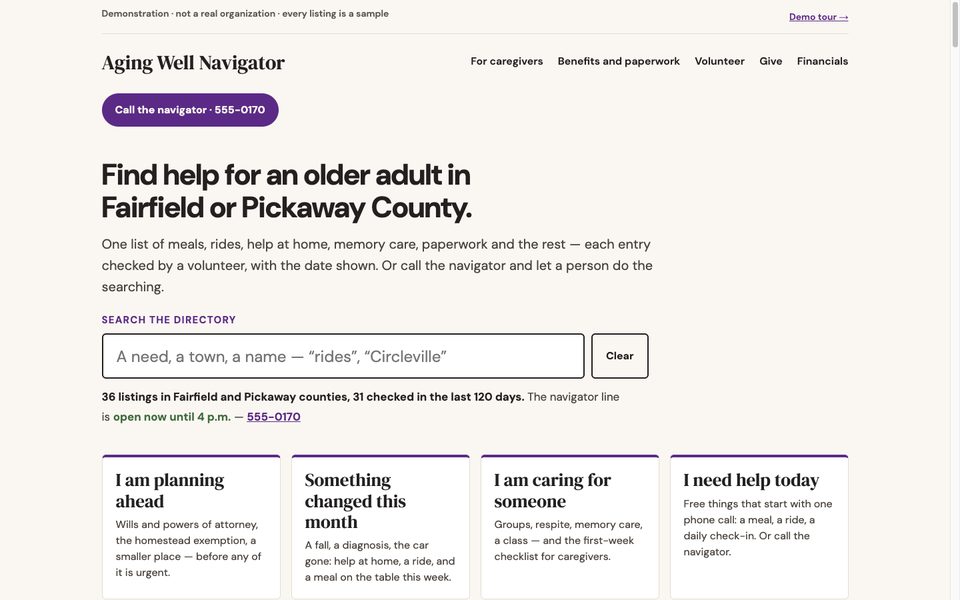
"Last checked", and the call sheet built from it
Each row shows the date and the checker's initials. A listing not checked in 120 days carries a "call first" flag computed from the date; the volunteer page lists everything older than 90 days as this month's call sheet.
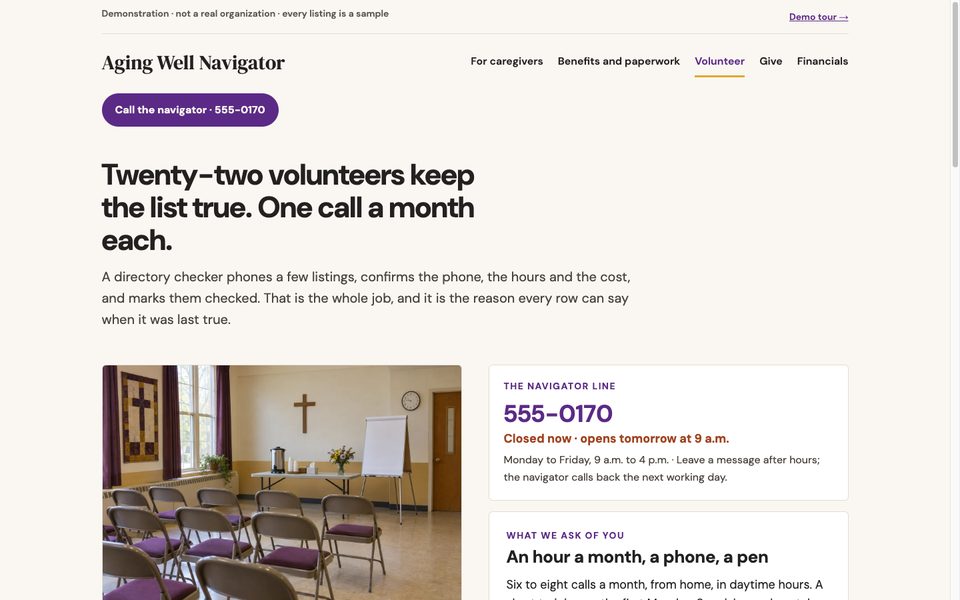
The same list, preset for caregivers
The caregivers page opens the directory already filtered to caregiver support, with a first-week checklist beside it. Print shows only the rows that survived the filters, with the date and the filters in the header.
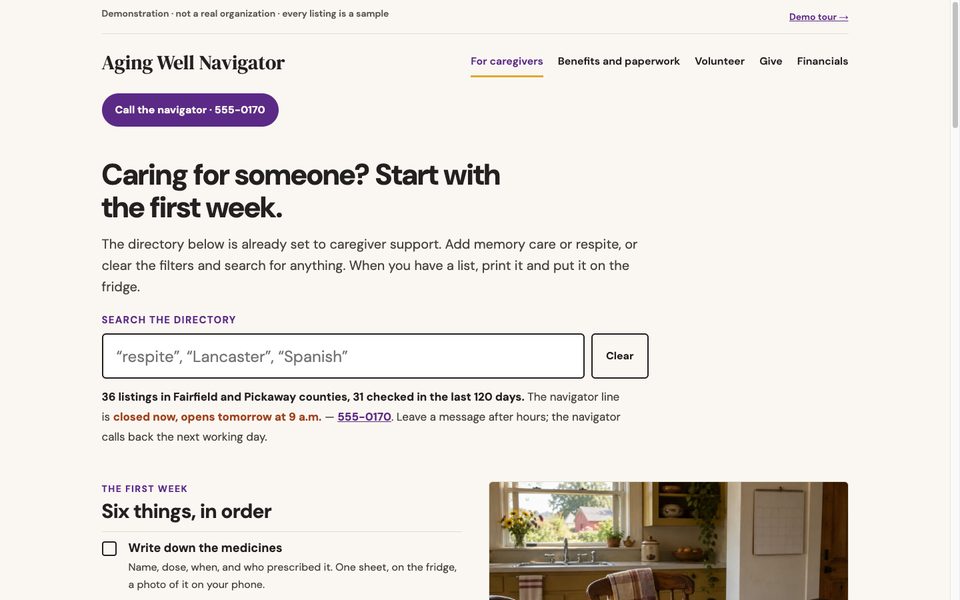
Suggest a correction
A demo form per listing: the row's button fills in which one. The result panel lists what a real site would do with it. Nothing is sent.
The paperwork, with the official door only
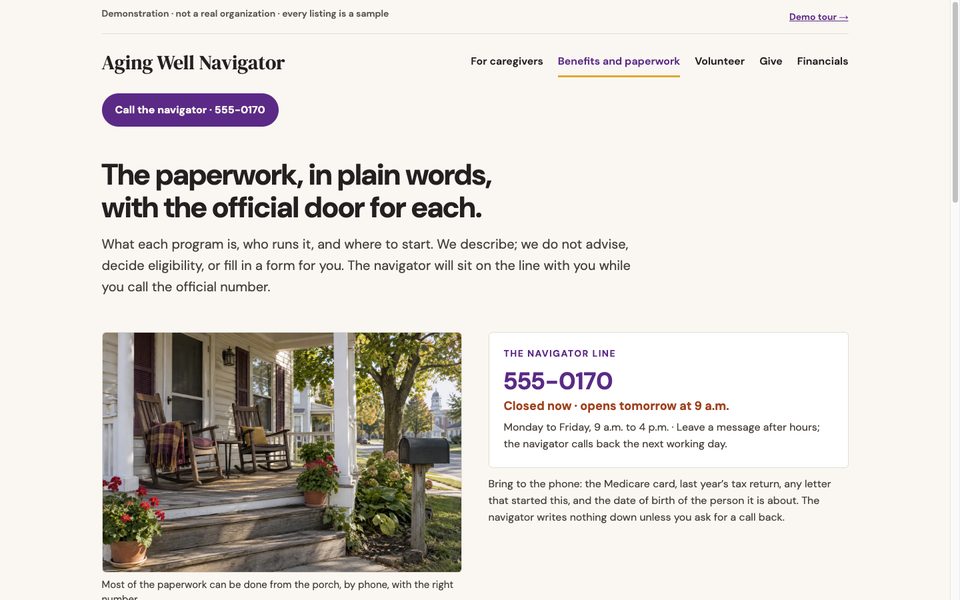
Medicare, Social Security, the homestead exemption, the ombudsman: what each is, who runs it and where to start, linking only the official source. Described, never advised; the navigator sits with a caller while they call the real number.
Numbers with a method, the levy in one paragraph
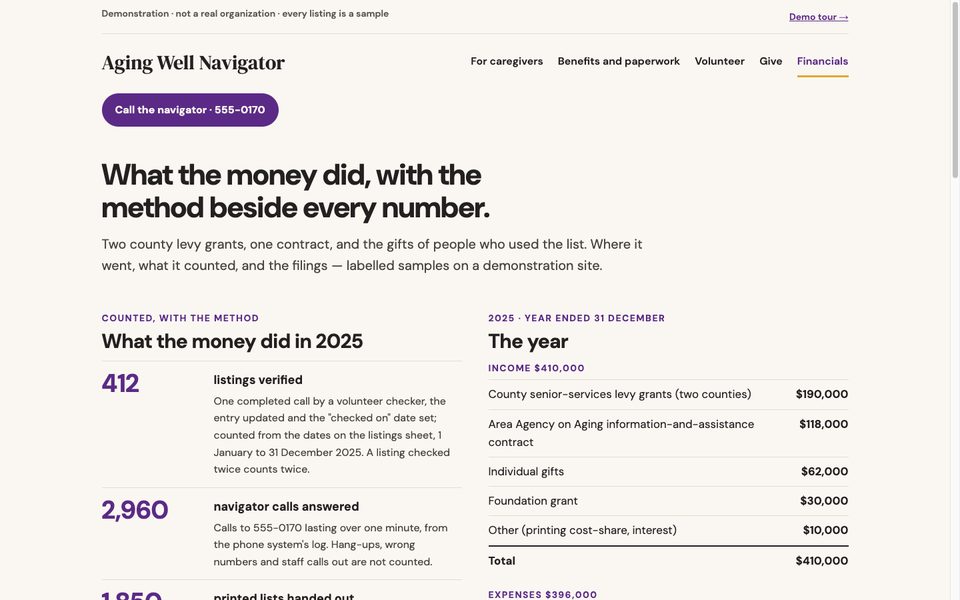
412 listings verified, 2,960 calls answered, 1,850 lists handed out, each with how it was counted. The county levy grant is explained with the statute linked, the year adds up, and three 990s are labelled samples.
Sign in. No password. Nothing you change is saved.
The button below signs you in to the real staff area as sample staff. You see what the organization's staff would see: one menu, a tile per tool, and the checks.
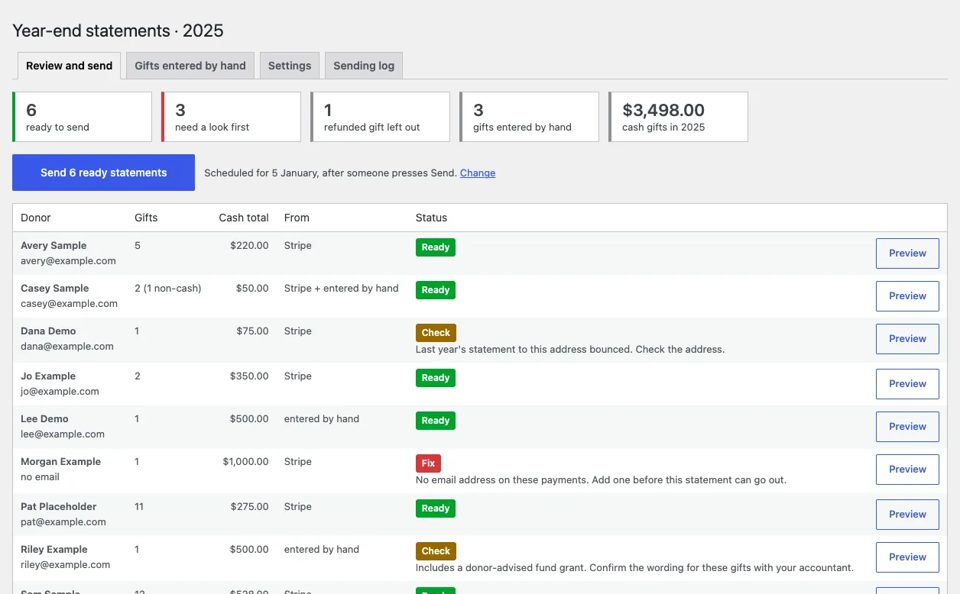
- 01Tiles for Listings, Needs, Navigator line, Numbers, Financial documents, Year-end
- 02Checks: a listing never checked, listings past 120 days, listings due on the call sheet, a need with no listings, the hours sheet missing, a closure date that has passed
- 03Every listing is a record with a date and initials; the flag on the page and the call sheet are computed from them
- 04Press Update on anything and the screen says "Nothing was saved"
A checked list, in a minute.
A sample of the one-minute videos in the plan: the directory, the volunteers who check it, and where the money went, told from the council’s own numbers.
- 1You send the photos and clips you already have, and a line or two on what the video is for: year-end giving, volunteers, an event, the story in your 990.
- 2We write a one-minute script from what is on your site and in your filing, and send it for your yes.
- 3We make it within one week of getting your material: about a minute, wide and vertical, captions burnt in, and a text version for your site.
Up to five a year are in the plan, at no extra charge. The first five nonprofits can have one free: see the offer →
Sample video. Aging Well is invented, so it has no footage of its own: the clips are free stock (Pexels), no one is shown as a client being served, and the narration is a synthetic voice. For a real organization connectNPO uses only the photos and clips its staff send.
Read the script instead (about one minute)
A porch, a neighbour, and a list.
This is Aging Well Navigator, a small council on aging in Fairfield and Pickaway counties, Ohio, since two thousand nine.
One directory of help for older adults and caregivers. Meals, rides, help at home, memory care, paperwork. Every listing belongs to someone else.
Every listing shows the day a volunteer last checked it. After a hundred and twenty days, it says so in red, and asks you to call first.
In twenty twenty-five, twenty-two volunteers checked four hundred and twelve listings, one phone call each. One thousand one hundred and forty hours.
When someone doesn't know where to start, they call the navigator. Two thousand nine hundred and sixty calls last year.
And one thousand eight hundred and fifty printed lists were taken from fourteen pick-up points.
Three hundred and ninety-six thousand dollars went out. Sixty-eight cents of every dollar is the three people who answer the phone, keep the list, and run the volunteers.
Four hundred and ten thousand came in: county levy grants, an Area Agency on Aging contract, and gifts.
Every listing, every number, and every filing is on the site. Twenty-five dollars keeps one listing checked.
Sample video · Aging Well Navigator is invented and every figure is a sample. Clips are free stock (Pexels). The narration is a synthetic voice and the music is AI-generated. Made by connectNPO.
What this sample shows that we build.
A directory that filters
Need, area, cost, language, text; a link can carry the filters.
"Last checked" on every row
A flag past 120 days; the call sheet past 90.
Four life-stage doors
Links that preset the filters; they work without JS.
Print this list
Only the rows that survived, with the date.
Suggest a correction
Per listing; demo mode; nothing sent.
The line, open or closed
One hours sheet and the clock.
The levy, the numbers, the 990s
Every number with its method; five labelled filings.
Staff preview
A public button into the real staff area, read-only.
Cinder & Root
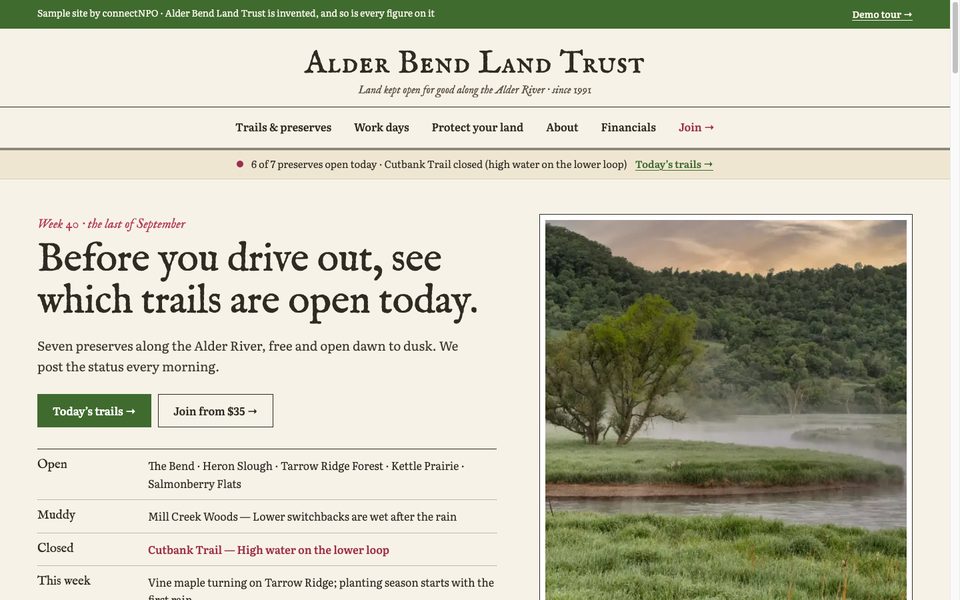
Alder Bend Land Trust
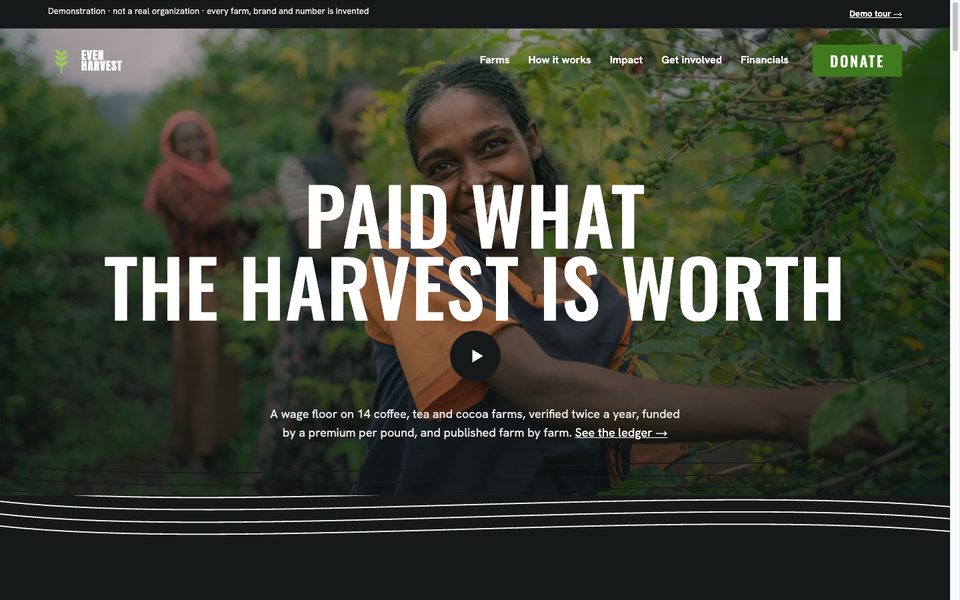
Even Harvest
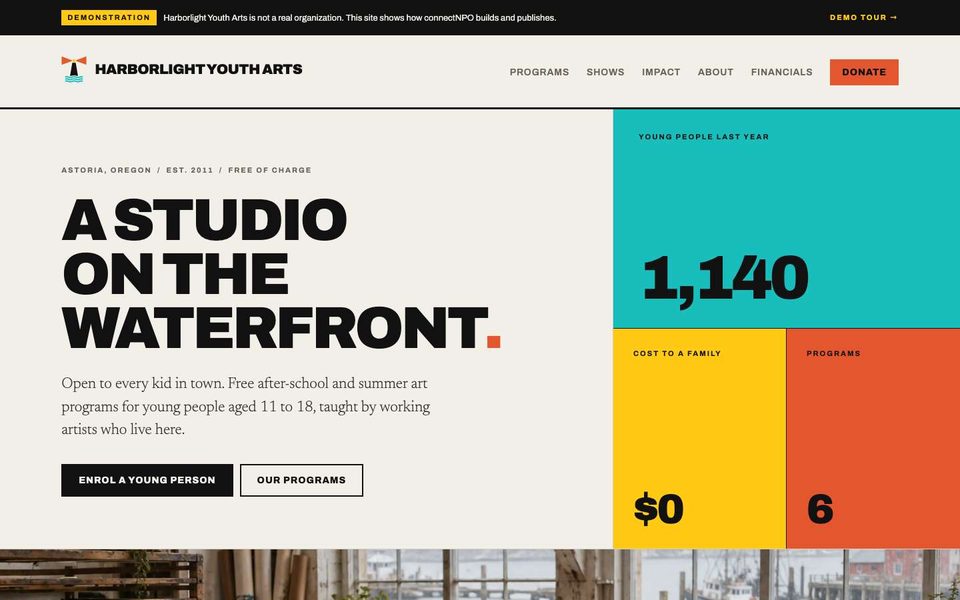
Harborlight Youth Arts
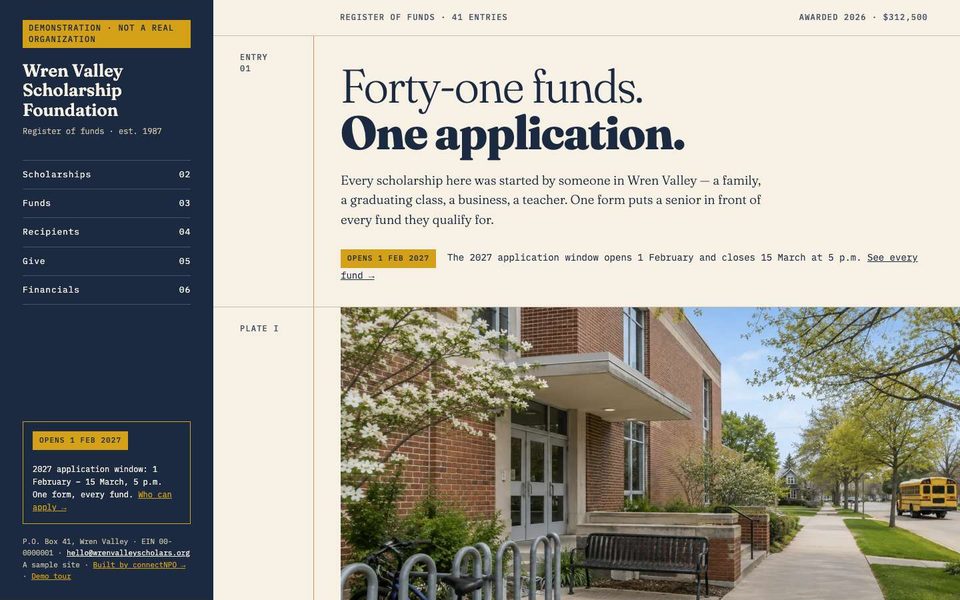
Wren Valley Scholarship Foundation
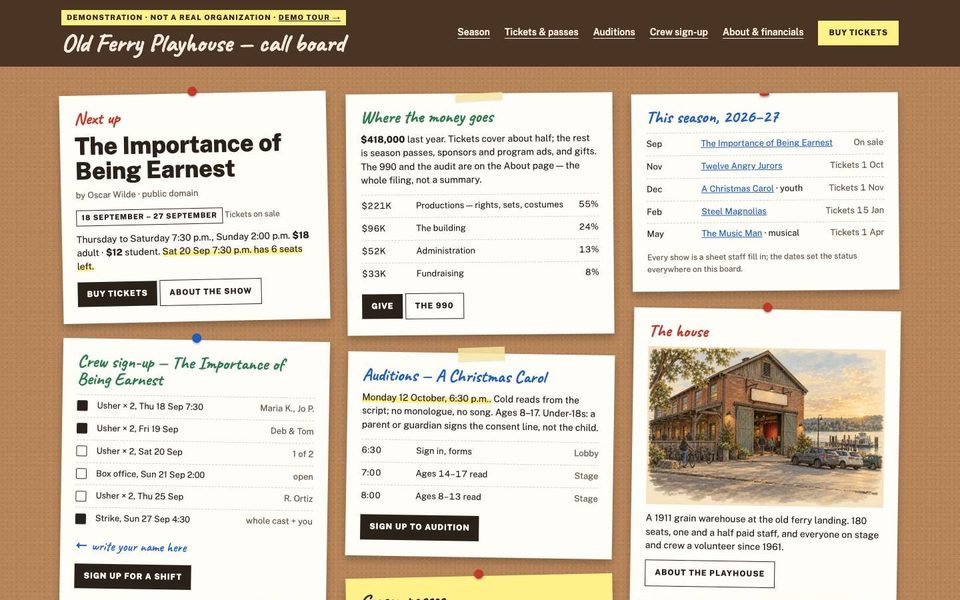
Old Ferry Playhouse
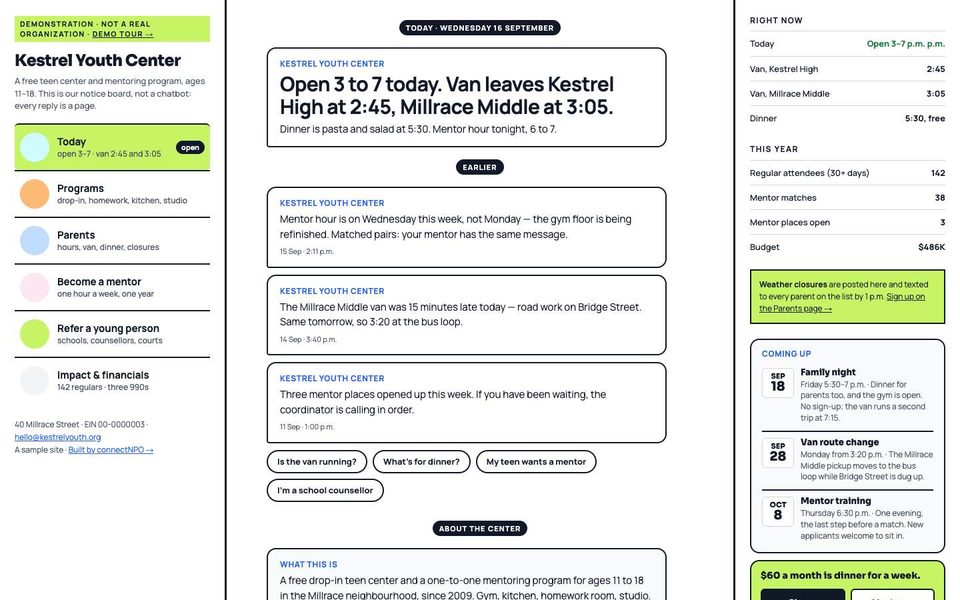
Kestrel Youth Center
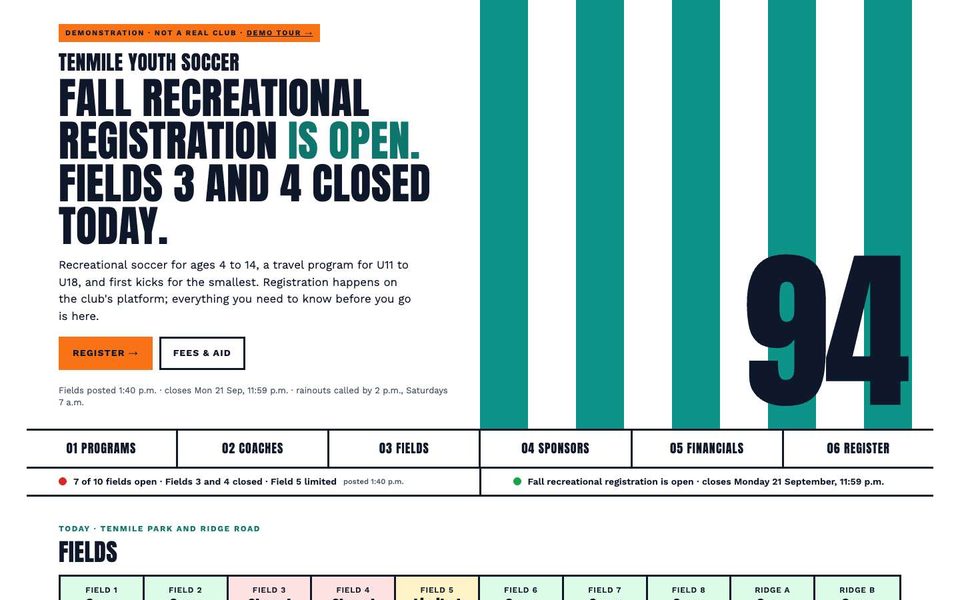
Tenmile Youth Soccer Club
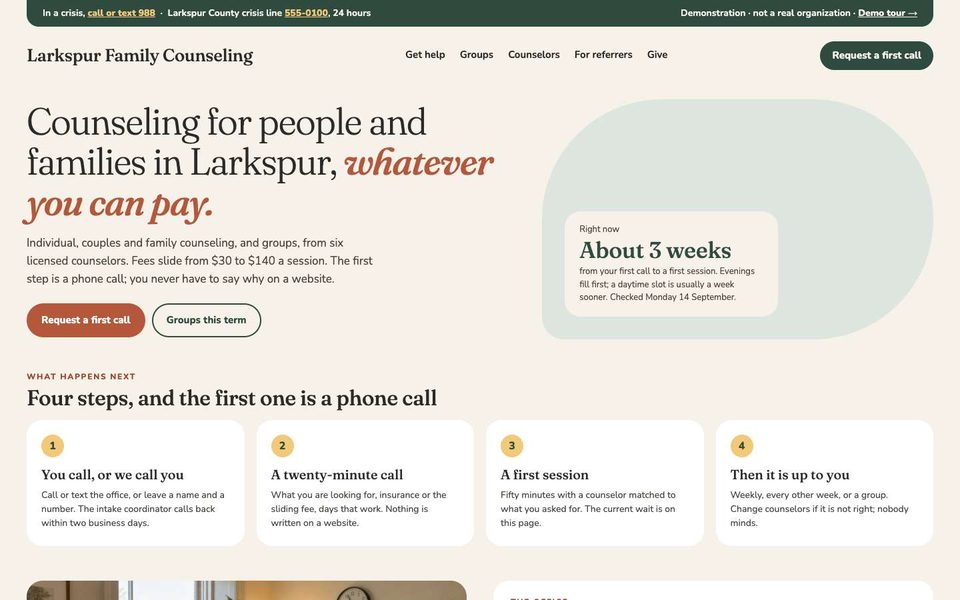
Larkspur Family Counseling
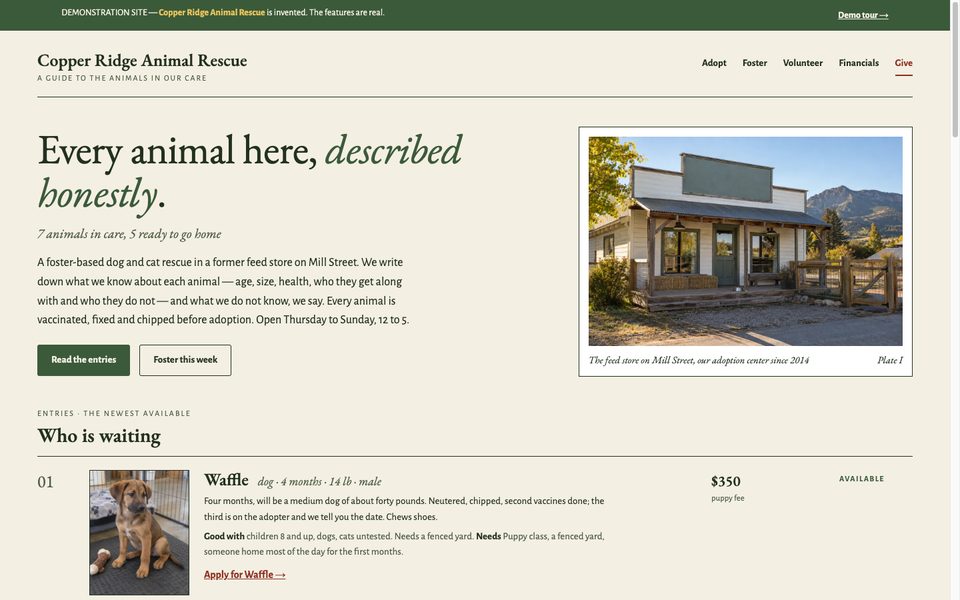
Copper Ridge Animal Rescue
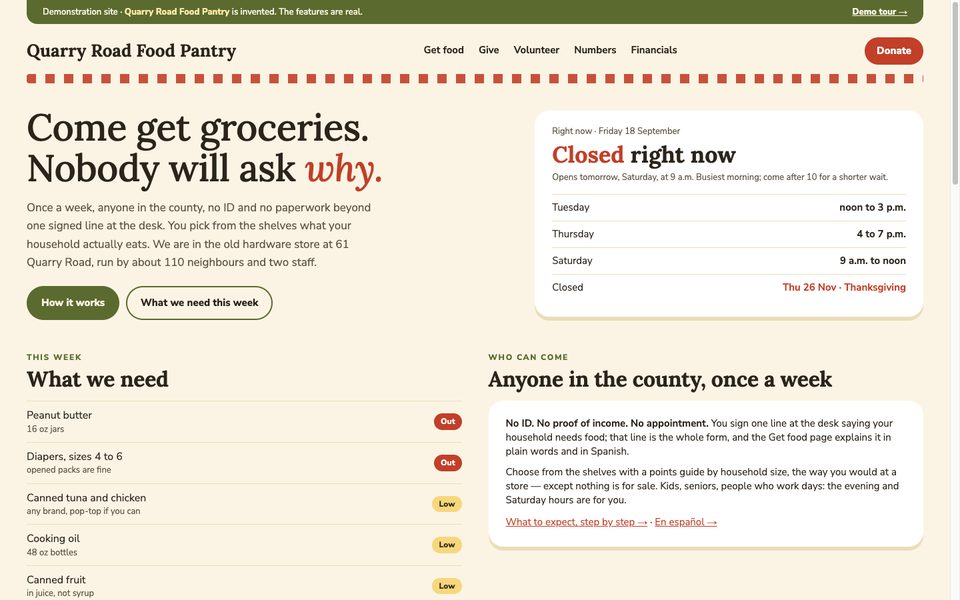
Quarry Road Food Pantry
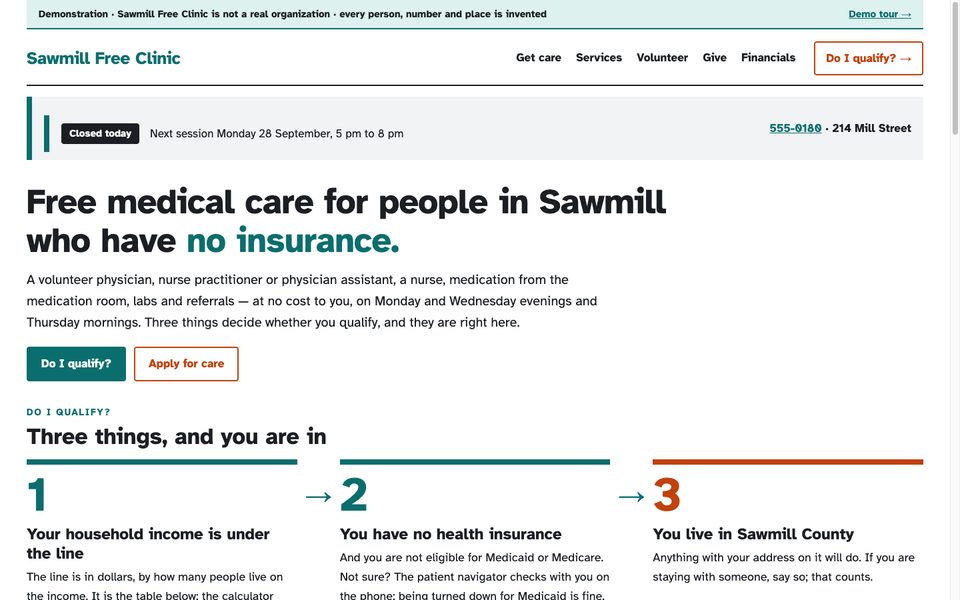
Sawmill Free Clinic
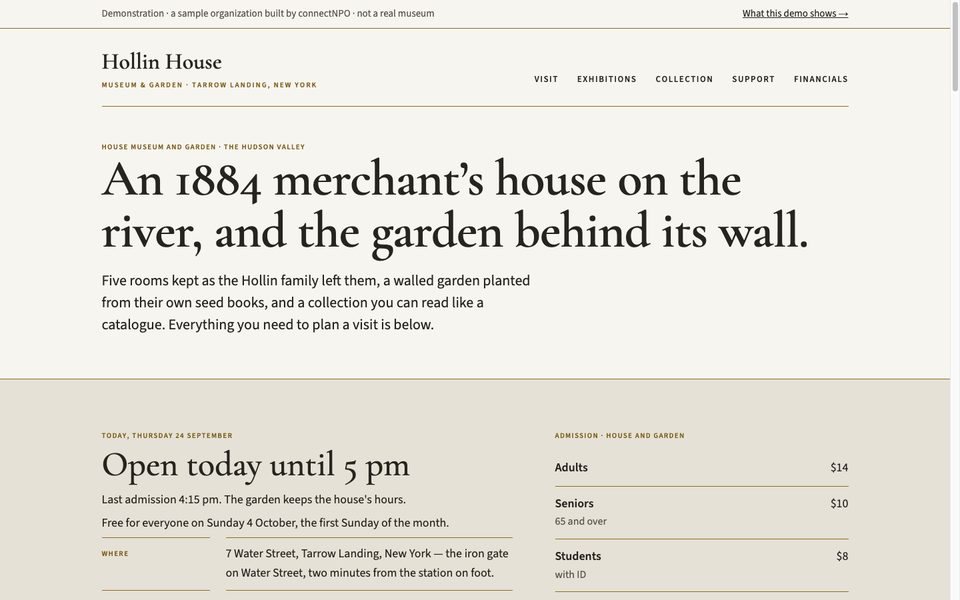
Hollin House Museum & Garden
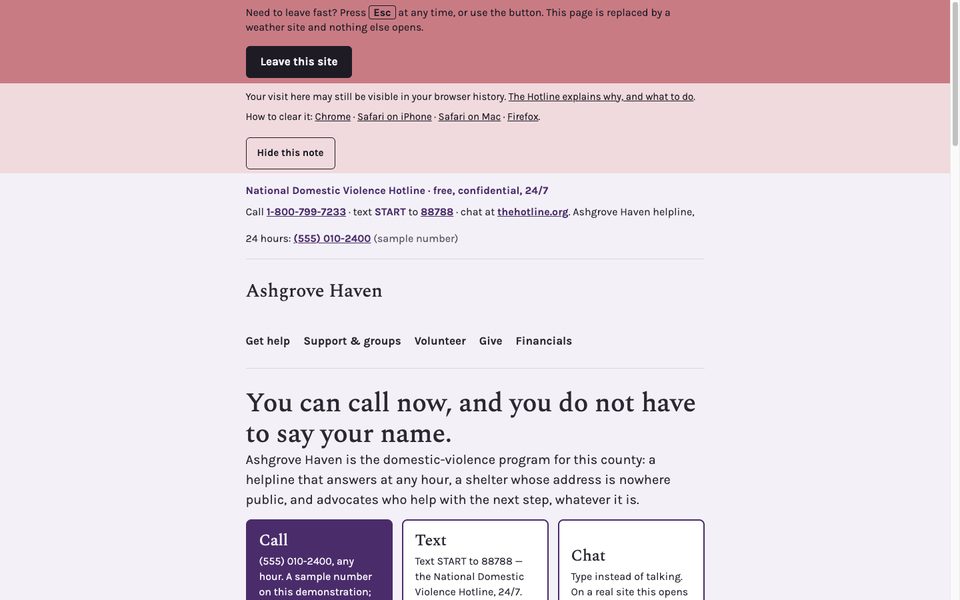
Ashgrove Haven
Close to your nonprofit?
Tell us what yours needs that Aging Well does not show. In writing, in your own time; we reply within one business day.
What you have, what is missing, which sample is closest. No account, no call to book.
Tell us what you need →