Wren Valley Scholarship FoundationA sample scholarship website. The organization is invented.
Forty-one named funds in one county, one application, 268 awards on record. Two staff, a budget of about $400,000, a volunteer review committee. The site is drawn as a bound ledger: every fund, award, event and document is its own entry.
- KindCommunity scholarship foundation
- BudgetAbout $400,000; $312,500 awarded in 2026
- Staff2, plus a review committee
- Pages6, funds and awards staff-editable
- Look"The ledger": a dark spine with the index, entries with a margin rule, no cards
- Real?No. Every fund, donor, student and document is invented and labelled
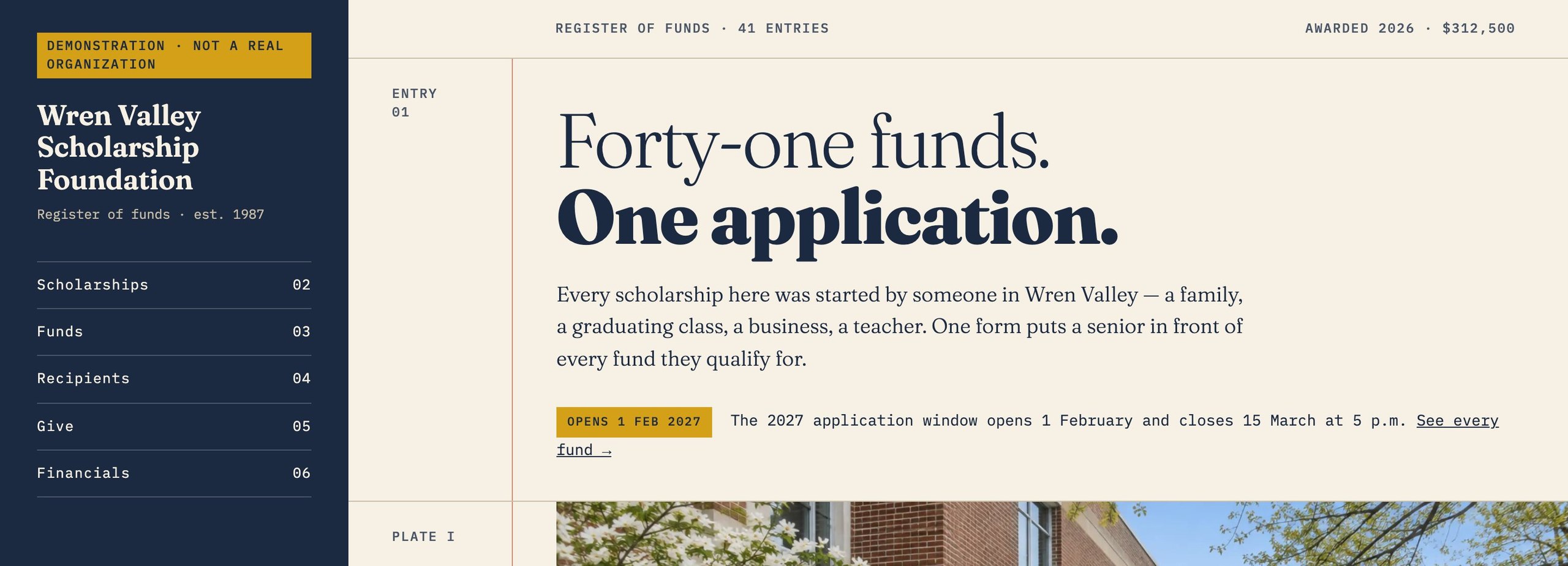
Six things to press, in order.
Each one is a working feature, and each one is an example of what we build. Nothing you do on the site is recorded.
The application window
The window opens and closes from each fund's own dates. The status line, the Apply button, the spine box and the home line all follow; staff change a date, not a page.
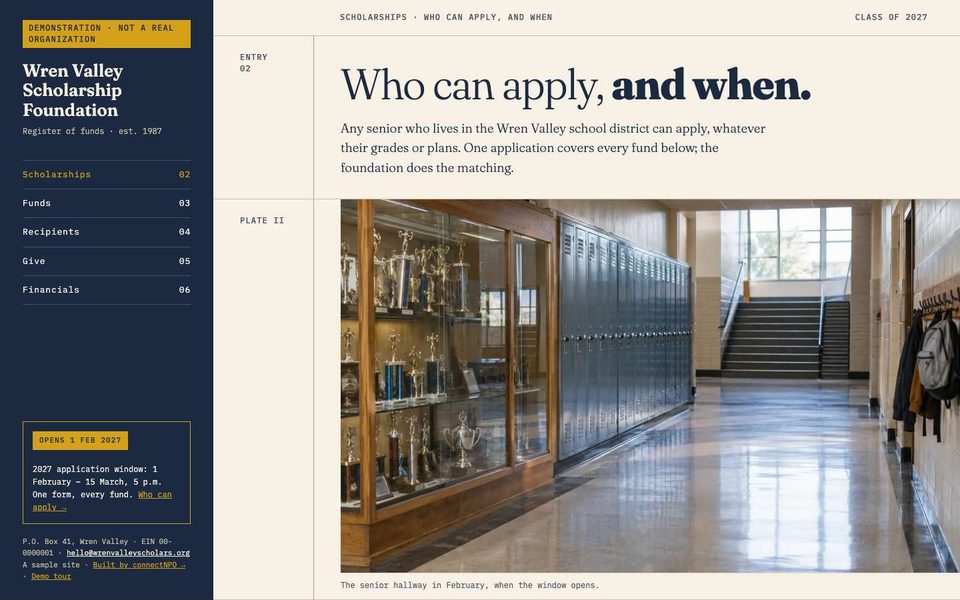
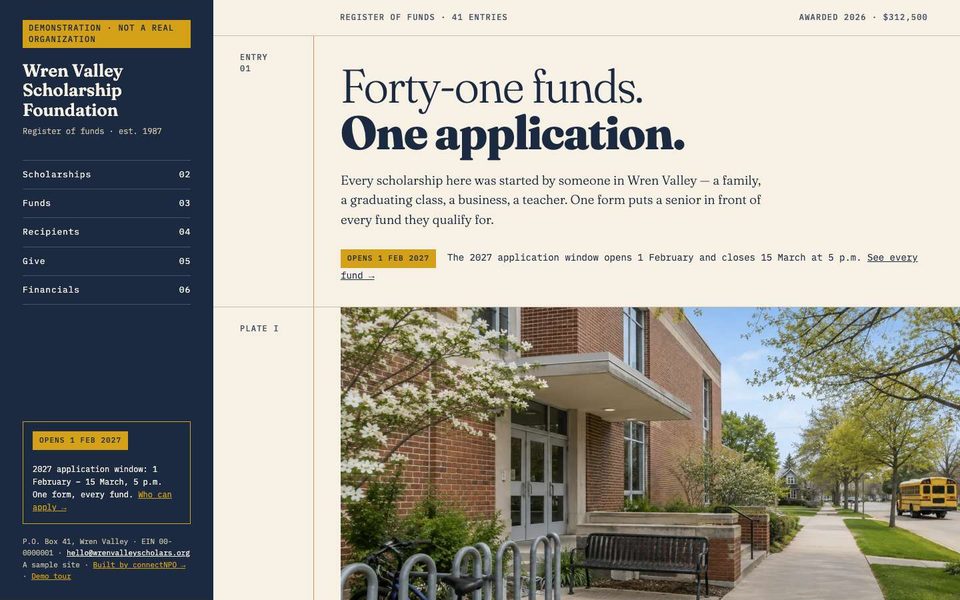
Forty-one funds, each an entry
Every fund is a record staff edit: who it is for, the amount, the donor family's line. The page lists them as ledger entries, not cards.
Recipients and totals that add up
268 awards on record. The year totals ($312,500 for 2026) are computed from the award list, so the number on the page cannot drift from the records.
Give to any fund
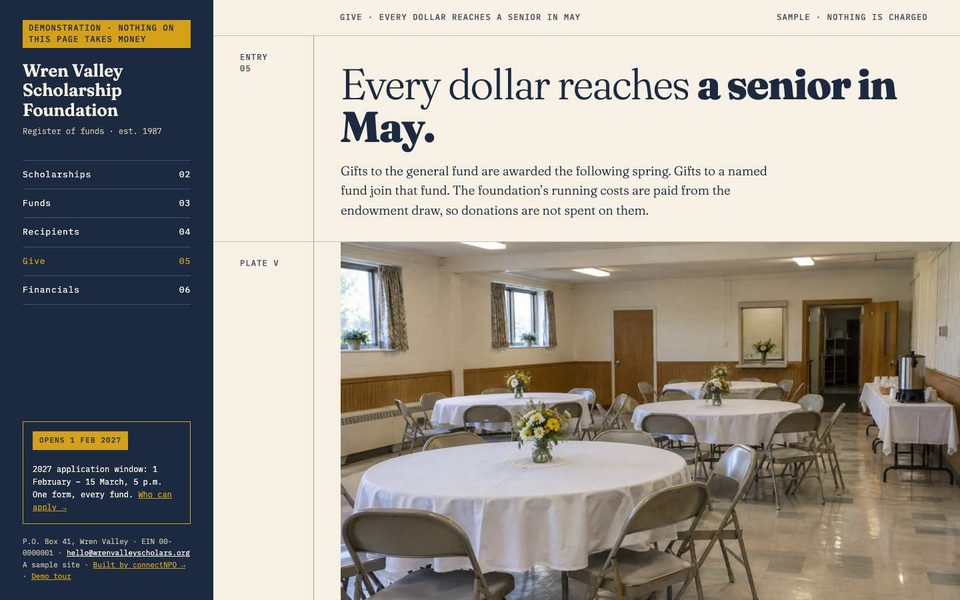
A give panel that directs a gift to one of the 41 funds. No processor, on purpose: the organization is invented, so the only action is an email.
Three 990s that agree with the site
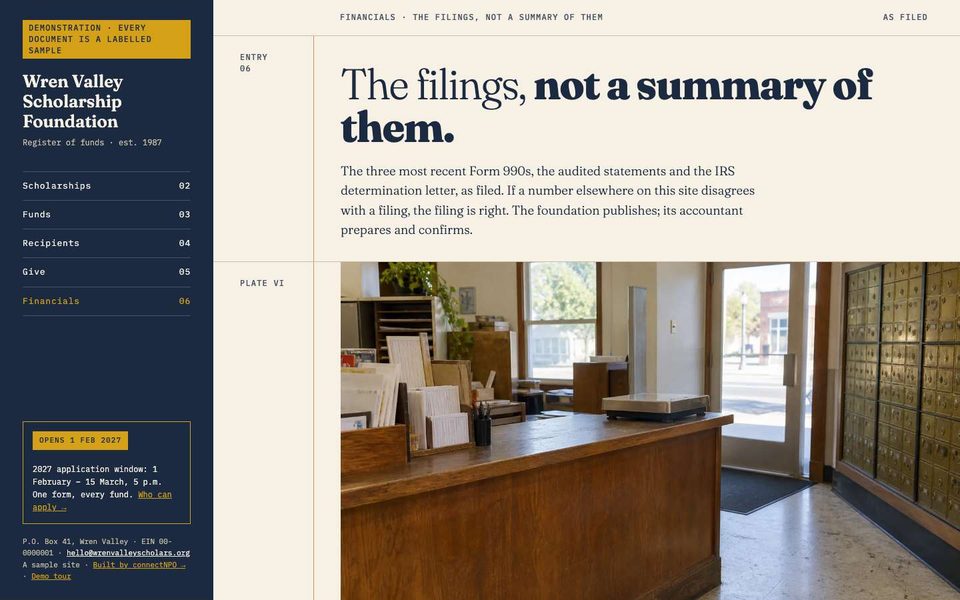
$312,500 · $298,000 · $284,000: the three years on the financials page are the same figures in the sample filings. If a number here disagrees with the filing, the filing is right.
Events with a date that drops off
A gala and a ceremony, each an entry with a calendar file; a past date disappears by itself. Event data is also emitted for search engines.
Sign in. No password. Nothing you change is saved.
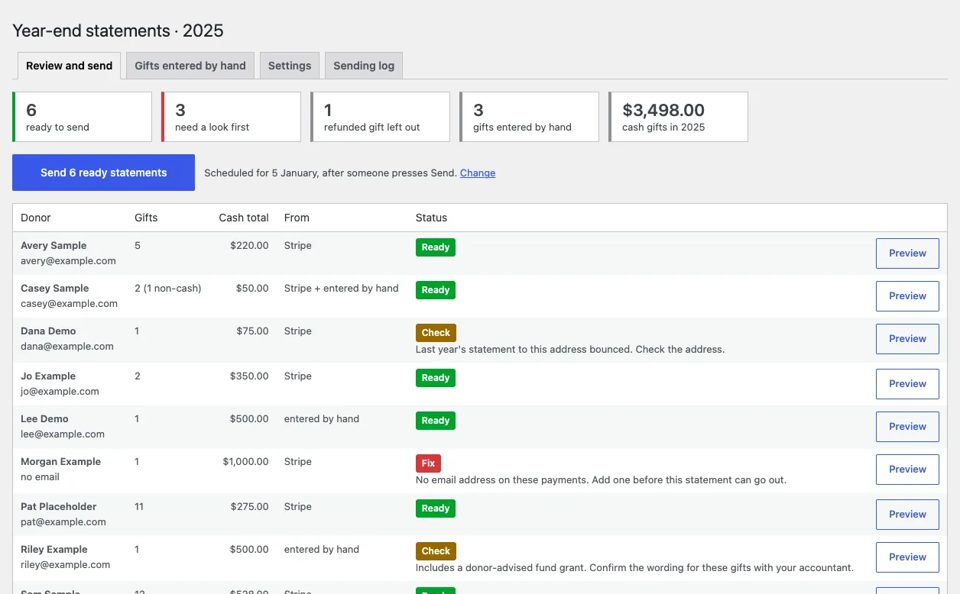
The button below signs you in to the real staff area as sample staff. You see what the organization's staff would see: one menu, a tile per tool, and the checks.
- 01Tiles for Funds, Awards, Events, Financial documents, Year-end statements
- 02A strip of checks: a window with no dates, a fund with no amount, a 990 a year old
- 03Awards are records; the recipients page and every total read from them
- 04Press Update on anything and the screen says "Nothing was saved"
What this sample shows that we build.
Windows from dates
Open, closed, opens on a date: no toggle, just the fund's dates.
Funds staff edit
41 records with their own donor line and amount.
Awards as records
268 rows; recipients and totals computed from them.
Events with calendar files
Past dates drop off; Event data for search.
Give to any fund
A panel that names the fund in the email.
Three 990s newest first
Sample filings that agree with the site.
One menu, tiles, checks
Funds · Awards · Events · Documents · Year-end.
Staff preview
A public button into the real staff area, read-only.
Close to your nonprofit?
Tell us what yours needs that Wren does not show. In writing, in your own time; we reply within one business day.
What you have, what is missing, which sample is closest. No account, no call to book.
Tell us what you need →