Harborlight Youth ArtsA sample youth-arts website. The organization is invented.
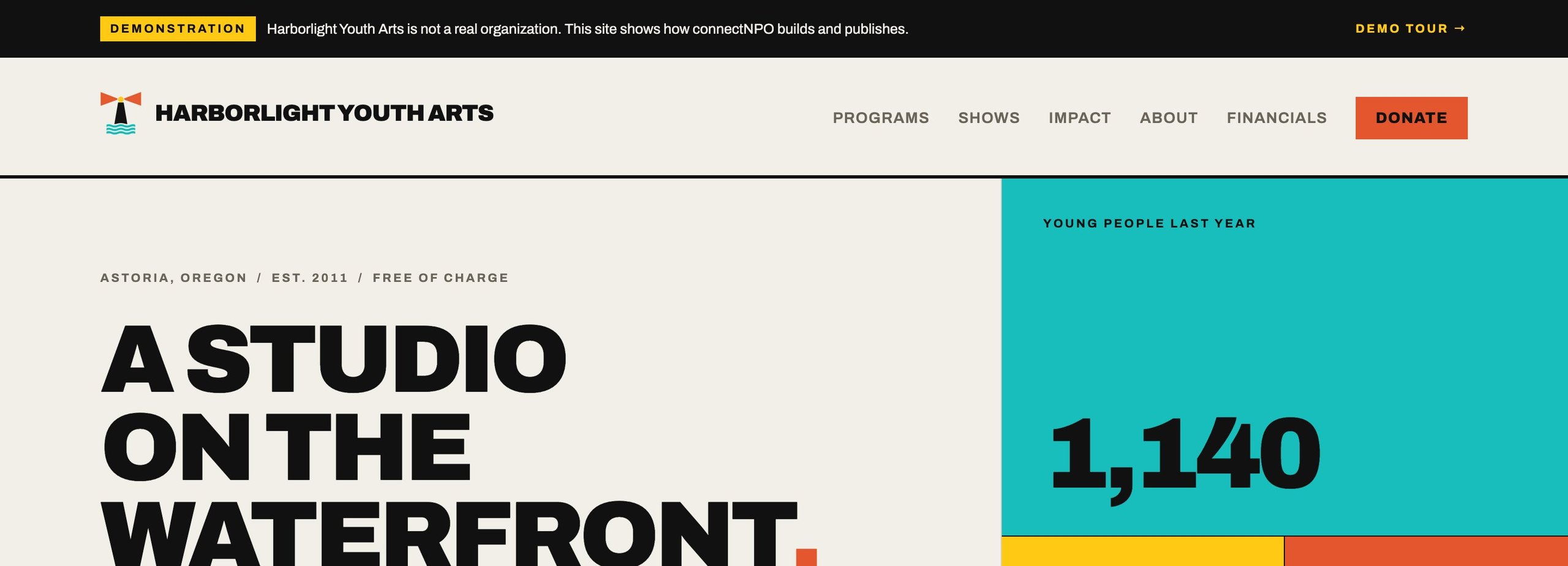
After-school arts programs for about 1,100 young people on a working waterfront: a print shop, a clay room, a darkroom. Four staff, a $600K budget, a board of nine. The first sample we built and the deepest, thirteen pages, because it had to show everything a nonprofit site can do.
- KindYouth arts education, after-school and summer
- BudgetAbout $600,000; FY2025 expenses $596,900
- Staff4, plus 6 paid apprentices
- Pages13, all staff-editable where it matters
- Look"Print shop": flat poster colour, heavy type, hard rules. No photography needed to look finished
- Real?No. Every person, number and document is invented and labelled
Six things to press, in order.
Each one is a working feature, and each one is an example of what we build. Nothing you do on the site is recorded.
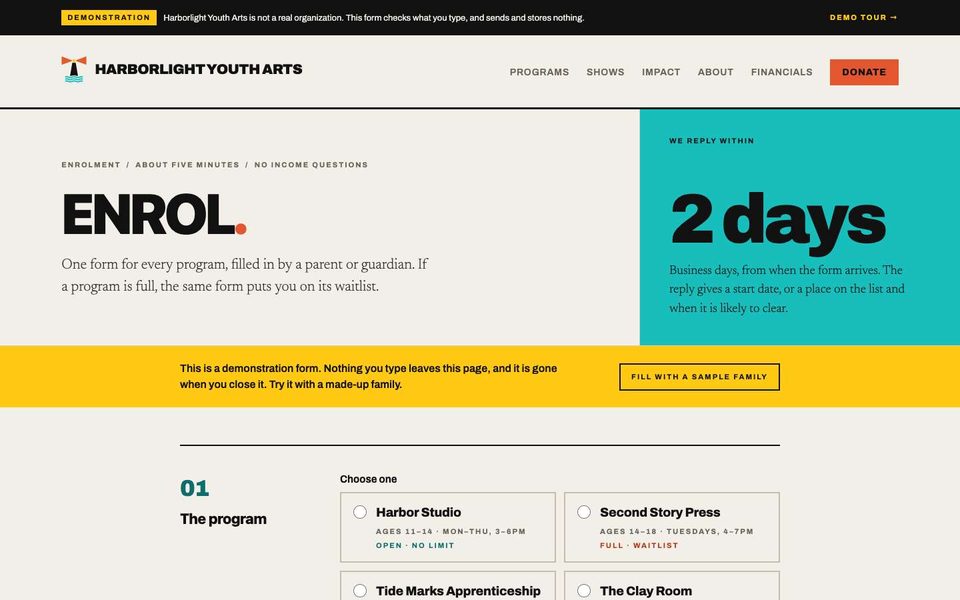
Enrol in a program that is full
The programs page reads each program's places and switches its button by itself: Enrol, Waitlist, or Notify me for one that opens next spring. The form checks the young person's age against the program and lists what a real site would do next.
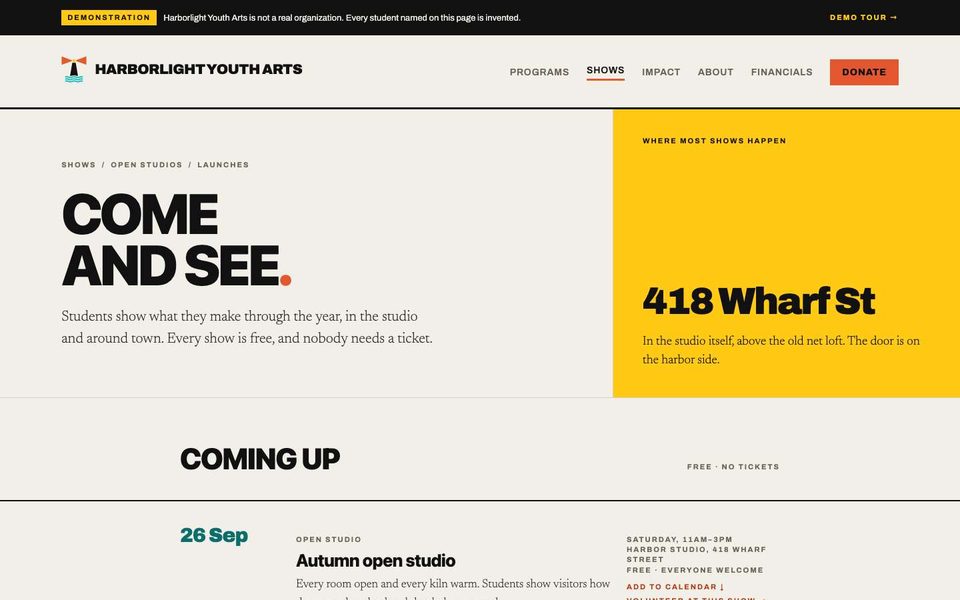
Shows and student work staff edit
Upcoming shows drop off after their date. The gallery only shows pieces with guardian permission on file, because the consent lives in the data, not in a note. Staff add a show or a piece from one screen.
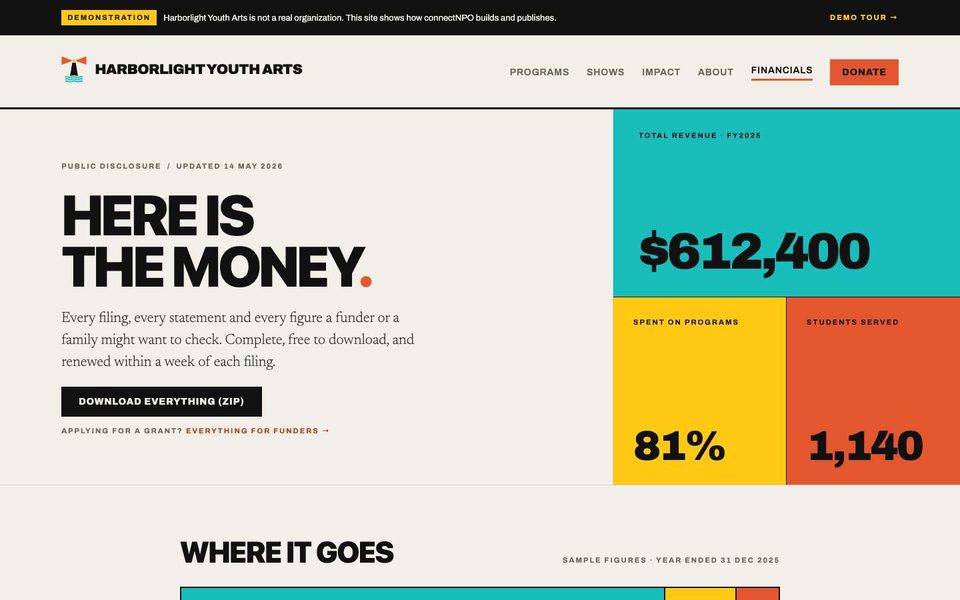
The financials page
The three most recent Form 990s newest first, the audit, the determination letter, Schedule B with names withheld. Sizes are read from the files. If a number on the site disagrees with the filing, the page says the filing is right.
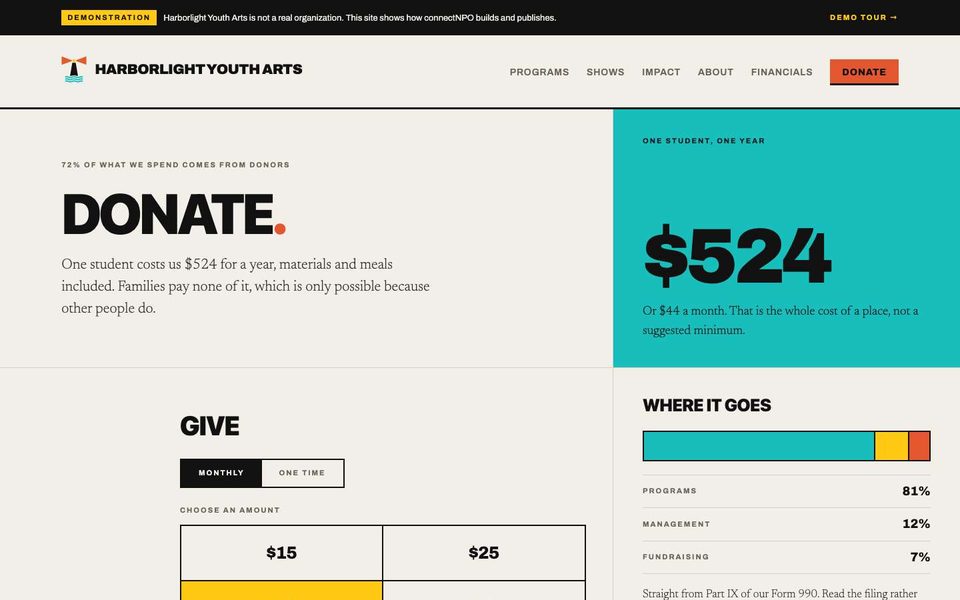
The give panel
Monthly or once, four amounts or your own, a tribute line. The button and the "what it covers" line follow your choice. There is no processor, on purpose: the organization is not real, so the only action is an email.
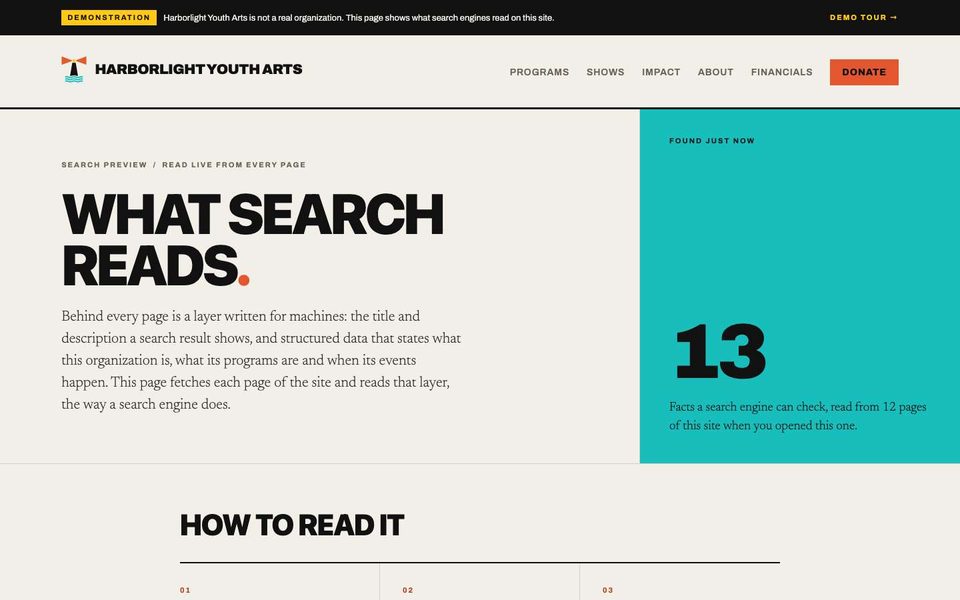
What search reads
A page a real nonprofit would not put on its home page, and the clearest way to show the search layer: every page's title, description and structured data, explained in plain words, with the official test links.
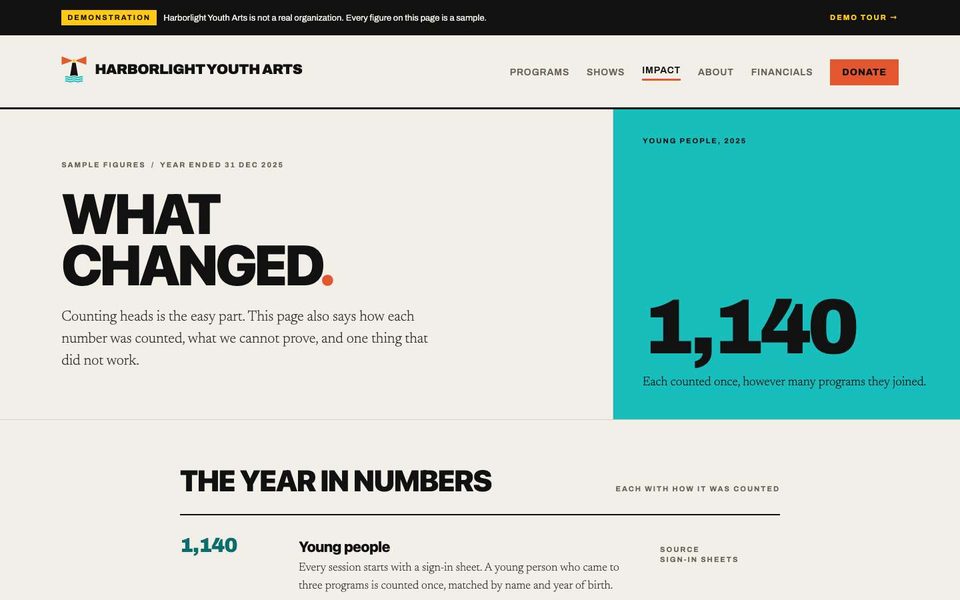
Impact with a method, and what did not work
Five numbers, each with how it was counted; a survey with its response rate; a section on what the organization cannot prove and what it tried that failed. The honest version of an impact page.
Sign in. No password. Nothing you change is saved.
The button below signs you in to the real staff area as sample staff. You see what Harborlight's staff would see: one menu, a tile per tool, and the checks.
- 01Tiles for Programs, Events, Student work, Volunteer roles and shifts, Financial documents, Year-end statements
- 02A strip at the top: what needs attention today, and how many checks are clear
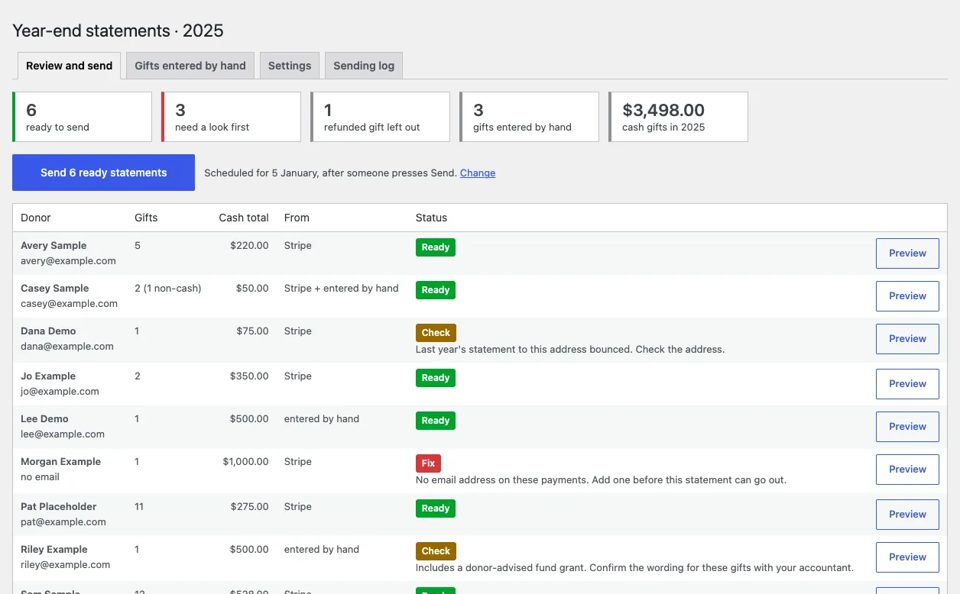
- 03Year-end donor statements from sample Stripe payments: Ready, Check, Fix, and a demo Send that writes nothing
- 04Press Update on anything and the screen says "Nothing was saved", and explains what a real site would do
What this sample shows that we build.
Enrolment with live places
Open, N of M left, full → waitlist, not yet open → interest list.
Volunteer interest with safeguarding
Roles, show shifts, the five steps before working with young people.
Programs, shows, gallery staff edit
Consent and capacity live in the data.
Videos placed from the data
A teaser per upcoming show; the section disappears when none is coming.
Three 990s, audit, letter, Schedule B
Labelled sample files; sizes read from the file.
For funders
At a glance, documents, the budget, the grant contact.
Search preview + structured data
NGO, courses, events; one organization node.
Accessibility statement
Passed, partly, not yet, from real checks.
One menu, tiles, checks
Plus two roles: staff, and staff with donor records.
Year-end statements
Reviewed on one screen; hand-entered gifts too.
Staff preview
A public button into the real staff area, read-only.
Labelled as a sample everywhere
Banner, footer, every document page, every person invented.
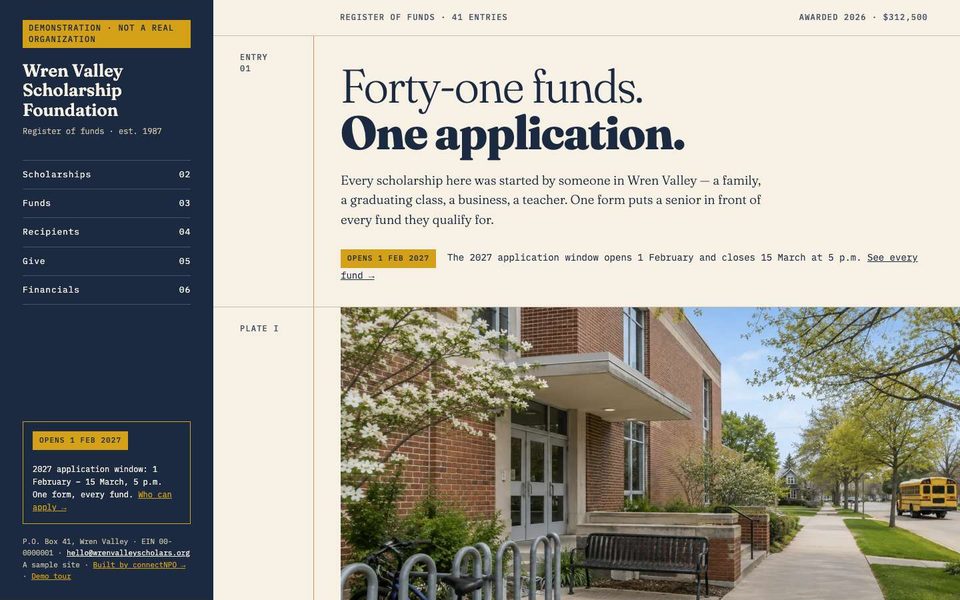
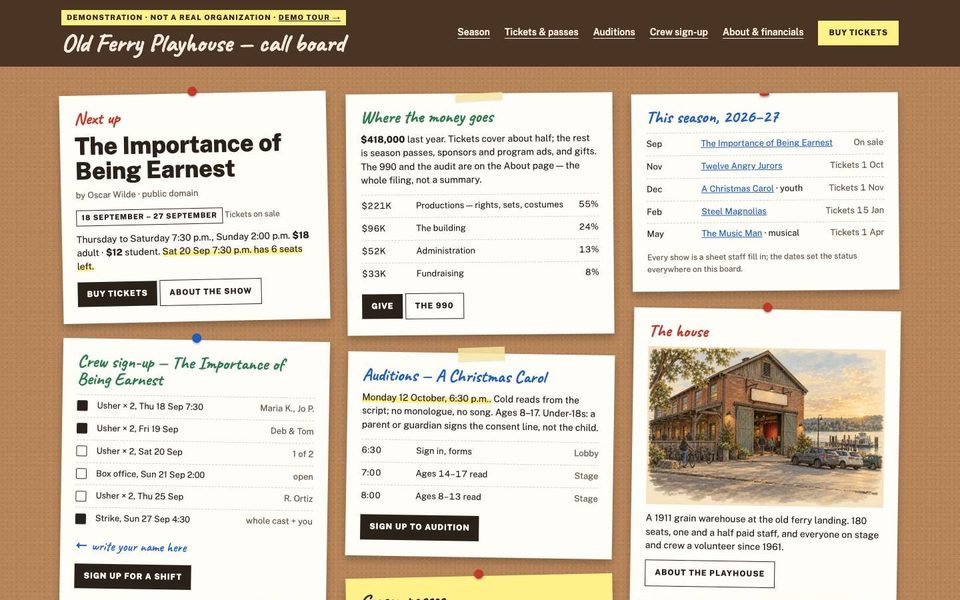
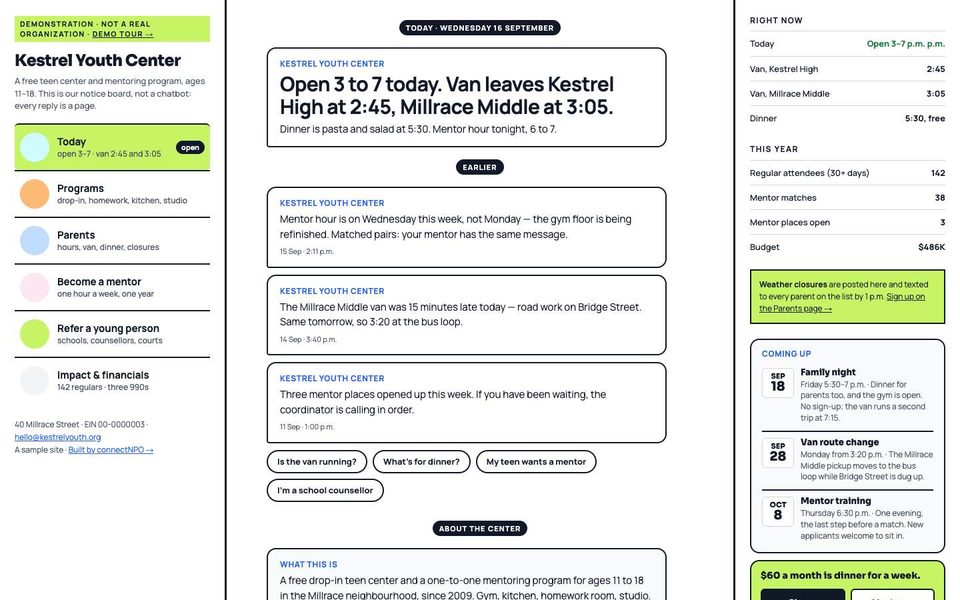
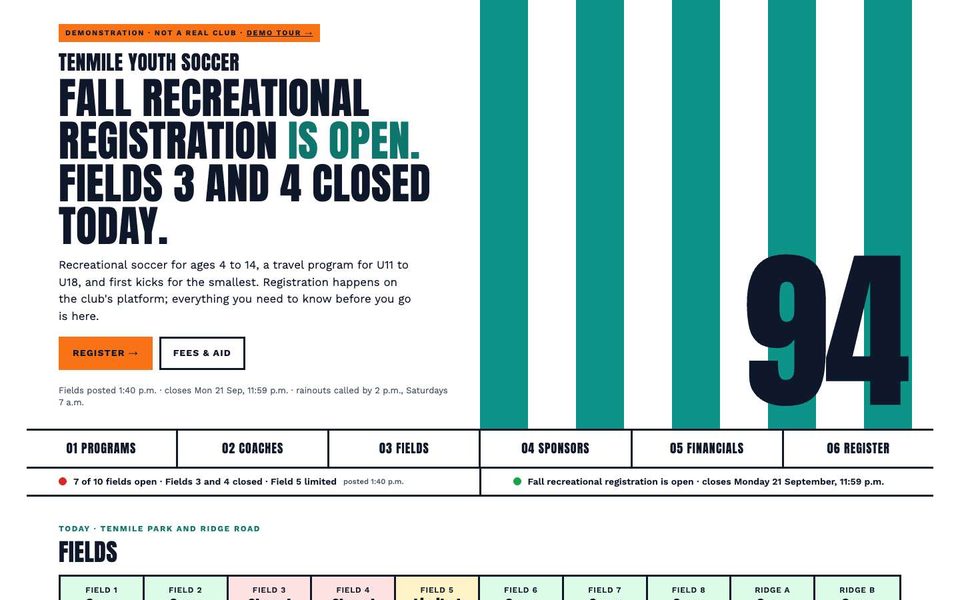
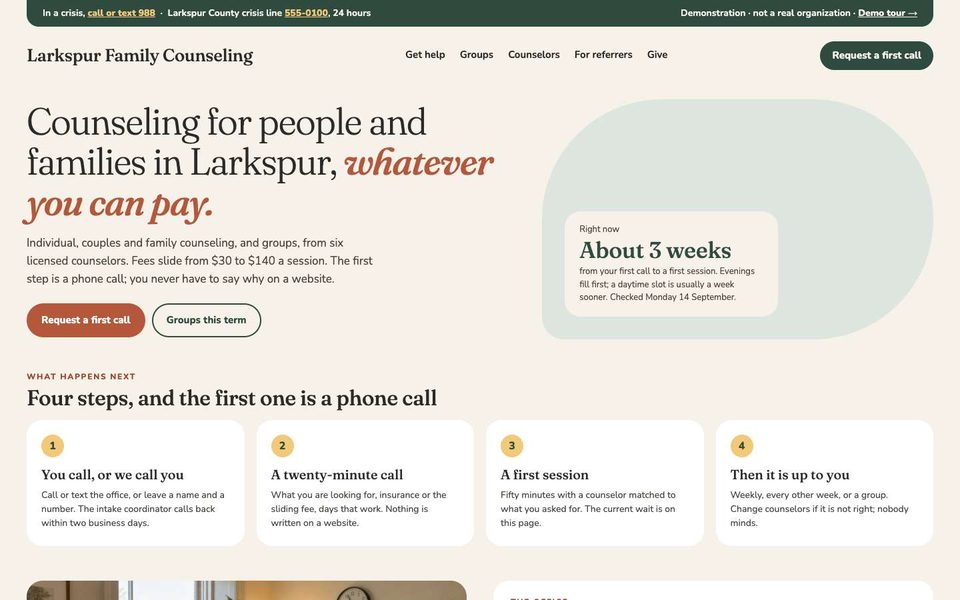
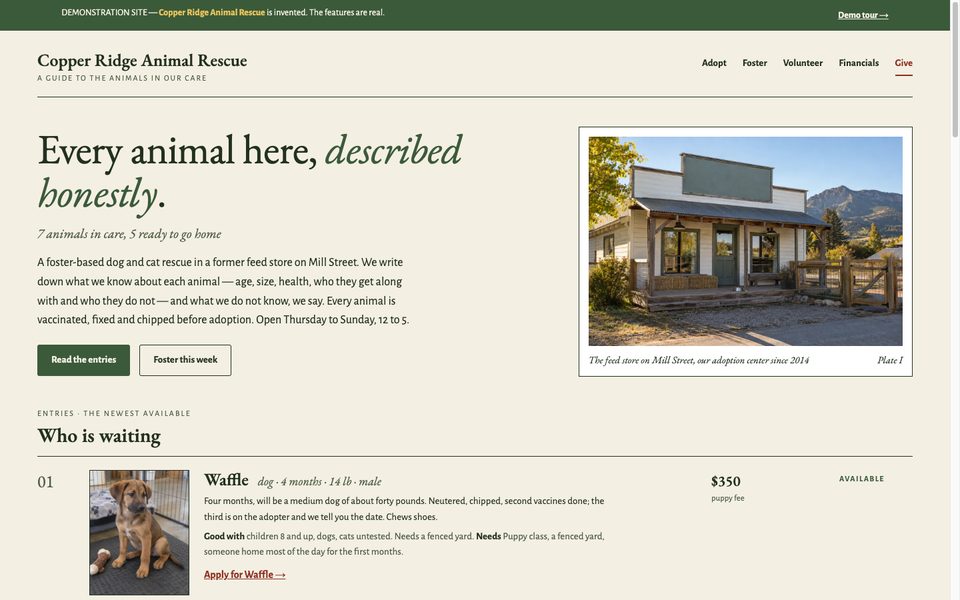
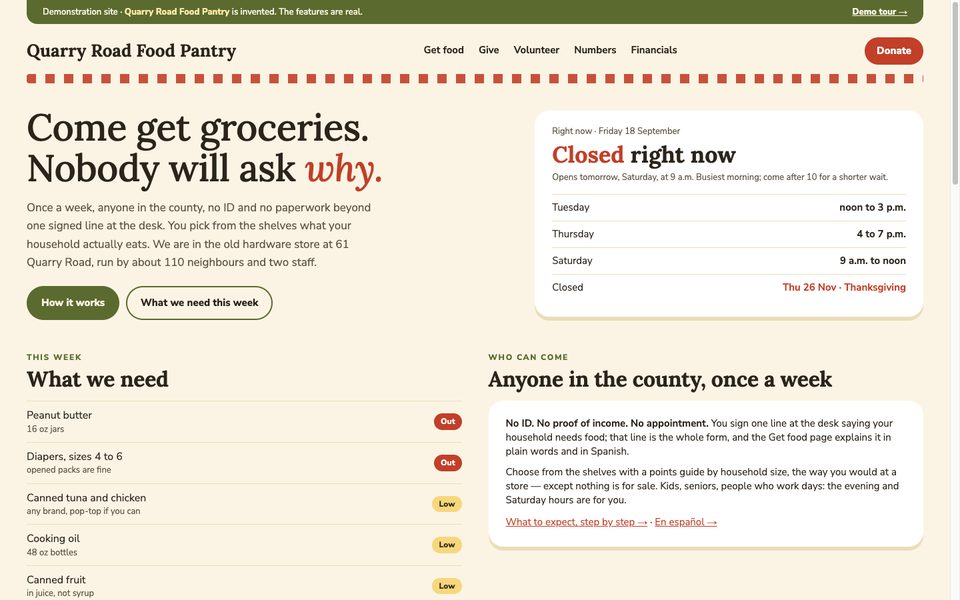
Close to your nonprofit?
Tell us what yours needs that Harborlight does not show. In writing, in your own time; we reply within one business day.
What you have, what is missing, which sample is closest. No account, no call to book.
Tell us what you need →