Old Ferry PlayhouseA sample community-theatre website. The organization is invented.
A volunteer theatre in a former warehouse on the landing: five shows a season, a 180-seat house bought from a cinema, two staff and a budget of about $300,000. The site is a cork call board: every show, audition, shift and document is a sheet pinned to it.
- KindCommunity theatre, volunteer cast and crew
- BudgetAbout $300,000
- Staff2, plus a volunteer board
- Pages6, shows and sign-ups staff-editable
- Look"Call board": paper sheets pinned to cork inside a wooden frame, handwritten labels only
- Real?No. Every person, show credit and document is invented and labelled
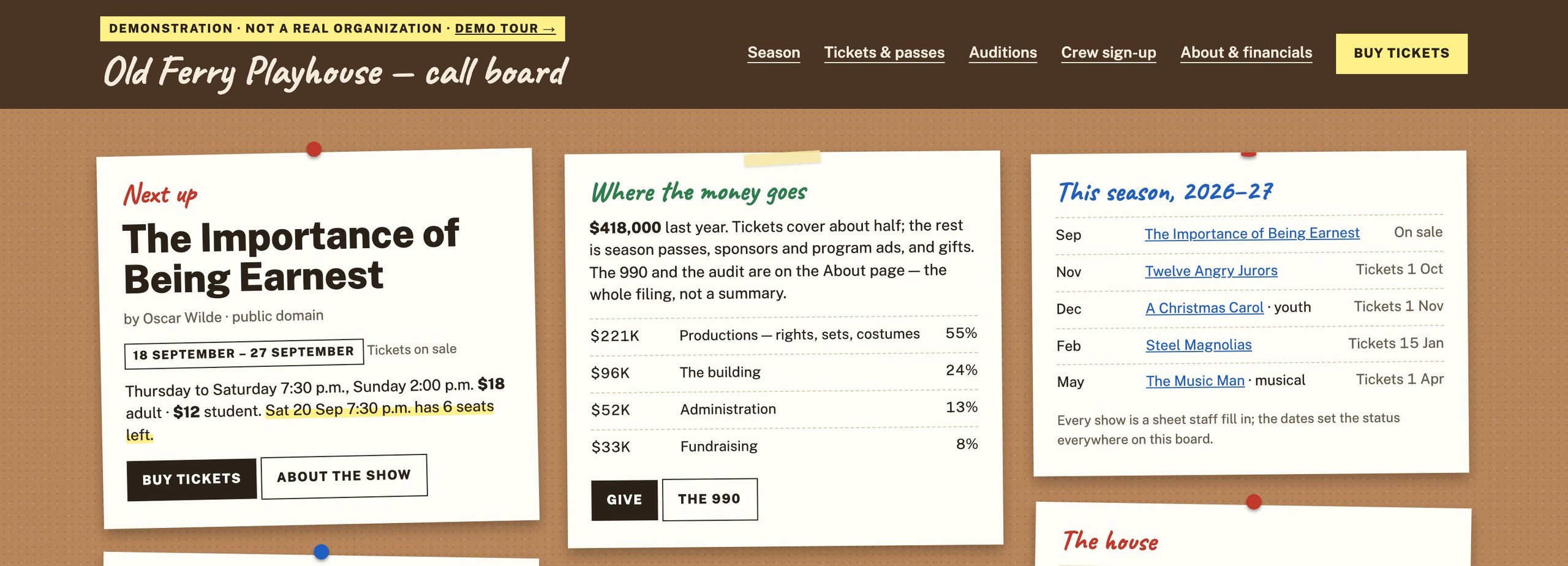
Six things to press, in order.
Each one is a working feature, and each one is an example of what we build. Nothing you do on the site is recorded.
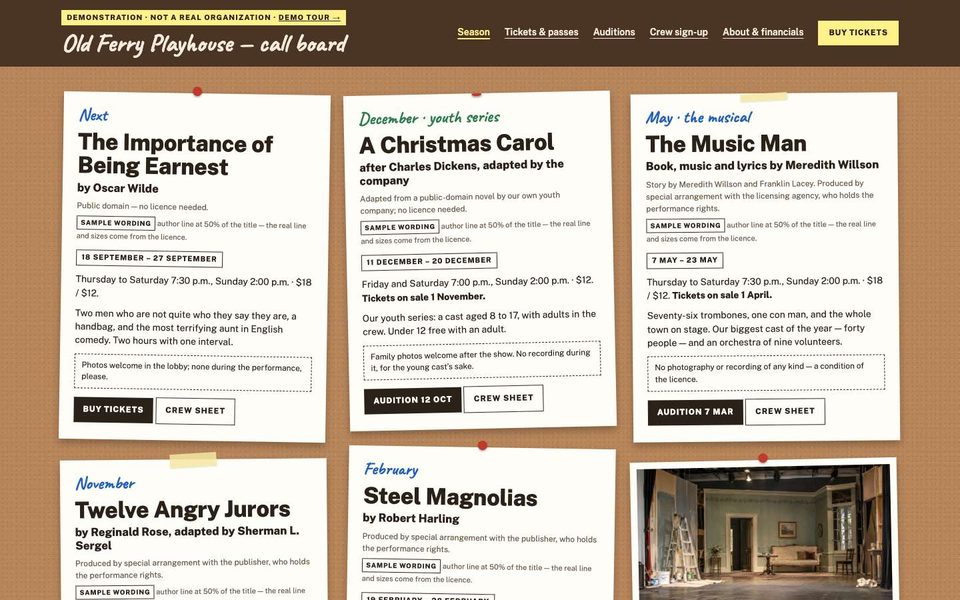
Show sheets sized to the rule
Each show sheet prints the author line at the percentage of the title the licensor asks for, from a number staff enter. The credit wording is labelled as a sample and names no real licensor.
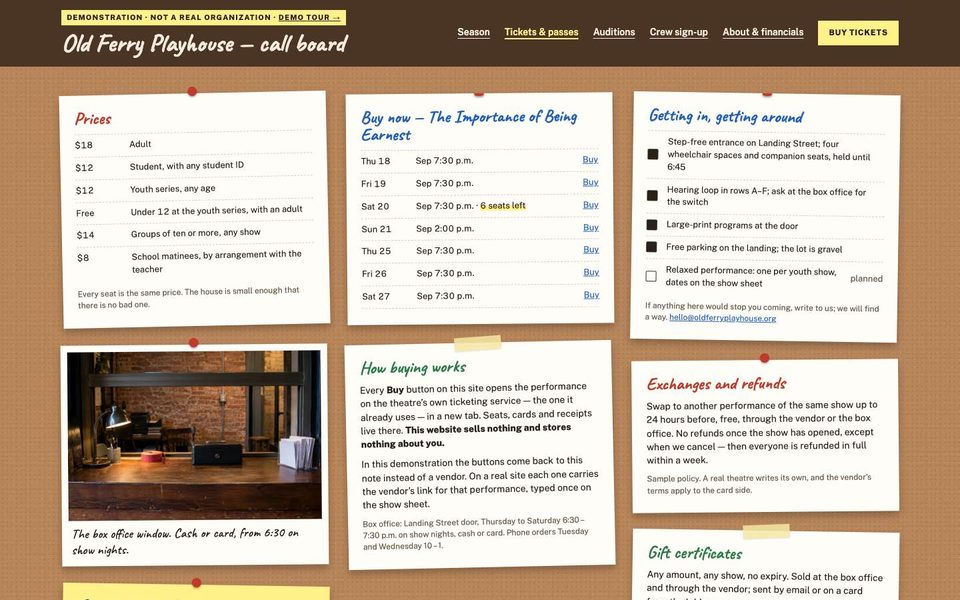
A season-pass window that opens itself
Renewals first, then the public, from dates staff set. The pass sheet on Tickets and the box on Home follow the same dates.
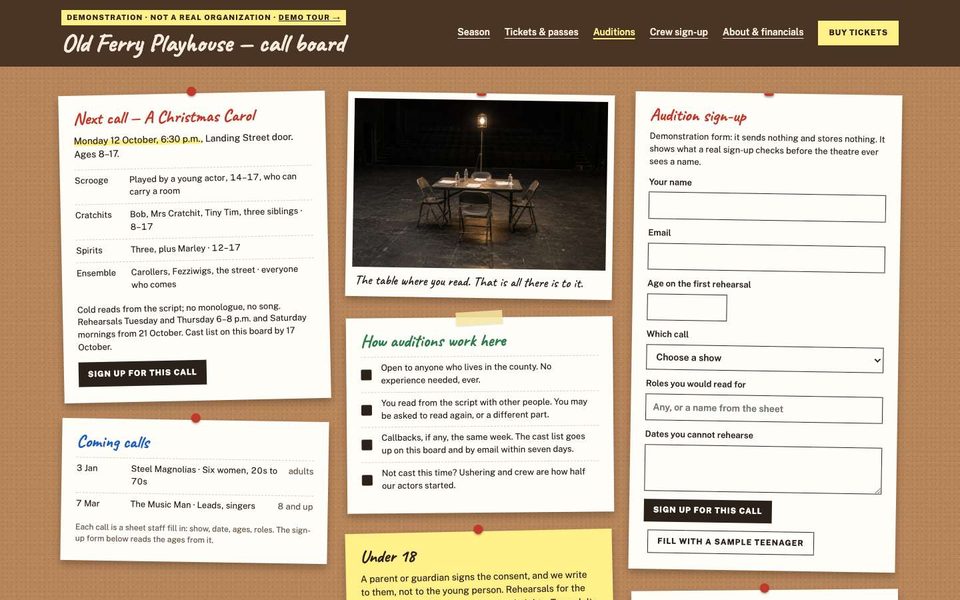
Audition sign-up with an age check
Pick a call, enter an age: the form checks it against the call and asks for a guardian under 18. Demo mode: it validates, explains what a real site would do, and sends nothing.
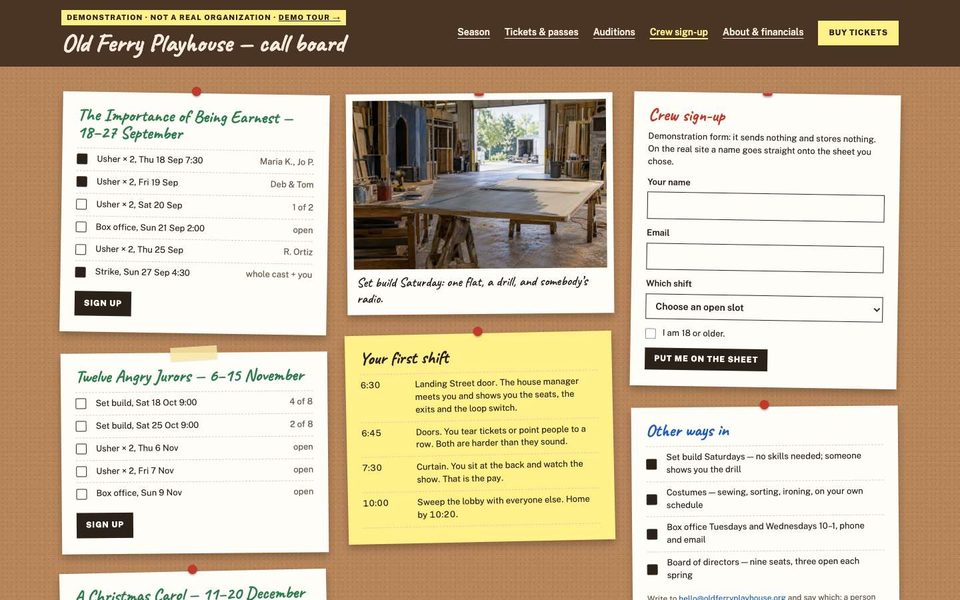
A crew sheet per performance
Every performance has its own sheet of shifts. A full shift stays listed as full; a shift vanishes with its performance's date.
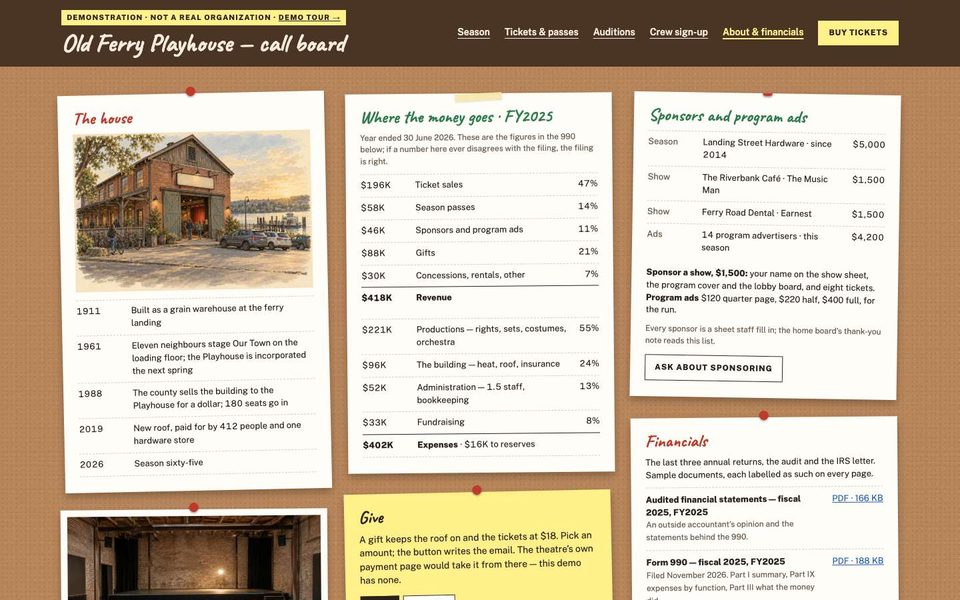
The financials pattern, pinned
Sponsors by level, the year adding up, five labelled sample filings (three 990s, a review, the letter) on the About sheet.
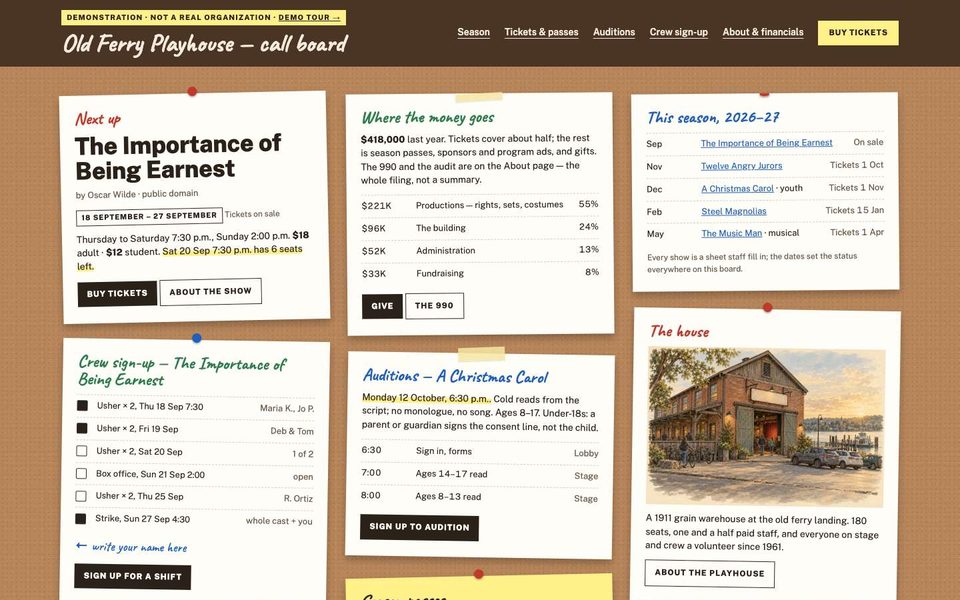
The board as the home page
No hero, no sections: the sheet for what is playing, the next audition, the pass window and the crew call, all on one wall.
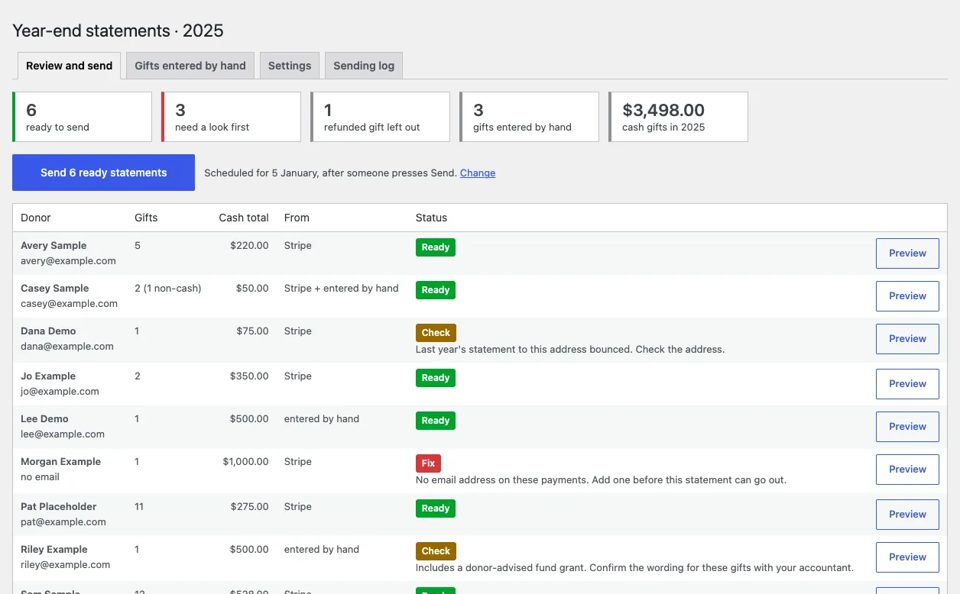
Sign in. No password. Nothing you change is saved.
The button below signs you in to the real staff area as sample staff. You see what the organization's staff would see: one menu, a tile per tool, and the checks.
- 01Tiles for Shows, Season pass, Auditions, Crew shifts, Sponsors, Financial documents, Year-end
- 02Checks: a show without a sale date, an audition in the past, a shift short of people, a 990 a year old
- 03Show status (playing, on sale, soon, past) is computed from the dates staff enter
- 04Press Update on anything and the screen says "Nothing was saved"
What this sample shows that we build.
Show sheets from the licensor rule
Author line sized by a number staff enter; sample wording.
Season pass window
Renewal then public, from dates.
Audition sign-up
Age check against the call; guardian consent under 18.
Crew shifts per performance
Full shifts stay listed; past ones vanish.
Sponsors by level
With what each level pays for.
Five labelled filings
Three 990s, a review, the letter; the year adds up.
TheaterEvent data
One per show, plus the organization.
Staff preview
A public button into the real staff area, read-only.
Close to your nonprofit?
Tell us what yours needs that Old does not show. In writing, in your own time; we reply within one business day.
What you have, what is missing, which sample is closest. No account, no call to book.
Tell us what you need →